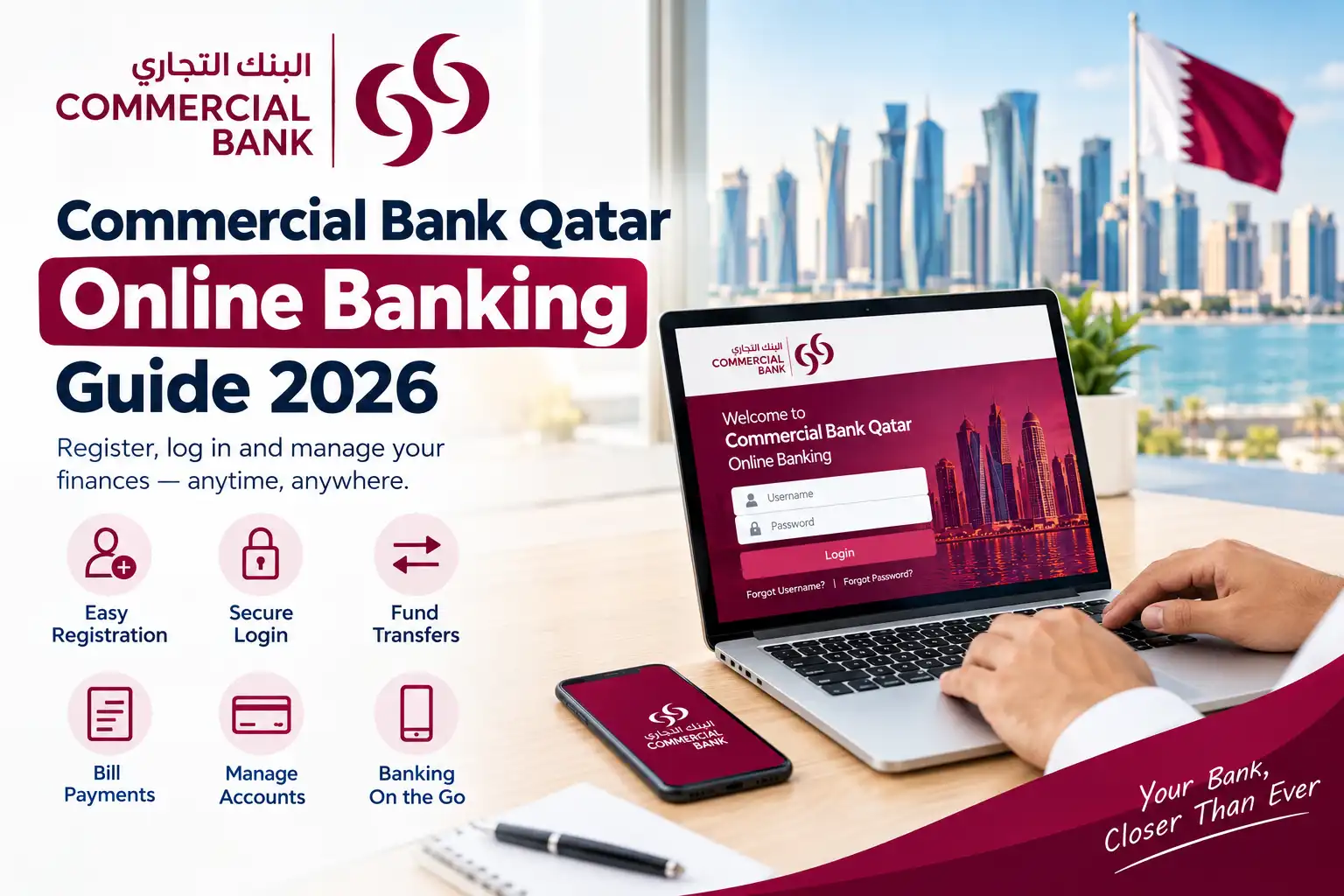

Commercial Bank Qatar (CBQ) provides digital banking services for customers through its online banking platform and CBQ Mobile channels. Depending on the customer’s account type and profile, available digital banking features may include account access, banking services, payments, and other self-service options.
For users looking for practical information, a Commercial Bank Qatar guide can cover key topics such as online banking login, registration, account access, available services, payments, password recovery, security tips, and common login or access issues.
Commercial Bank also provides separate digital banking services for corporate customers. Business users may therefore encounter different registration requirements, login procedures, and account-access processes from personal banking customers.
Important: This guide focuses primarily on personal digital banking. Corporate customers should use the Commercial Bank Corporate Internet Banking (CIB) platform and follow its dedicated registration and access process. Corporate registration may require business and account information such as the CR number, account number, initiator details, QID or passport information, and company contact details.
Commercial Bank Qatar customers can use online banking to access their accounts and manage eligible banking services through a web browser. The exact login process and available features may vary depending on the customer’s account type and digital banking access.
What You Need Before Login
Before starting the login process, keep the following information and requirements ready:
Read:Homepage
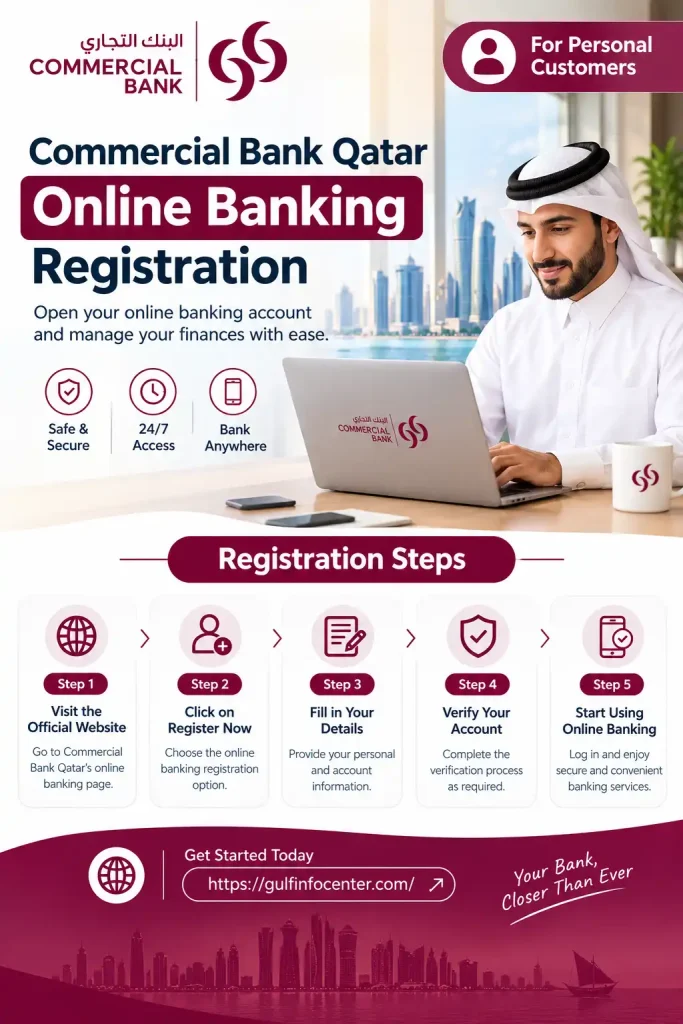
Commercial Bank Qatar Online Banking Registration
The Commercial Bank Qatar registration process can vary depending on whether you are registering as a personal customer or a corporate customer. The information and verification requirements shown during registration may also depend on the specific digital banking service you are using.

For Personal Customers
A typical personal online banking registration process may involve the following steps:
Note: The exact registration screens and requirements may vary depending on the customer’s account and the registration route. Follow the instructions displayed by Commercial Bank during the registration process.
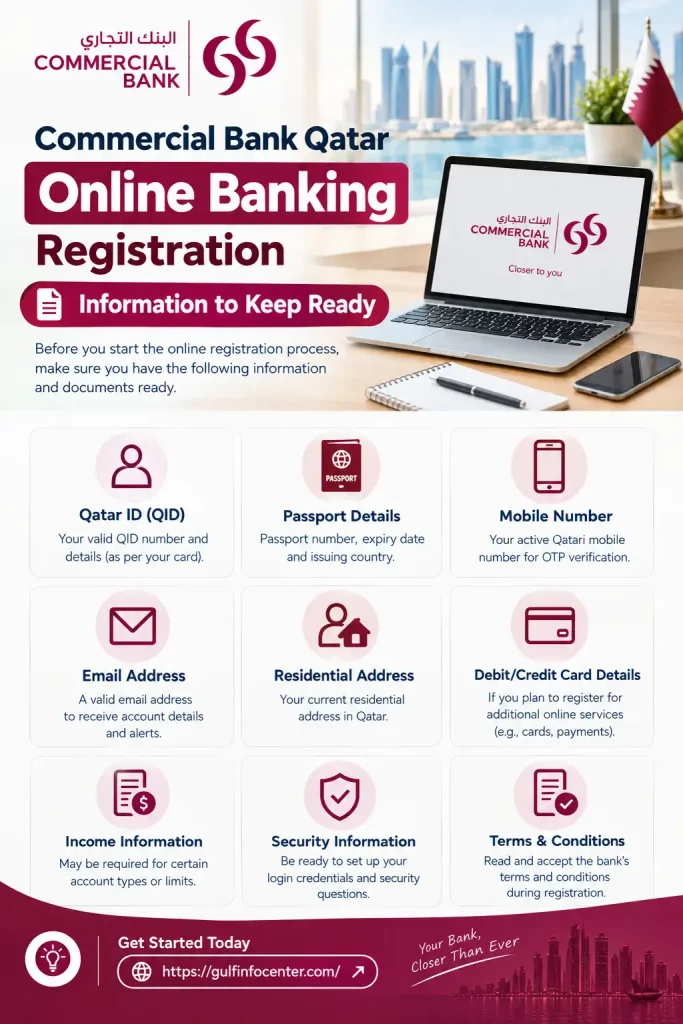
Information to Keep Ready
Depending on the registration method, you may be asked to provide some of the following information:
| Information | Possible Requirement |
|---|---|
| Commercial Bank account details | Yes |
| Qatar ID (QID) | May be required |
| Registered mobile number | Yes |
| Email address | May be required |
| Debit or credit card details | Depending on the service |
| OTP or security verification | May be required |
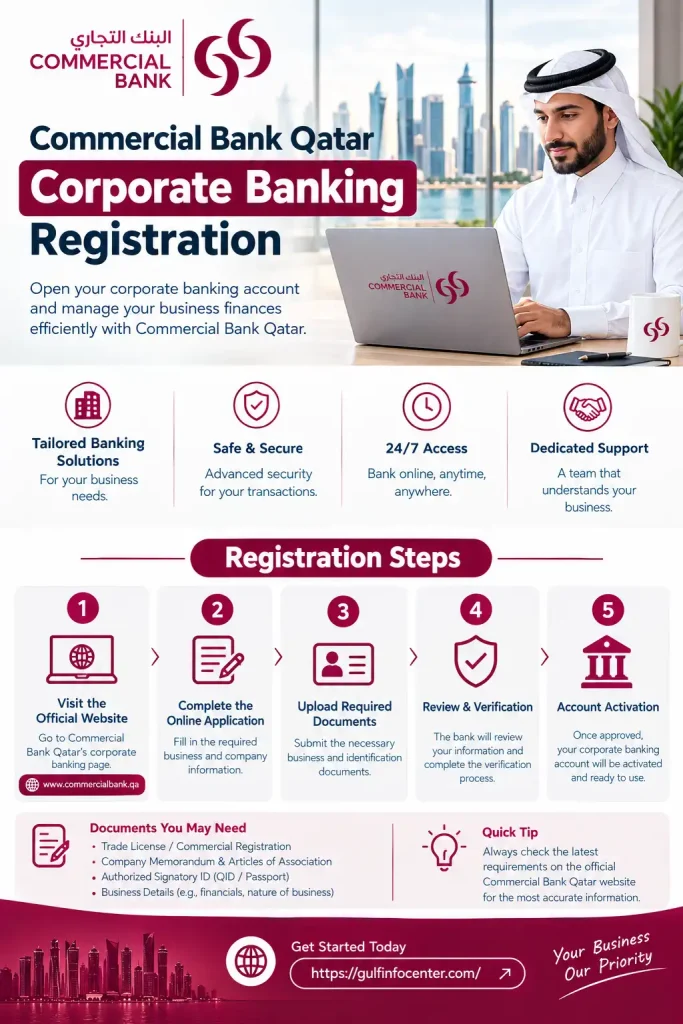
Corporate Banking Registration
Corporate customers follow a separate registration process. Commercial Bank’s corporate internet banking registration page requests information such as the CR number, account number, initiator’s name and mobile number, email address, and QID or passport information. The registration process also indicates that an email may be sent to continue the registration process.
Corporate customers should therefore use the Commercial Bank Corporate Internet Banking (CIB) registration process rather than assuming that the personal banking registration procedure applies to them.
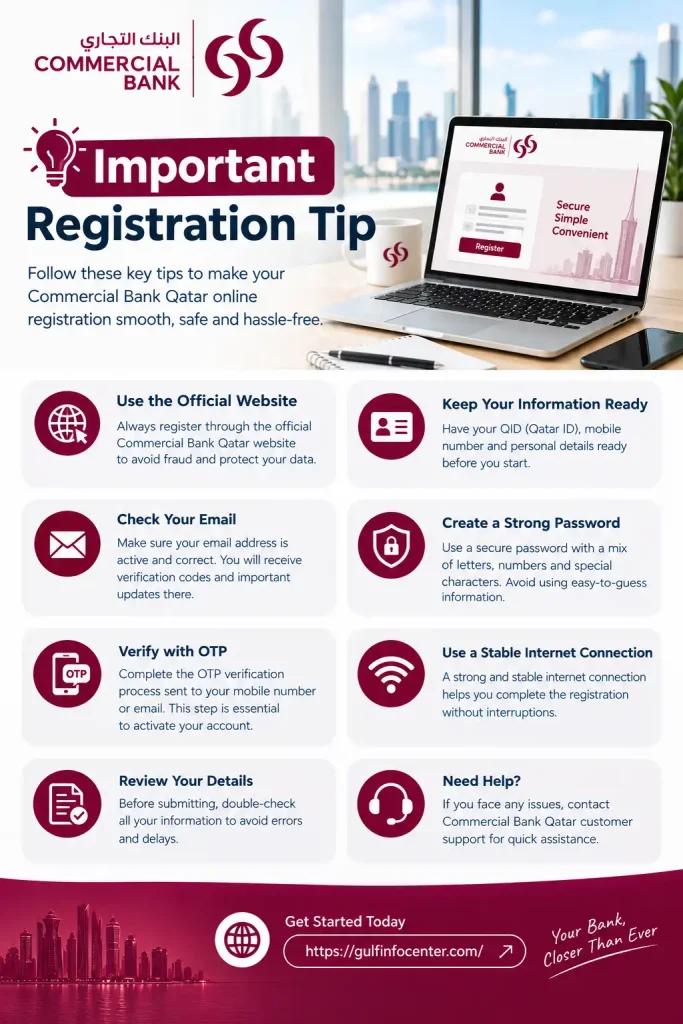
Important Registration Tip
If the registration page requests information that you do not have or do not recognize, do not guess or enter inaccurate information. Check the instructions provided by Commercial Bank or contact the bank through its official support channels for assistance.
How to Log In to Commercial Bank Qatar Online Banking
Important Security Tips
For safer online banking, always access your account through the official Commercial Bank Qatar website. Avoid entering your banking credentials through unexpected links received by email, SMS, social media, or other unofficial sources.
Commercial Bank Qatar Account Services
After signing in to Commercial Bank Qatar online banking, customers can access different account and digital banking services. The services available may vary depending on the account type, customer profile, and eligible banking services.
Common Online Banking Services
Depending on your account and access level, digital banking may allow you to:
Commercial Bank identifies CBQ Mobile App and online banking as part of its digital banking and self-service channels.
How to Check Your Commercial Bank Account Balance
You can generally review your available balance after signing in to online banking:
Note: The names and availability of specific services may vary depending on your Commercial Bank account and digital banking profile. Use the options displayed in your account dashboard to access the services available to you.
Commercial Bank Qatar Payments and Transfers
Depending on the services enabled for your account, Commercial Bank Qatar online banking can provide access to different payment and transfer services. The available options may vary according to your account type and banking profile.
How to Make a Payment
A typical online payment process may involve the following steps:
Important: Commercial Bank’s published terms indicate that payment or transfer instructions may sometimes be delayed or cancelled because of circumstances such as technical problems, maintenance, security controls, or regulatory requirements.
What to Check Before Confirming a Transfer
Before submitting a payment or transfer, carefully review the following details:
After Submitting a Payment or Transfer
After a transaction has been submitted, keep the confirmation or reference information available. If you need to check the transaction status or encounter an issue, follow Commercial Bank’s available instructions for tracking the transaction or contacting its official support channels.
Note: Payment and transfer features, processing conditions, and available options can depend on your account and the specific digital banking service you use.
Commercial Bank Qatar Password Recovery
If you cannot remember your Commercial Bank Qatar online banking password, use the password recovery option available on the official login page instead of repeatedly entering incorrect credentials.
General Password Recovery Steps
Important Security Tip: Never share your OTP, password, PIN, or other security codes with anyone. This includes people who claim to be calling or contacting you on behalf of Commercial Bank. Use only the bank’s official channels when you need assistance with account access.
Commercial Bank Qatar Online Banking Troubleshooting
If you experience problems while using Commercial Bank Qatar online or mobile banking, the issue may be related to your internet connection, login credentials, OTP delivery, account status, payment details, browser, app, or temporary service interruptions.
Use the following troubleshooting steps for common problems:
| Problem | What to Try |
|---|---|
| Cannot open the login page | Check your internet connection and try accessing the official CBQ website again. |
| Login credentials rejected | Carefully re-enter your credentials and use the official password-recovery option if necessary. |
| Forgot password | Use the password-recovery option provided on the official login page. |
| OTP not received | Check your registered mobile connection and wait for the code before requesting another OTP. |
| Account temporarily locked | Follow the bank’s account-recovery instructions or contact Commercial Bank support. |
| Payment unsuccessful | Check your account balance, beneficiary information, and payment or transaction details. |
| Transfer delayed | Review the transaction status and contact the bank if the delay continues. |
| Website not working | Try using an updated browser or check again later in case of maintenance or a temporary service disruption. |
| Mobile banking problem | Make sure the CBQ Mobile app is updated and verify your internet connection. |
Service Interruptions
Commercial Bank’s published terms indicate that online banking channels may occasionally experience interruptions because of maintenance, high demand, technical issues, or circumstances outside the bank’s control.
If the problem continues after trying the relevant troubleshooting steps, use Commercial Bank’s official support channels for further assistance.
Security reminder: Do not provide your password, PIN, OTP, or other security credentials to anyone while troubleshooting an account-access problem. Use official Commercial Bank channels when requesting assistance.
Online Banking Security Tips
Following basic security practices can help protect your Commercial Bank Qatar online and mobile banking access.
Tips for Safer Digital Banking
Additional Security Considerations
Commercial Bank’s published terms describe security controls for its online and mobile banking channels, including authentication methods and access controls.
Security reminder: Commercial Bank will not require you to disclose confidential credentials such as your password, PIN, or OTP to another person. Keep these details private and use official banking channels whenever you need assistance.
Online Banking Security Tips
Following basic security practices can help protect your Commercial Bank Qatar online and mobile banking access.
Tips for Safer Digital Banking
Additional Security Considerations
Commercial Bank’s published terms describe security controls for its online and mobile banking channels, including authentication methods and access controls.
Security reminder: Commercial Bank will not require you to disclose confidential credentials such as your password, PIN, or OTP to another person. Keep these details private and use official banking channels whenever you need assistance.
FAQs
Final Thoughts
Commercial Bank Qatar offers a range of digital banking services that make everyday account management, payments, transfers, and other banking tasks more convenient. Whether you use online banking or the CBQ Mobile App, keep your login details secure and always use the bank’s official channels for access and support. If you face a login, payment, or account-access issue, checking the relevant details first can often help you identify the problem before contacting Commercial Bank.