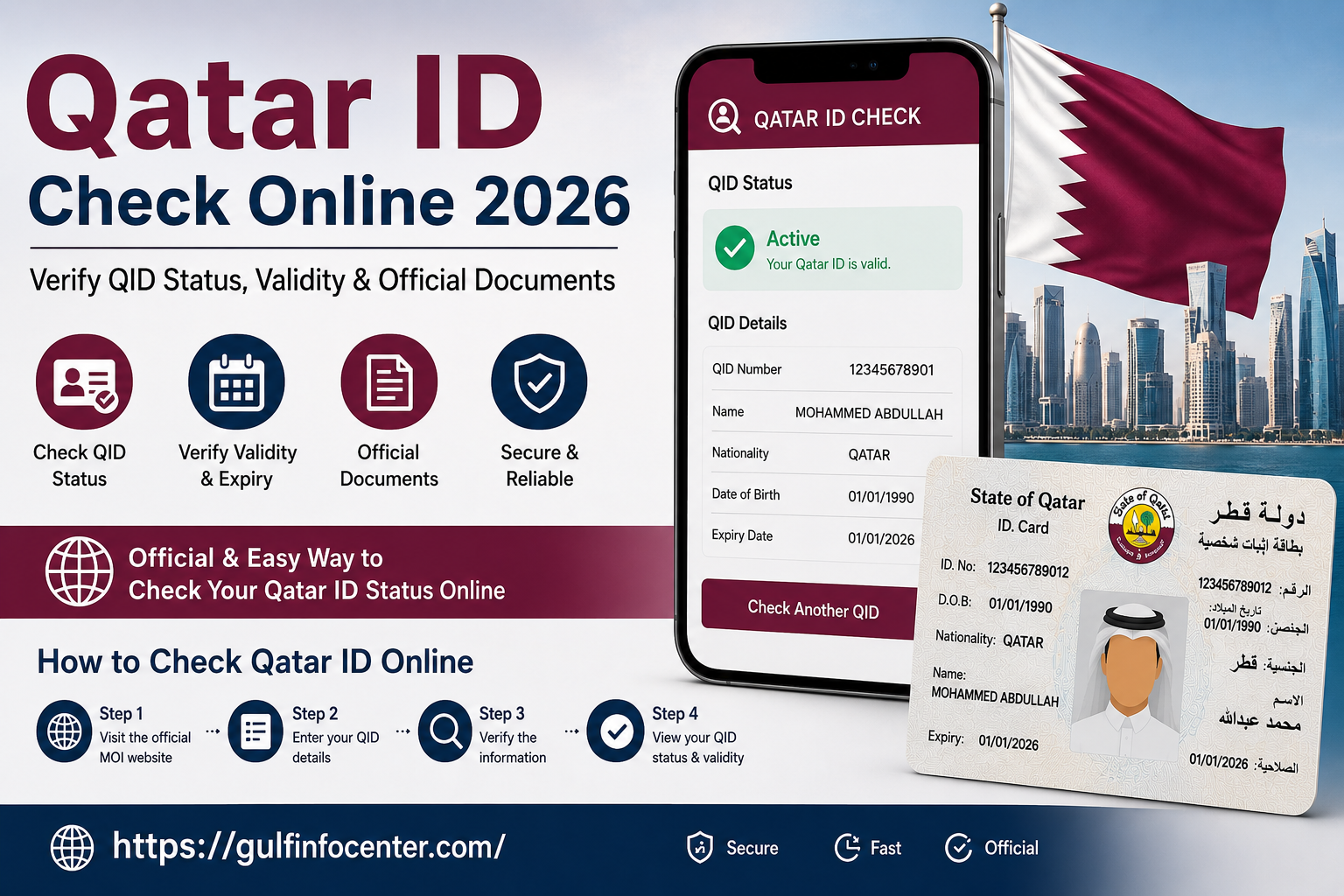
Qatar ID Check Online 2026 – Verify QID Status, Validity & Official Documents

A Qatar ID (QID) is the primary identification document issued to residents of Qatar. It is required for accessing government services, opening bank accounts, receiving healthcare, employment verification, and confirming residency status. Through the Qatar ID Check Online service, you can quickly verify your QID validity, expiry date, residency status, and other official document details using the Ministry of Interior (MOI) portal. Checking your Qatar ID regularly helps ensure your records remain accurate and your documents stay valid for everyday use in Qatar.Readmore:

What Is a Qatar ID (QID)?

A Qatar ID (QID) is the official identification card issued to foreign residents and Qatari citizens. It serves as proof of identity and residency and is required for accessing most government and private services in Qatar.

Every resident receives a unique identification number that remains linked to their personal and residency records. Whether you are opening a bank account, signing an employment contract, obtaining a SIM card, or accessing healthcare services, your Qatar ID is one of the most important documents you will use.

Without a valid QID, many essential services may become unavailable until your residency status is renewed.

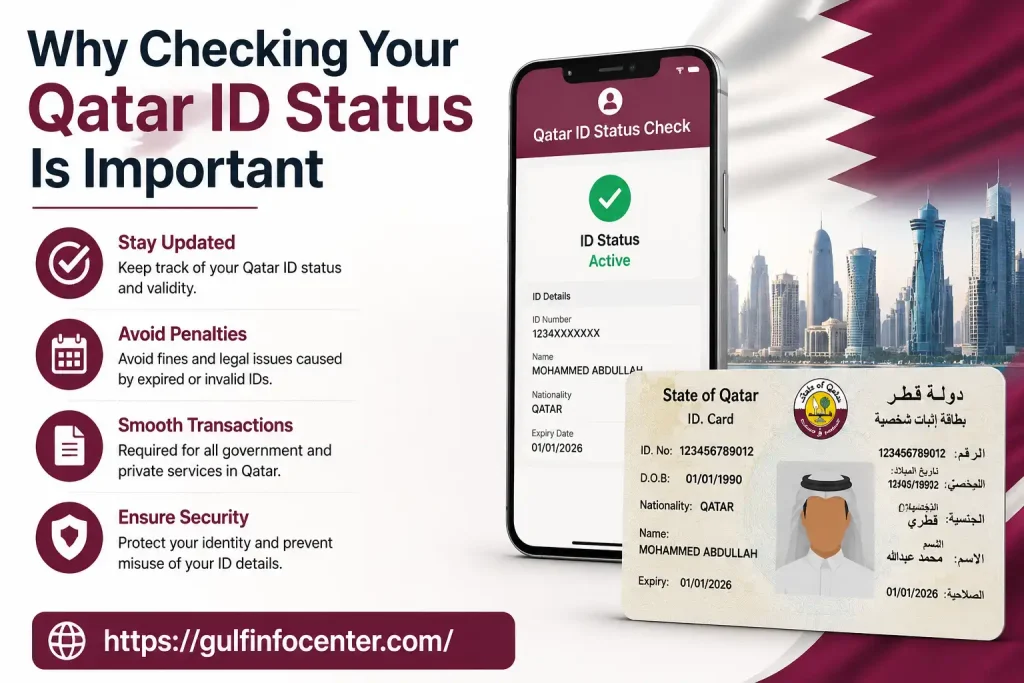
Why Checking Your Qatar ID Status Is Important

Checking your Qatar ID status regularly helps you avoid unexpected problems caused by expired or invalid documents. Since many services depend on an active residency record, verifying your QID takes only a few minutes but can prevent unnecessary delays.

Some common reasons to check your QID include:

  • Confirm your residency is still active.
  • Verify your Qatar ID expiry date.
  • Check the validity of official documents.
  • Avoid fines for expired residency permits.
  • Ensure your information is updated before travelling.
  • Complete employment or banking requirements.
  • Access government services without interruption.

Many residents also check their QID before renewing visas, changing jobs, or sponsoring family members.
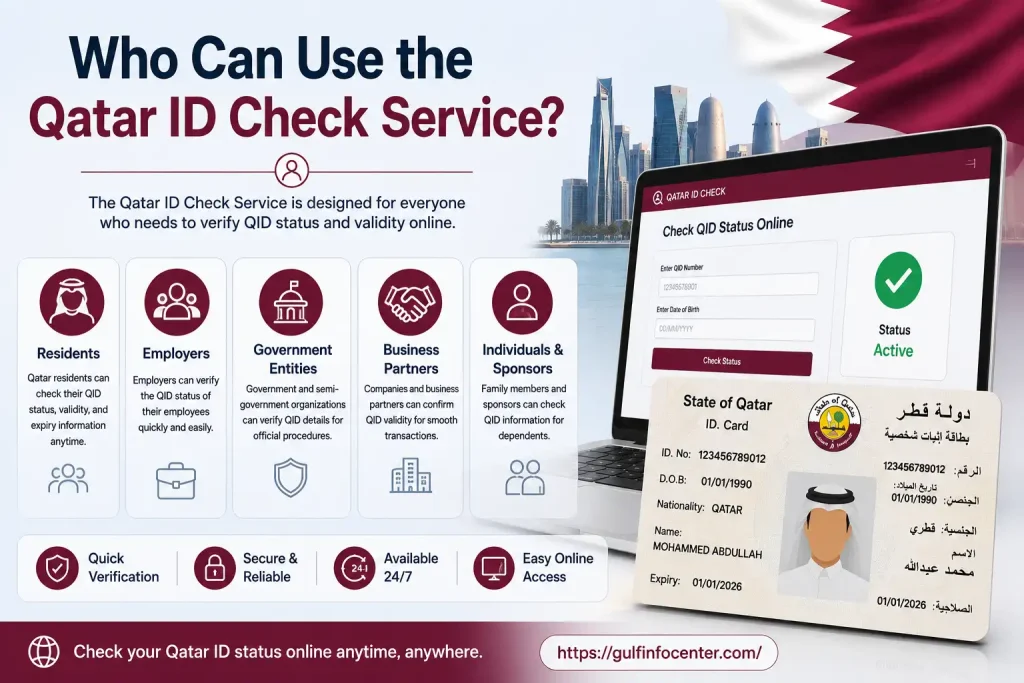
Who Can Use the Qatar ID Check Service?

The online verification service is designed for anyone who needs to confirm the validity of a Qatar ID or official document.

It is commonly used by:

  • Foreign workers
  • Students
  • Family residents
  • Employers
  • Business owners
  • Government employees
  • Visitors verifying official documents

Because the service is available online, users can access it at any time without visiting a government office.
Official Qatar ID Check Portal

The Ministry of Interior (MOI) provides an official online document verification service where users can confirm the authenticity and validity of various official documents, including Qatar IDs.

Using the official portal ensures that the information displayed is accurate and directly linked to government records. It also helps protect users from unofficial websites that may provide outdated or unreliable information.

Before entering your personal information, always confirm that you are using the official MOI website.

Features of the Official Qatar ID Check Service

The official verification system offers several useful features for residents and employers.

FeatureDescription
Official VerificationConfirms document authenticity using MOI records
Free ServiceNo fee is required for online verification
Fast ResultsStatus appears within seconds after submission
Secure AccessInformation is retrieved from official government records
Available 24/7Accessible anytime through the online portal
Multiple Document SupportVerify Qatar ID and other eligible official documents

What You Can Verify

Depending on the document selected, the portal may allow you to verify information such as:

  • Qatar ID (QID) validity
  • Official document authenticity
  • Residency status
  • Document expiry date
  • Document number
  • Related identification details

Before You Start

Prepare the following information before using the service:

  • Qatar ID (QID) number, or
  • Passport number (if applicable)
  • Stable internet connection
  • A modern web browser
  • Verification code (Captcha) displayed on the portal

Having these details ready will make the verification process quicker and smoother.

Step-by-Step Guide to Check Qatar ID Online

The Ministry of Interior (MOI) provides an online verification service that lets you check the status and validity of your Qatar ID or other official documents in just a few minutes. Follow the steps below to complete the process.
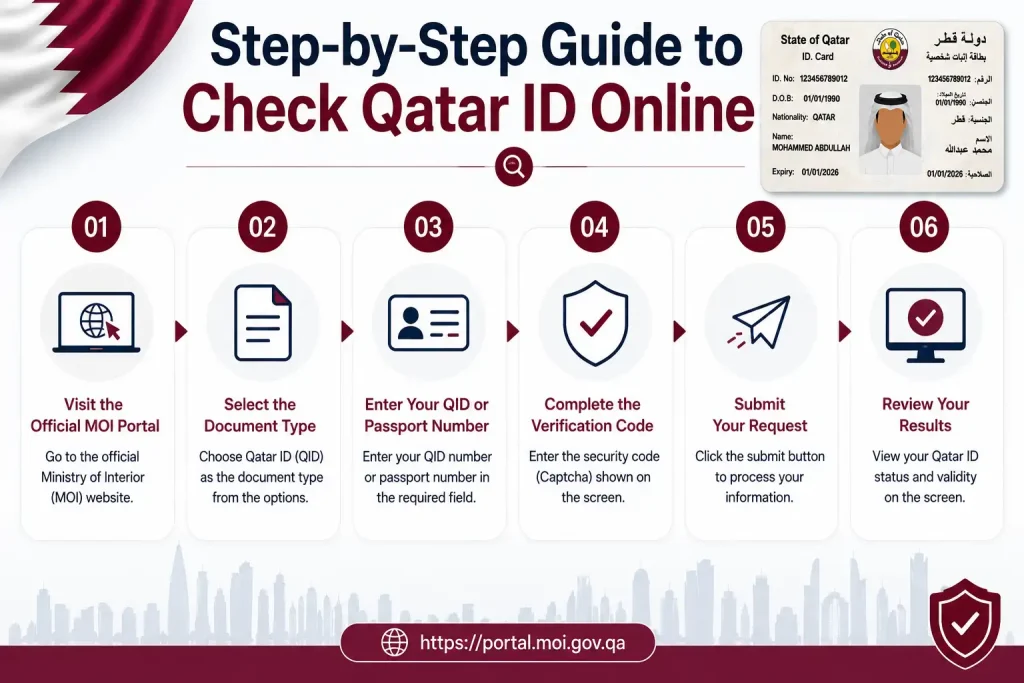
Step 1: Visit the Official MOI Portal

Open your preferred web browser and go to the official Ministry of Interior (MOI) Qatar website. From the online services section, select the Official Documents Inquiry service.

Tip: Always use the official MOI website to protect your personal information and ensure accurate results.

Step 2: Select the Document Type

Choose the type of document you want to verify. For most users, this will be the Qatar ID (QID).

If you’re checking another official document, select the appropriate option provided on the portal.

Step 3: Enter Your QID or Passport Number

Provide the required identification details.

You may need to enter:

  • Qatar ID (QID) Number
  • Passport Number (if applicable)

Check that the number is entered correctly before proceeding.

Step 4: Complete the Verification Code

Enter the security code (Captcha) exactly as displayed on the screen.

If the code is unclear, refresh it to generate a new one.

Step 5: Submit Your Request

Click the Search or Verify button.

The system will process your request and retrieve the information from the official government database.

Step 6: Review Your Results

If the information entered is correct, the portal will display the available details related to your document.

The results may include:

  • Qatar ID Status
  • Document Validity
  • Expiry Date
  • Identification Number
  • Residency Information
  • Official Verification Status

Understanding Your Qatar ID Status

After completing the search, you may see one of the following status messages.

StatusMeaning
ActiveYour Qatar ID is currently valid.
ExpiredYour document has expired and may require renewal.
InvalidThe entered information could not be verified.
No Record FoundThe system could not locate a matching record.

Understanding these results helps you determine whether further action is required.

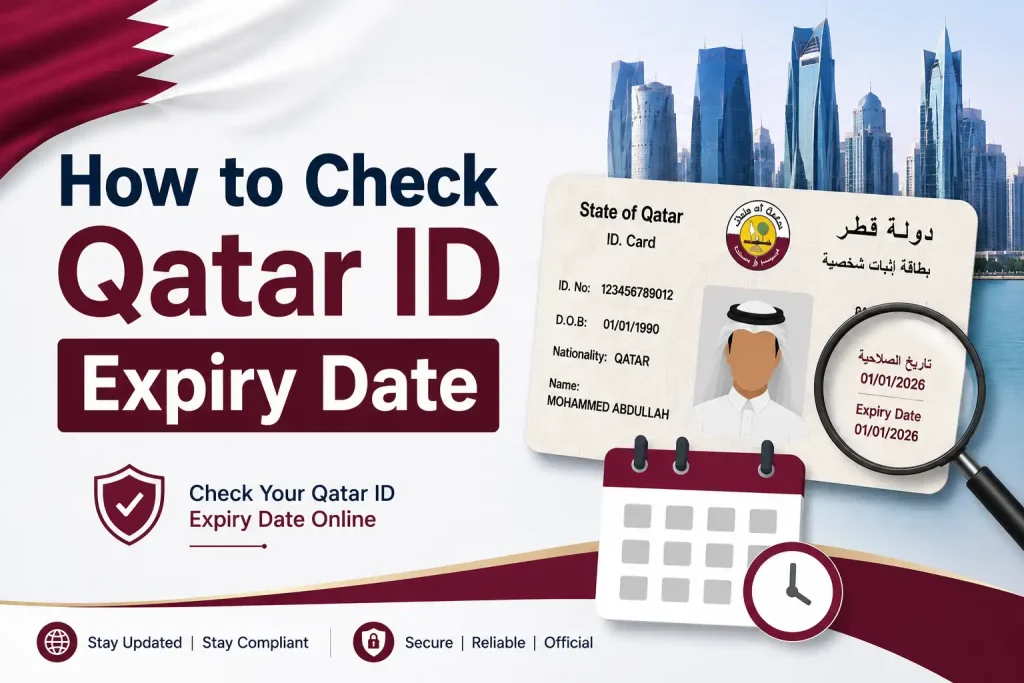
How to Check Qatar ID Expiry Date

Checking your expiry date is just as important as verifying your ID status.

Once your search results appear, look for the Expiry Date field. This indicates the last date on which your current Qatar ID remains valid.

If your expiry date is approaching, begin the renewal process in advance to avoid interruptions to your residency or access to services.
Official Document Validity Check

In addition to Qatar IDs, the MOI verification service may support the validation of other official documents.

This allows users to confirm whether a document is recognised in the official government records and whether it remains valid.

Online verification can help employers, institutions, and individuals confirm document authenticity before completing official procedures.

Common Problems During Qatar ID Verification

Even though the service is simple to use, some users may encounter errors. Below are common issues and practical solutions.

ProblemSolution
Invalid QID NumberCheck for typing mistakes and try again.
Incorrect CaptchaRefresh the security code and re-enter it.
No Record FoundVerify that you entered the correct details.
Website Not LoadingTry again later or use another browser.
Slow ResponseCheck your internet connection and refresh the page.

Tips for a Successful QID Check

For the best experience:

  • Use the latest version of your web browser.
  • Enter your QID exactly as shown on your card.
  • Double-check every digit before submitting.
  • Complete the Captcha carefully.
  • Avoid using unofficial websites.
  • Keep a copy of your verification result if needed for future reference.

Why Residents Should Check Their Qatar ID Regularly

Regular verification helps you:

  • Stay informed about your residency status.
  • Avoid delays when accessing government services.
  • Confirm document validity before travel.
  • Reduce the risk of problems caused by expired documents.
  • Ensure your identification records remain up to date.

Benefits of Using the Official Qatar ID Check Service

Checking your Qatar ID online offers several advantages beyond confirming your residency status. The official MOI service is designed to provide accurate, secure, and up-to-date information directly from government records.

Key Benefits

  • Free to use with no registration fee.
  • Available online 24 hours a day.
  • Provides official verification results.
  • Helps prevent issues caused by expired documents.
  • Saves time by eliminating unnecessary office visits.
  • Useful for residents, employers, students, and family sponsors.
  • Supports verification of eligible official documents.

Important Things to Remember

Before using the Qatar ID Check service, keep these points in mind:

When Should You Check Your Qatar ID?

It is recommended to verify your Qatar ID in the following situations:

  • Before travelling outside Qatar.
  • Before renewing your residence permit.
  • When starting a new job.
  • Before opening a bank account.
  • Before sponsoring family members.
  • Before accessing government services.
  • If you suspect your residency information has changed.

Regular checks help ensure that your records remain accurate and valid.

FAQs

You can check the status of your Qatar ID (QID) through the official Ministry of Interior (MOI) website, the Metrash2 mobile app, or the SMS service. The MOI portal is useful for checking whether your card has been printed or is ready for collection, while Metrash2 lets you view your active ID and digital card details.

Check Your Qatar ID Status Through the MOI Website

The official MOI portal allows you to check your QID status online without visiting an office. Follow these steps:

  1. Open the Ministry of Interior (MOI) Qatar online portal.
  2. Go to Inquiries and choose Official Documents under the relevant inquiries section.
  3. Enter your 11-digit Qatar ID number. If this is your first QID issuance, you can instead use your passport number and nationality.
  4. Complete the CAPTCHA verification.
  5. Select Inquire to view the current status of your Qatar ID.

The result can indicate whether your card has been printed or is ready for collection.

View Your QID in the Metrash2 App

If you use Metrash2, you can also check your ID information directly from your mobile phone. After signing in, open the Wallet section from the main menu and select ID Card. You can then view your active ID status along with your digital card details.

Check Qatar ID Status by SMS

Another option is the SMS service. Send your 11-digit QID number to 92992 from a mobile number registered in your name with the MOI. The service can then provide information about your Qatar ID status.

Quick tip: Keep your QID number or passport details available before checking. Using the information registered with the MOI can help you access the correct status without unnecessary delays.

You can find out whether your Qatar ID (QID) application is still in progress through the Ministry of Interior (MOI) online portal or the Metrash2 mobile app. These options allow you to check your application or residency status using your QID or passport details.

Check Your Application Through the MOI Portal

The MOI website provides an online way to track the status of your Qatar ID or residency application. To check it:

  1. Visit the Ministry of Interior Qatar online portal.
  2. Open the Inquiries section.
  3. Select Official Documents or Residency Permits, depending on the service available for your application.
  4. Enter your QID number, or provide your passport number and nationality if required.
  5. Enter the verification code shown on the page.
  6. Click Search or Inquire to see your current application or residency status.

If your application is still being handled, the status shown on the portal can indicate that processing has not yet been completed.

Check Processing Status Using Metrash2

You can also use the Metrash2 app to monitor active residency-related applications. Open the app on your phone, sign in to your account, and navigate to the Residency section. From there, you can check available application information and any processing updates linked to your account.

Tip: Keep your QID or passport information ready when checking your status. This makes it easier to enter the correct details and retrieve the relevant application information.

You can check penalties and violations linked to your Qatar ID (QID) through the Ministry of Interior (MOI) website or the Metrash2 mobile app. Depending on the type of violation, you can review outstanding fines online and, where available, pay them electronically.

Check QID Penalties Through the MOI Website

The MOI online portal provides a way to look up violations and related fines using your identification details. To check your penalties:

  1. Open the official Ministry of Interior Qatar portal.
  2. Go to the Inquiries section.
  3. Select Traffic Violations or the relevant residency service.
  4. Enter your QID number and the required security or verification code.
  5. Submit the request to view any active violations or penalties associated with your details.

Review the information carefully to confirm the type of violation and any outstanding amount shown.

Use Metrash2 to View and Pay Violations

Metrash2 offers another convenient way to check penalties from your phone. Sign in to the app, open Inquiries, and select Violation Inquiries. The available violations linked to your account can then be reviewed, and eligible penalties may be paid through the app.

Other Ways to Check Qatar ID Fines

If you prefer to check penalties in person, you can visit an MOI Service Centre with your physical Qatar ID and ask the customer service desk for a violation or penalty report.

Some MOI self-service kiosks located in major shopping centres and government buildings may also allow users to check QID-related information and fines by entering their ID number.

Tip: Keep your Qatar ID number available when using an online portal, mobile app, or self-service facility so you can retrieve the correct violation information.

You can check your Qatar ID (QID) renewal and validity status online using the MOI Qatar Portal, the Metrash2 app, or QPost tracking services. These options can help you follow the renewal process and confirm the current status of your ID. If you’re specifically tracking the delivery of a renewed card, QPost services can also be used to follow its progress.

Check QID Renewal Through the MOI Qatar Portal

The MOI Qatar Portal is one of the online options for checking your Qatar ID renewal and validity status. Open the portal and use the available ID-related inquiry service to view the current information linked to your QID.

Check Renewal Status Using Metrash2

You can also use the Metrash2 app on your mobile device to access your Qatar ID information. After signing in, use the relevant ID or residency services to check available renewal and validity details.

Track Your Renewed Qatar ID Through QPost

If your Qatar ID has been renewed and you need to follow its delivery, QPost tracking can be useful. A visual tracking guide can help you understand how to check the delivery status of your renewed QID through QPost services.

You can check your Qatar ID (QID) status online through the Ministry of Interior (MOI) portal or the official Metrash mobile app. The MOI service lets you search using your 11-digit QID number or passport details, while Metrash provides access to your digital ID and expiry information.

Check Your QID Through the MOI Website

The MOI Qatar portal allows you to view your Qatar ID status and expiry details online. To check your information:

  1. Open the Official Documents Inquiry page on the Ministry of Interior portal.
  2. Select QID Number or Passport Number as your search method.
  3. If using your QID, enter the 11-digit number. If searching by passport, provide your passport number and nationality.
  4. Enter the verification code (CAPTCHA) displayed on the page.
  5. Click Search to view your QID information, including its active status and expiry date.

View Your Digital QID in Metrash

The official Metrash mobile app provides another way to access your Qatar ID information. Open the app, sign in using your QID, and go to the Wallet tab. There you can view your digital ID card along with its expiry details.

Tip: Make sure the QID or passport information you enter matches the details registered with the relevant Qatar authorities to retrieve the correct record.

You can track your Qatar ID (QID) delivery and processing status through the MOI Qatar Portal or the Metrash2 app. The available options include checking QPost Services or Residency Permits through the MOI website and using QPost Tracking in Metrash2 to see updates on your official document delivery.

Track QID Delivery Through the MOI Website

The MOI Qatar portal provides an online way to check whether your QID has been printed or handed over for delivery. To check the status:

  1. Open the MOI Qatar Services page.
  2. Select Inquiries.
  3. Choose QPost Services or Residency Permits.
  4. Enter your QID number and the required verification code.
  5. Click Submit or Inquire.
  6. Review the result to see the current printing or delivery status of your Qatar ID.

Use Metrash2 to Track QID Delivery

You can also check official document delivery updates through the Metrash2 app. Open the app on your phone, select Enquiry Service from the home screen, and then choose QPost Tracking. The available tracking information will show the latest update for your official document delivery.

You can check your Qatar visa status online through the Ministry of Interior (MOI) portal or the Qatar Visa Center (QVC). Depending on the service you use, you’ll generally need your visa number or passport number to retrieve the latest status and tracking information.

Check Your Visa Status Through the MOI Portal

The MOI Visa Inquiry & Printing service allows you to check your visa information online. You can also use the service to print the available visa document. Follow these steps:

  1. Open the MOI Visa Inquiry & Printing page.
  2. Enter your 15-digit visa number or choose to search using your passport number.
  3. Select your nationality from the available list.
  4. Enter the verification code (CAPTCHA).
  5. Click Submit.
  6. Review the displayed information to check your active visa status or print the available document.

Track Your Application Through Qatar Visa Center

If your application was processed through the Qatar Visa Center (QVC), you can use its online tracking service to check for updates.

  1. Open the QVC Track Application page.
  2. Select your home country.
  3. Choose your preferred language.
  4. Enter your visa number or file reference number, together with your passport number.
  5. Complete the CAPTCHA verification.
  6. Click Submit to view the latest available application tracking updates.

The cost of renewing a Qatar ID (QID) for three years depends on the sponsorship category. According to the provided fee breakdown, eligible applicants receive a 20% discount when they renew their QID for the full three-year period.

3-Year Qatar ID Renewal Fees

Sponsorship CategoryStandard 3-Year FeeFee After 20% Discount
Company-sponsored employeesQAR 3,000QAR 2,400
Family members (spouse/children)QAR 1,500QAR 1,200
Domestic workers (maids/drivers)QAR 900QAR 720

The applicable amount depends on your sponsorship category. For company-sponsored employees, the supplied information states that the employer is legally responsible for covering the renewal expenses.

Other Charges to Consider

Your total payment may be higher if you choose additional services during the renewal process.

  • Qatar Post delivery: An additional QAR 20 may apply when you request physical QID delivery through Qatar Post using the Metrash2 app.
  • E-gate service: Optional three-year e-gate access on a smart QID costs an additional QAR 200.

Quick Summary

For a three-year renewal, the listed discounted fees are QAR 2,400 for company-sponsored employees, QAR 1,200 for family members, and QAR 720 for domestic workers. Delivery and optional e-gate services are charged separately where applicable.

You can check whether a person is outside Qatar using official digital services such as the Ministry of Interior (MOI) portal and the Metrash mobile app. Depending on the available service, you may need the person’s 11-digit Qatar ID (QID) or passport number to review relevant residency, visa, or travel information.

Check Through the MOI Portal

The MOI online services provide several inquiry options that can help you review a person’s official status. Open the MOI Inquiries section and look for Exit & Entry Permits or Official Documents. Enter the person’s QID or passport details where required to retrieve the available information.

Use the Metrash App

The official Metrash app is another digital option for checking available residency and visa information. Sign in to the app, open the relevant residency or visa services, and review the active status or available travel information linked to the account.

Check Residency Validity

You can also use the Residency Permits Inquiry service with the person’s QID number to check whether their residence permit remains valid. The available information may also show constraints associated with a prolonged absence from Qatar, including situations involving more than 180 days outside the country.

Important: The information provided above describes the available official digital channels and the types of information they may provide. It does not establish that every person’s exact travel location will always be displayed through these services.

Final Thoughts

Checking your Qatar ID status does not always require a visit to an MOI service centre. Depending on what you need to know, you can use the MOI Qatar Portal, Metrash, or QPost tracking services to check your QID status, renewal progress, penalties, delivery updates, validity, and related residency information. For visa-related enquiries, the MOI portal and Qatar Visa Center can also provide useful application and status updates.

Before checking any service, keep your QID number or passport details ready and make sure the information you enter matches your official records. Using the appropriate official service for your specific enquiry can save time and help you get the most relevant status information.

GulfInfoCenter Editorial Team

The GulfInfoCenter Editorial Team publishes accurate, up-to-date guides on government, education, finance, immigration, employment, and public services across the United Arab Emirates, Kuwait, and Qatar. Our content is carefully researched and references official sources whenever possible, helping residents, citizens, students, and visitors access essential services with confidence.

Articles: 4

Leave a Reply

Your email address will not be published. Required fields are marked *