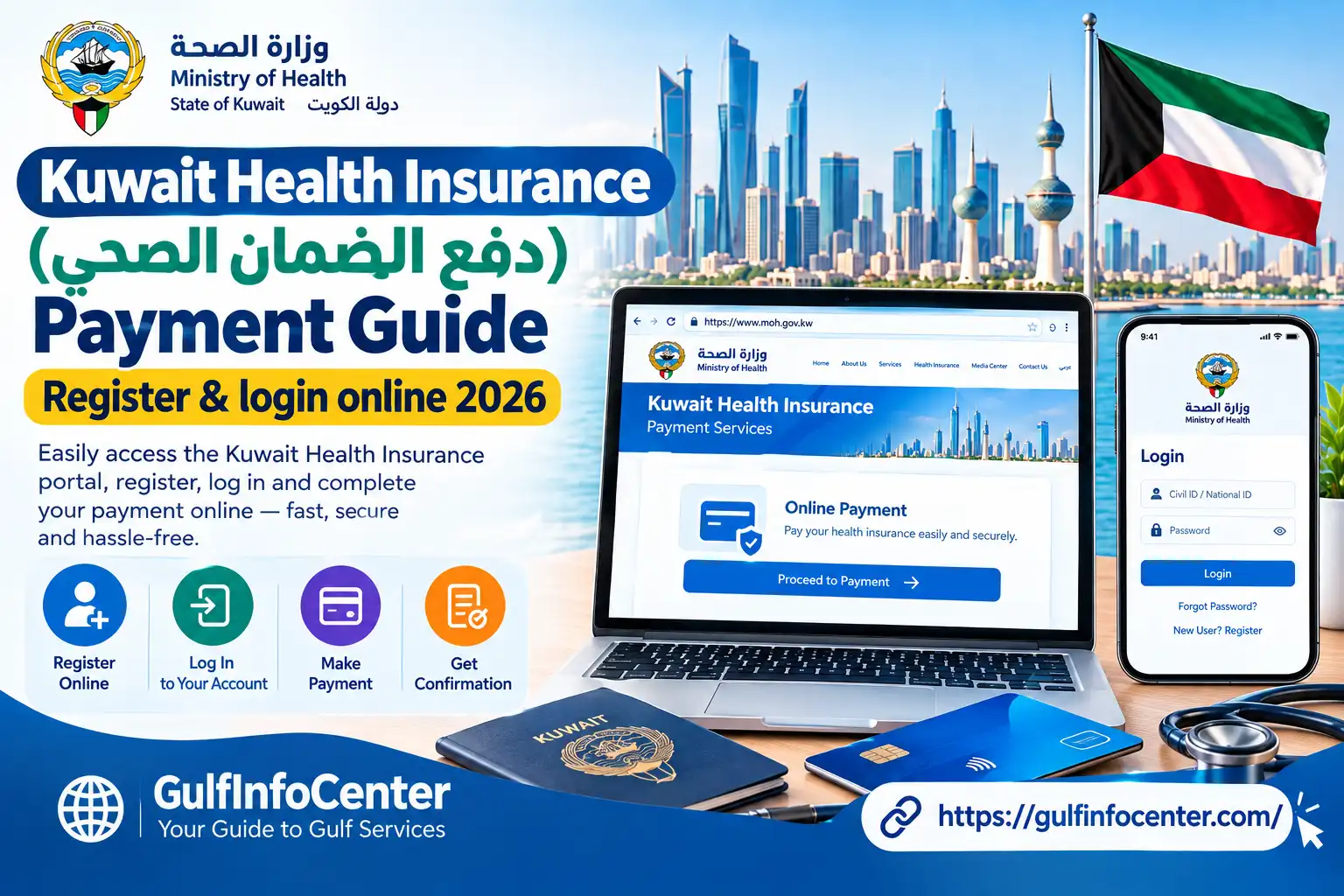

Kuwait’s Health Insurance Payment (دفع الضمان الصحي) service enables eligible expatriates and residents to complete health-insurance registration and renewal online through the Ministry of Health’s automated insurance system. It is commonly required as part of residence-related procedures, although the available options and process can vary according to the individual’s residence category.
The Kuwait Ministry of Health introduced electronic payment for health-insurance fees for expatriates and domestic workers, replacing the previous manual collection process. Before submitting a payment, users should review the details shown in the official system, as the applicable insurance period, options, and fee can differ depending on the residence category and individual circumstances.
Important: Always verify the insurance category, coverage period, payable amount, and other details displayed by the Ministry of Health system before completing the payment.
Read Homepage
Kuwait Health Insurance Payment at a Glance
| Item | Details |
|---|---|
| Service | Health Insurance Payment / Renewal |
| Arabic name | دفع الضمان الصحي |
| Country | Kuwait |
| Authority | Ministry of Health (MOH) |
| Online system | Automated Health Insurance Registration System |
| Official portal | insonline.moh.gov.kw |
| Main purpose | Registering or renewing health insurance |
| Typical users | Expatriates, residents, sponsors, and other eligible users |
| Payment method | Electronic payment through the online portal |
| Login | Civil ID and password for the general login service |
| Article 20 | A dedicated quick-service option may be available through the system |
The Kuwait health insurance system is designed to serve different user categories and residence-related service types. When accessing the Health Insurance Payment (دفع الضمان الصحي) service, select the option that matches your actual residency status and the type of transaction you need to complete.
What Is Kuwait Health Insurance Payment?
Kuwait Health Insurance Payment (دفع الضمان الصحي) refers to the electronic process of paying health-insurance fees through the Ministry of Health’s online system. The service is mainly used by expatriates and other eligible residents who need to register or renew health insurance for residence-related procedures.
For many expatriates, maintaining valid health insurance is an important part of residency issuance or renewal. The Ministry of Health’s electronic system supports the insurance registration process and provides a digital way to complete the required payment instead of relying on traditional manual procedures.
To use the service, applicants access the online portal, provide or confirm the required personal details, choose the appropriate insurance category, and pay the applicable fee electronically. The available options may differ depending on the user’s residence status and the type of insurance transaction.
What Can You Do Through the Kuwait Health Insurance System?
The services available may vary according to the user’s category and residency requirements. Depending on the options displayed in the portal, users may be able to:
- Register health insurance: Apply for a new health-insurance record where eligible.
- Renew existing insurance: Extend health-insurance coverage for the applicable period.
- Choose an insurance service: Select an individual or group service if the relevant option is available.
- Provide Civil ID details: Enter or verify the required Civil ID information.
- Select a residence category: Choose the residence type that matches the applicant’s circumstances.
- Specify the transaction type: Identify whether the request is for a new registration or a renewal.
- Pay insurance fees online: Submit the applicable amount through the electronic payment system.
- Complete the payment process: Follow the portal’s instructions to finalise the transaction.
- Obtain a receipt or insurance document: Access or print the relevant document if the system provides this option.
Important: The available services, insurance periods, and payment requirements can vary by residence category. Always check the information displayed by the official Ministry of Health portal before proceeding.
Who Uses the Kuwait Health Insurance Service?
The Kuwait Health Insurance Service (دفع الضمان الصحي) is primarily used by people who need to register or maintain health insurance for Kuwait residency-related requirements. The exact service options depend on the user’s residence category and the type of registration being handled.
Common users include:
- Expatriate residents who need to register or renew health insurance.
- Domestic workers covered by the applicable health-insurance process.
- Family members and dependents holding residence permits.
- Sponsors completing insurance-related procedures for eligible dependents.
- Companies and organisations managing health-insurance requirements for eligible employees.
- Existing policy holders who need to renew their health-insurance registration.
The online system may also provide separate registration categories for different types of users, including personal registration, company or private-sector registration, government authority registration, and university-related registration.
Because the portal serves several user and residence categories, the options displayed on your screen may not be the same as those available to another applicant. Select the category that accurately matches your status and the purpose of your transaction.
** What You Need Before Paying Health Insurance**
Before starting دفع الضمان الصحي, have the information and payment details relevant to your residence category ready. Preparing these details first can help you avoid interruptions while registering or renewing your health insurance online.
Common Requirements
Depending on the service and user category, you may need:
- A valid Civil ID number
- A mobile phone number registered with the service
- A Ministry of Health insurance account, if required
- Your login credentials
- The correct residence type or category
- Your insurance status, such as a new registration or renewal
- The required insurance start date, where requested
- A valid payment card supported by the electronic payment system
- Accurate personal and residency information
Available account-registration instructions indicate that the system may ask for details such as the Civil ID, name, mobile number, optional email address, gender, language, governorate, and OTP verification.
Check These Details Before You Begin
A quick check before opening the payment service can prevent common entry errors:
- Verify your Civil ID: Make sure the number is entered correctly.
- Check your mobile number: Confirm that it can receive the required OTP.
- Confirm your residence category: Select the category that matches your actual status.
- Review the insurance period: Make sure you are requesting the correct coverage period.
- Prepare your payment card: Keep a supported card available before starting payment.
- Match your personal details: Ensure the information you enter corresponds with the relevant government records.
Tip: The exact information requested can vary according to the selected service and residence category. Follow the fields displayed by the official Ministry of Health system rather than assuming that every applicant will see the same requirements.
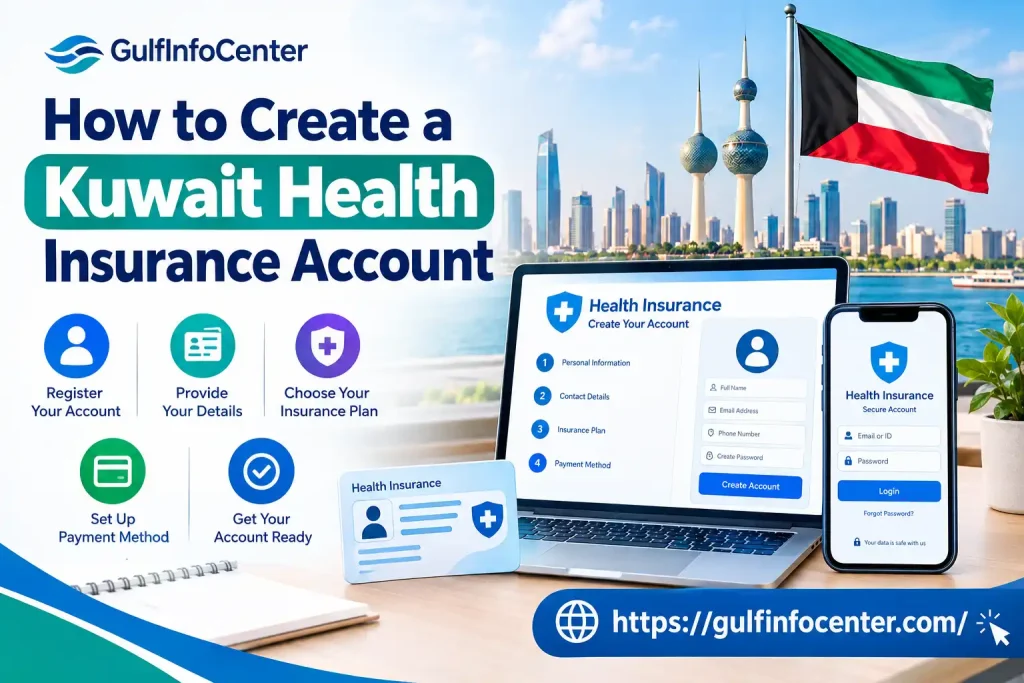
How to Create a Kuwait Health Insurance Account
If you’re using the general Kuwait health-insurance service for the first time, you may need to create an account before you can access the available online services. The registration process collects basic identity and contact information and may require mobile verification.
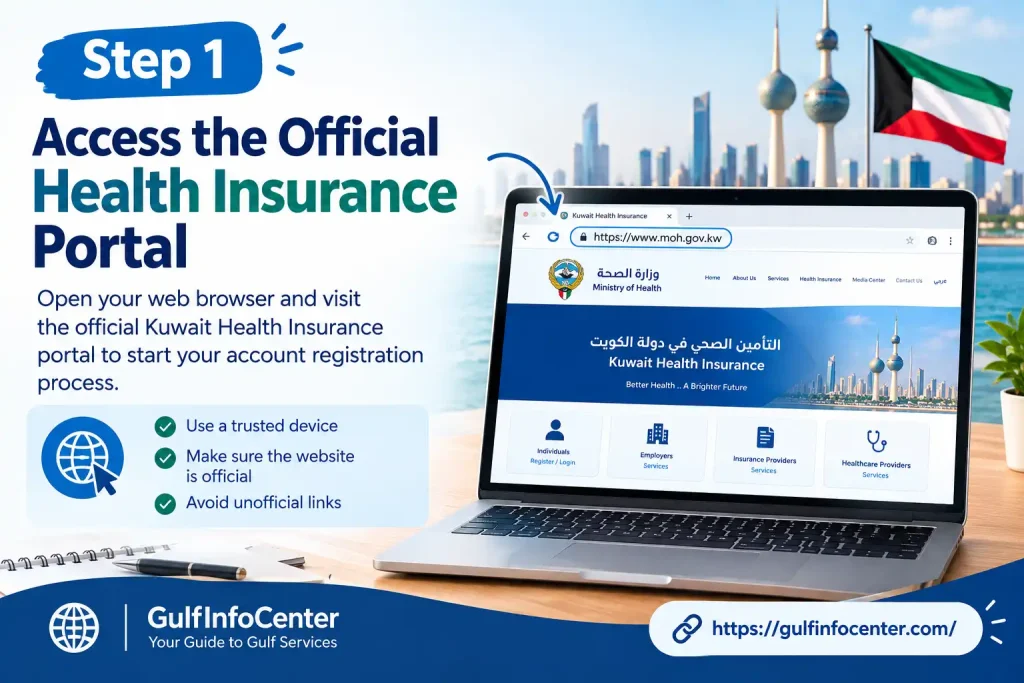
Step 1: Access the Official Health Insurance Portal
Open the Ministry of Health’s online health-insurance system:
Official Kuwait Health Insurance Portal
The portal provides access to different registration and service categories. Depending on your residence or service type, it may also show a separate quick-service option for Article 20 users.
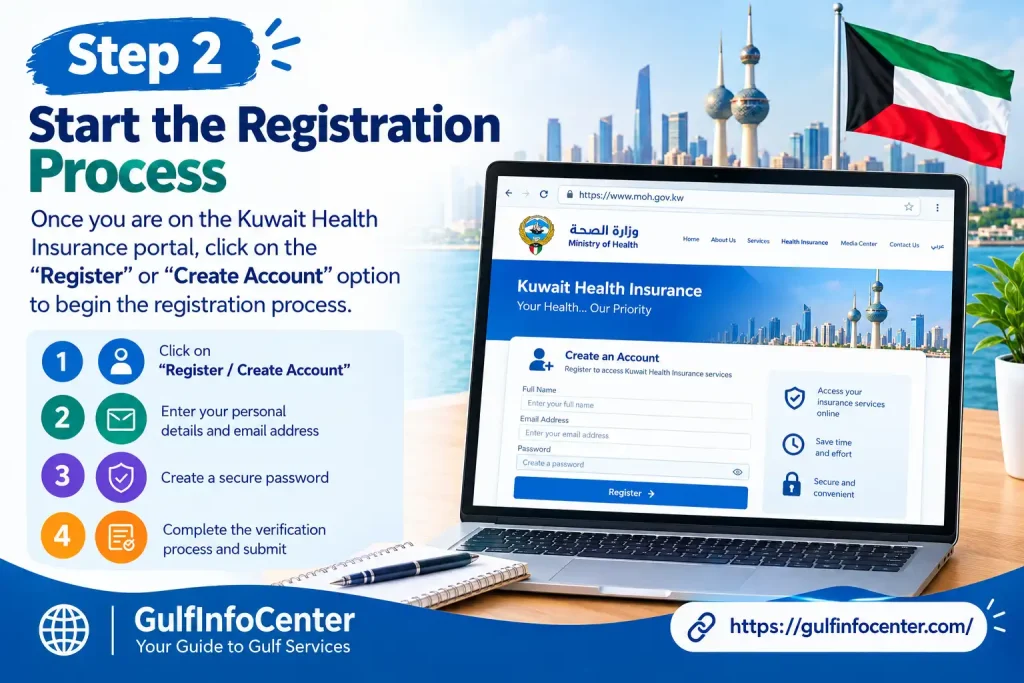
Step 2: Start the Registration Process
On the portal, look for the account-registration option, such as “Create a New Account” or the corresponding Arabic registration option.
Select it to begin setting up your health-insurance account.
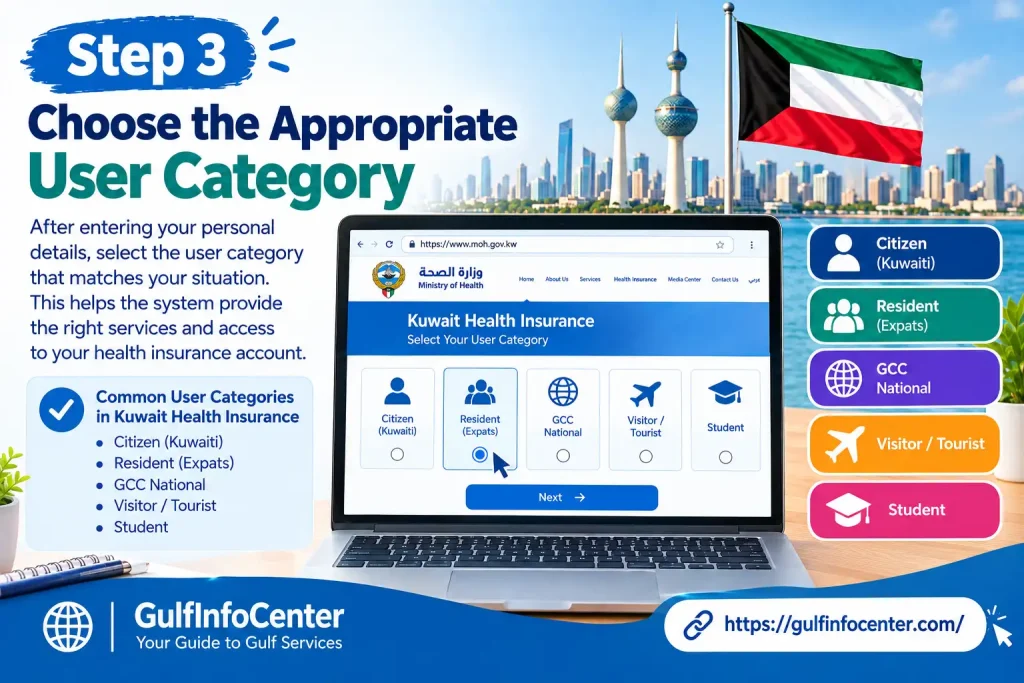
Step 3: Choose the Appropriate User Category
The registration system can provide different categories based on the type of user. These may include:
- Government authority
- Personal or individual registration
- Company or private-sector registration
- University
Choose the category that matches your circumstances. Selecting the correct category is important because the services and information requested can differ between user types.
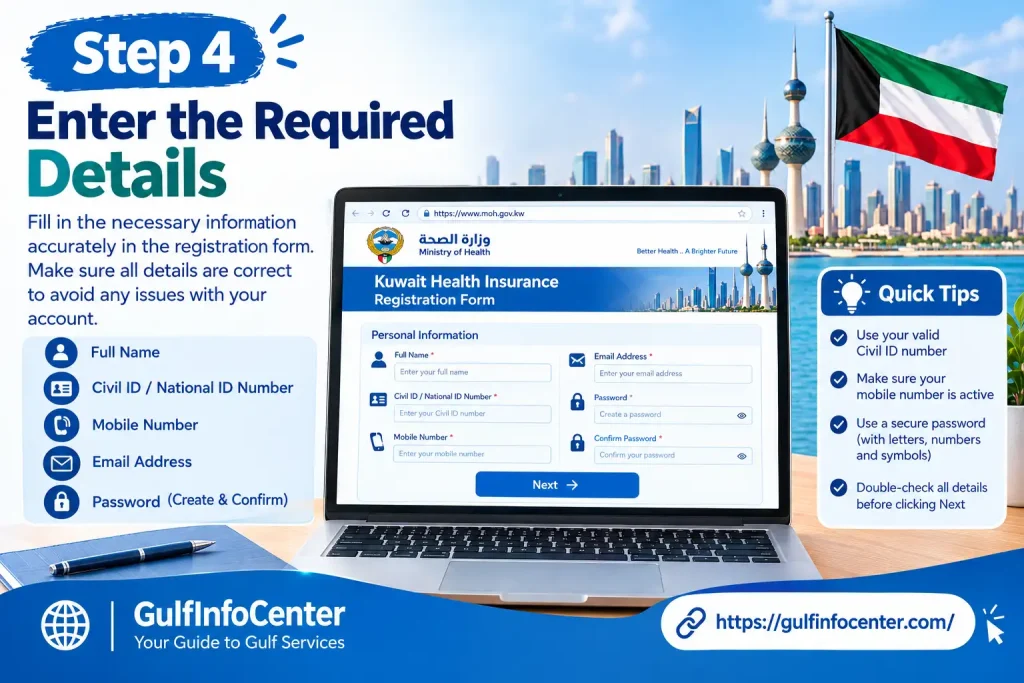
Step 4: Enter the Required Details
Complete the registration form using the information requested by the system. Depending on the registration category, this can include:
- Civil ID
- Arabic name
- English name
- Mobile number
- Email address, where applicable
- Gender
- Preferred language
- Governorate
Review the information before continuing to make sure the details are entered correctly.
Step 5: Verify Your Mobile Number
The system may send an OTP (One-Time Password) to the registered mobile number.
Enter the verification code in the appropriate field and follow the on-screen instructions to confirm your mobile number.
Tip: Make sure your mobile phone is available when registering so you can receive the OTP without interrupting the process.
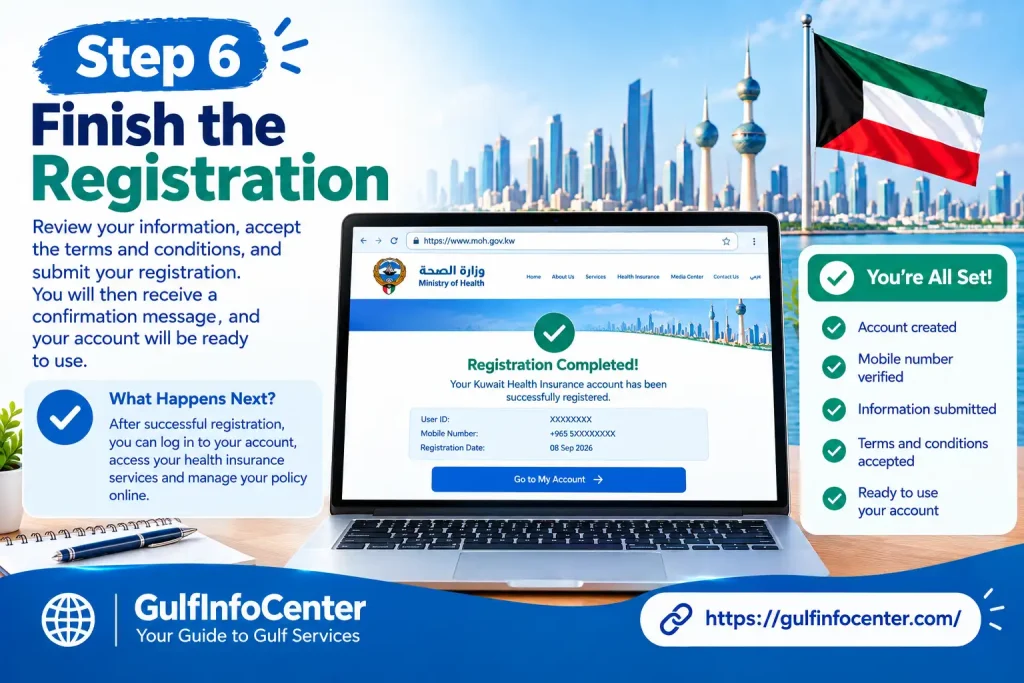
Step 6: Finish the Registration
Once the verification process is completed successfully, the system may display a registration-success message.
You can then return to the login page and use your registered account to access the relevant Kuwait Health Insurance Payment (دفع الضمان الصحي) services.
Important: The exact registration fields and available categories may vary according to the service and user type shown by the Ministry of Health system. Follow the options displayed on the official portal during registration.
How to Log In to the Kuwait Health Insurance Portal
After creating your account, you can access the Kuwait Ministry of Health health-insurance system using the login details associated with your account. The exact login screen may vary depending on your residence or service category.
Step 1: Open the Health Insurance Portal
Go to the official Kuwait MOH Health Insurance online system:
Kuwait MOH Health Insurance Portal
Open the login page and check that you are using the official Ministry of Health website before entering your personal information.
Step 2: Select the Relevant Login Option
Choose the login option that corresponds to your residence or service category.
If the portal displays multiple access routes, select the one that matches the account you registered.
Step 3: Enter Your Login Information
Provide the credentials requested by the system. For the general login service, these may include:
- Civil ID
- Password
Check the details carefully before submitting them.
Step 4: Click Login
Select Login to submit your credentials.
If the information is accepted, the system should provide access to the relevant health-insurance service area, where you can continue with the available registration, renewal, or payment procedures.
Tip: If you cannot sign in, first check that your Civil ID and password are entered correctly and that you have selected the appropriate login category.
How to Pay Kuwait Health Insurance Online
The exact options and screen names may differ depending on your residence category. However, the general Kuwait Health Insurance Payment (دفع الضمان الصحي) process follows a similar sequence: log in, choose the relevant insurance service, enter or verify the beneficiary’s details, review the insurance information, and complete the electronic payment.
Step 1: Log In
Open the official Ministry of Health health-insurance portal and sign in using your registered login details.
Step 2: Choose the Insurance Service
Select the insurance service that applies to your transaction. Depending on the options available, this may include:
- Individual Insurance
- Group Insurance, where available
For one person, the individual service is generally the relevant option. A group service may be available when processing insurance for multiple eligible individuals.
Step 3: Select Your Residence Type
Choose the residence category displayed by the system that matches the beneficiary’s actual residence record.
The available categories may include residence types associated with Articles 18, 20, or 22, depending on the services provided through the portal.
Important: Do not choose a residence category simply because it is mentioned in an online guide. Always select the category that matches the beneficiary’s actual residence status.
Step 4: Choose the Insurance Status
Select the status that matches your transaction. Common options may include:
- New
- Renewal
After selecting the residence category and insurance status, the system may ask you to provide the beneficiary’s Civil ID and then display the available insurance information.
Step 5: Enter the Civil ID
Enter the Civil ID number of the person whose health insurance you are processing.
Check the number carefully before continuing to avoid retrieving incorrect information.
Step 6: Review the Displayed Information
The system may automatically display information linked to the Civil ID. Carefully review the details shown, such as:
- Name
- Civil ID
- Residence category
- Insurance status
- Insurance start date
- Other relevant information
If any information appears incorrect, do not continue with the payment until the issue has been checked.
Step 7: Enter the Insurance Start Date
If the portal asks for an insurance start date, enter the date applicable to your transaction.
Review the selected insurance period carefully before moving to the payment stage.
Step 8: Accept the Terms and Conditions
Read the displayed terms and conditions. If acceptance is required, confirm that you agree before continuing.
Step 9: Select Online Payment
Choose the electronic payment option, such as:
Pay Online
The system should then direct you to the secure payment stage.
Step 10: Enter Your Payment Details
Enter the requested payment-card information on the secure payment page.
Before submitting the payment:
- Check the displayed amount.
- Verify the beneficiary’s details.
- Confirm that the transaction information is correct.
- Make sure the card has sufficient funds.
- Avoid refreshing or closing the page while the payment is processing.
Step 11: Complete Payment Verification
Your bank may require an additional security check, such as an OTP or authentication code, before approving the payment.
Enter the verification code only on the legitimate payment page provided as part of the transaction.
Step 12: Wait for Payment Confirmation
After submitting the payment, wait for the confirmation page to appear.
If the transaction is still processing, do not immediately close the browser or submit another payment. This can help avoid duplicate payment attempts.
Step 13: Save Your Receipt or Insurance Document
Once the payment is completed, check whether the system provides a payment receipt or insurance document.
If available:
- Download the document.
- Print a copy if required.
- Keep a digital copy for your records.
- Save the transaction details for future residency-related procedures.
The online service may also provide an option to print the relevant insurance-renewal document after completing the process.
Tip: Keep your payment confirmation and insurance document until you have completed any related residency or government procedure. The exact documents available after payment may depend on the service and residence category selected.
Individual vs. Group Health Insurance
The Kuwait health-insurance portal may provide different options for processing insurance, depending on the number of eligible people included in the transaction. The available services can vary according to the user category and residence requirements.
| Option | General Use |
|---|---|
| Individual Insurance | Processing health insurance for one eligible person |
| Group Insurance | Processing insurance for multiple eligible people together, where supported |
| New | Registering insurance for a new transaction |
| Renewal | Extending an existing health-insurance arrangement |
Individual Insurance
The Individual Insurance option is generally used when processing health insurance for one eligible person. Enter the required beneficiary information and review the details before continuing to payment.
Group Insurance
Where the portal supports group processing, you may be able to add multiple beneficiaries to the same transaction. The system may require the Civil ID and other relevant insurance information for each person.
Before submitting payment, review every beneficiary separately. Check that each person’s name, Civil ID, residence category, insurance status, and other displayed information are correct.
Important: The exact group-processing options may vary according to the service and user category. If the portal does not provide a group option, process each eligible person according to the individual service available to them.
New vs. Renewal
The New and Renewal options identify the type of insurance transaction:
- New: Used when registering insurance for a new transaction.
- Renewal: Used when extending an existing insurance arrangement.
Always select the option that matches the actual purpose of your transaction and verify the beneficiary details before making payment.
Article 20 Health Insurance Payment
Article 20 health-insurance transactions may follow a different process from other residence categories. The Ministry of Health’s online system has been described as providing a dedicated Article 20 Quick Service that can be accessed without going through the standard general login process.
How to Use the Article 20 Quick Service
If the official portal displays an Article 20 Quick Service, select this option when it applies to your domestic-worker residence category.
The available process may differ from the standard health-insurance login and payment route, so follow the instructions shown by the system.
Important: Do not select the Article 20 service simply because it appears to be a quicker option. Use it only when the beneficiary’s residence category actually falls under Article 20.
Always verify the residence category and beneficiary information before proceeding with the health-insurance payment.
How to Check Kuwait Health Insurance Payment Status
After completing Kuwait Health Insurance Payment (دفع الضمان الصحي), check the transaction status before moving on to the next residency-related procedure. Confirming the payment and insurance record can help you identify any issue before continuing.
What to Check After Payment
Review the information available in the portal and confirm:
- Payment confirmation: Make sure the payment was processed successfully.
- Transaction or reference number: Save the reference number if one is provided.
- Insurance status: Check that the insurance record shows the expected status.
- Insurance validity period: Confirm the coverage dates displayed by the system.
- Beneficiary’s Civil ID: Make sure the insurance record is linked to the correct person.
- Receipt or insurance document: Download or save the document if available.
- Payment amount: Confirm that the amount charged matches the amount shown before payment.
What If Your Bank Has Charged You but the Portal Has Not Updated?
If the portal indicates that the payment was submitted successfully but your bank account or card has also been charged, do not immediately make another payment.
First, check whether the insurance record or transaction status has been updated. Keep the payment confirmation and transaction details available in case you need to review the transaction later.
Tip: Always confirm the payment status before attempting another payment. This can help prevent an unnecessary duplicate transaction.
** What to Do If Payment Is Deducted but the Status Is Not Updated**
Sometimes, the bank or payment gateway may complete the transaction while the browser does not immediately return to the Ministry of Health health-insurance system. In this situation, avoid making another payment until you have checked the original transaction.
Recommended Steps
- Do not make another payment immediately: Give the original transaction time to update.
- Keep your bank notification: Save the SMS, app notification, or other confirmation showing that the amount was deducted.
- Save the payment reference: Keep the transaction or reference number if one was provided.
- Reopen the official portal: Access the Ministry of Health health-insurance system again.
- Check the payment status: Look for an updated insurance or transaction status.
- Check for a receipt: See whether the system has generated a payment receipt or insurance document.
- Contact support if unresolved: If the transaction still does not appear correctly, contact the relevant Ministry of Health support channel before attempting another payment.
Important: Do not assume that an unsuccessful-looking browser response means the payment failed. Check the transaction status and your payment record first to reduce the risk of making a duplicate payment.
Common Kuwait Health Insurance Payment Problems
Problem: Unable to Log In
If you cannot access your Kuwait health insurance account, check the following:
- Confirm that your Civil ID is entered correctly.
- Recheck your password.
- Make sure you’re using the correct login section.
- Check your internet connection.
- Confirm that your account registration was completed successfully.
- If you recently registered, make sure you completed the required OTP verification.
ProblOTP Not Arriving
If you haven’t received the verification code, check the following before trying again:
- Confirm that the mobile number registered with your account is correct.
- Give the system a few moments before requesting another OTP.
- Check that your mobile network connection is stable.
- Avoid requesting several OTPs repeatedly within a short period.
- If the service is experiencing a temporary issue, wait and try again later.
If the number saved in the system is incorrect, you may need to update your account details or resolve the registered-number issue before verification can be completed.
Problem 3: Incorrect Civil ID Details
Before making any payment, verify that the beneficiary information shown on the screen belongs to the person being insured. Do not continue if the details do not match.
Recheck the Civil ID number you entered and compare it with the relevant government record. If there is a discrepancy, resolve it before proceeding.
Problem 4: Incorrect Residence Type
Return to the relevant section and choose the residence category that correctly applies to the beneficiary.
Keep in mind that the insurance process and applicable fee may vary based on the selected residence category.
Problem 5: Payment Page Fails to Open
If the payment page isn’t loading, try the following:
- Refresh the page only when no payment has been started.
- Make sure you’re using an up-to-date browser.
- Clear your browser’s temporary data and cache.
- Temporarily disable any browser extensions that may interfere with the page.
- Check that your internet connection is stable.
- If the Ministry or payment gateway is temporarily unavailable, wait and try again later.
If your card has already been charged, don’t attempt another payment until you have confirmed the status of the existing transaction.
Problem 6: Payment Failed
If the payment doesn’t go through, review these details:
- Confirm that your card has sufficient balance.
- Check whether the card is still valid.
- Make sure the card is enabled for online payments.
- Check whether your bank has applied any security restrictions.
- Complete any required OTP or authentication step.
- Recheck the payment information you entered.
If your bank has declined the transaction and the issue continues, contact the bank for further assistance.
Problem 7: Payment Completed but Receipt Is Missing
Start by confirming whether the payment amount has actually been deducted.
If the amount was charged:
- Keep a record of the transaction details.
- Return to the Ministry portal and check the payment status.
- Look for the related insurance record or receipt.
- Don’t make another payment straight away.
- If the issue is still unresolved, contact the relevant support channel for assistance.
Renewing Kuwait Health Insurance
If the beneficiary already has an insurance record, use the renewal option instead of starting a new registration.
Renewal Steps
Log in → Open Insurance Services → Choose Residence Type → Select Renewal → Enter or Confirm Civil ID → Verify Details → Choose Insurance Period/Start Date → Review the Fee → Pay Online → Confirm the Renewal → Save the Receipt
The available fields and options may differ depending on the beneficiary’s residence category.
Check These Details Before Renewing
Make sure that:
- The Civil ID belongs to the correct beneficiary.
- The selected residence category is accurate.
- The renewal period you’ve requested is correct.
- The existing insurance details are shown correctly.
- The displayed payment amount matches the portal.
- You save the final confirmation or receipt after completing the renewal.
Important Tips for Kuwait Health Insurance Payment
Before making your Kuwait health insurance payment online, keep these practical tips in mind:
- Access the official Ministry of Health website and confirm that the address is insonline.moh.gov.kw.
- Check the residence type carefully before proceeding with payment.
- Review the beneficiary’s information to ensure all details are correct.
- Select the insurance period required for your residency procedure.
- Never share your Civil ID password or bank OTP with anyone.
- Avoid repeatedly refreshing the payment page while the transaction is processing.
- Save your payment receipt once the transaction is successful.
- Keep your bank payment notification until the payment has been fully confirmed.
- If a payment appears to have failed but your bank has already deducted the amount, do not make another payment immediately. Check the transaction status first.
FAQs
Final Thought
Kuwait Health Insurance (دفع الضمان الصحي) provides a convenient way to register, log in, and pay health insurance fees online. By keeping your Civil ID and other required information ready, you can complete the payment process with fewer delays. Always review your details, insurance category, payment amount, and receipt before finishing the transaction. If the portal shows an error or your payment status does not update, check the official system or contact the relevant authority for assistance.