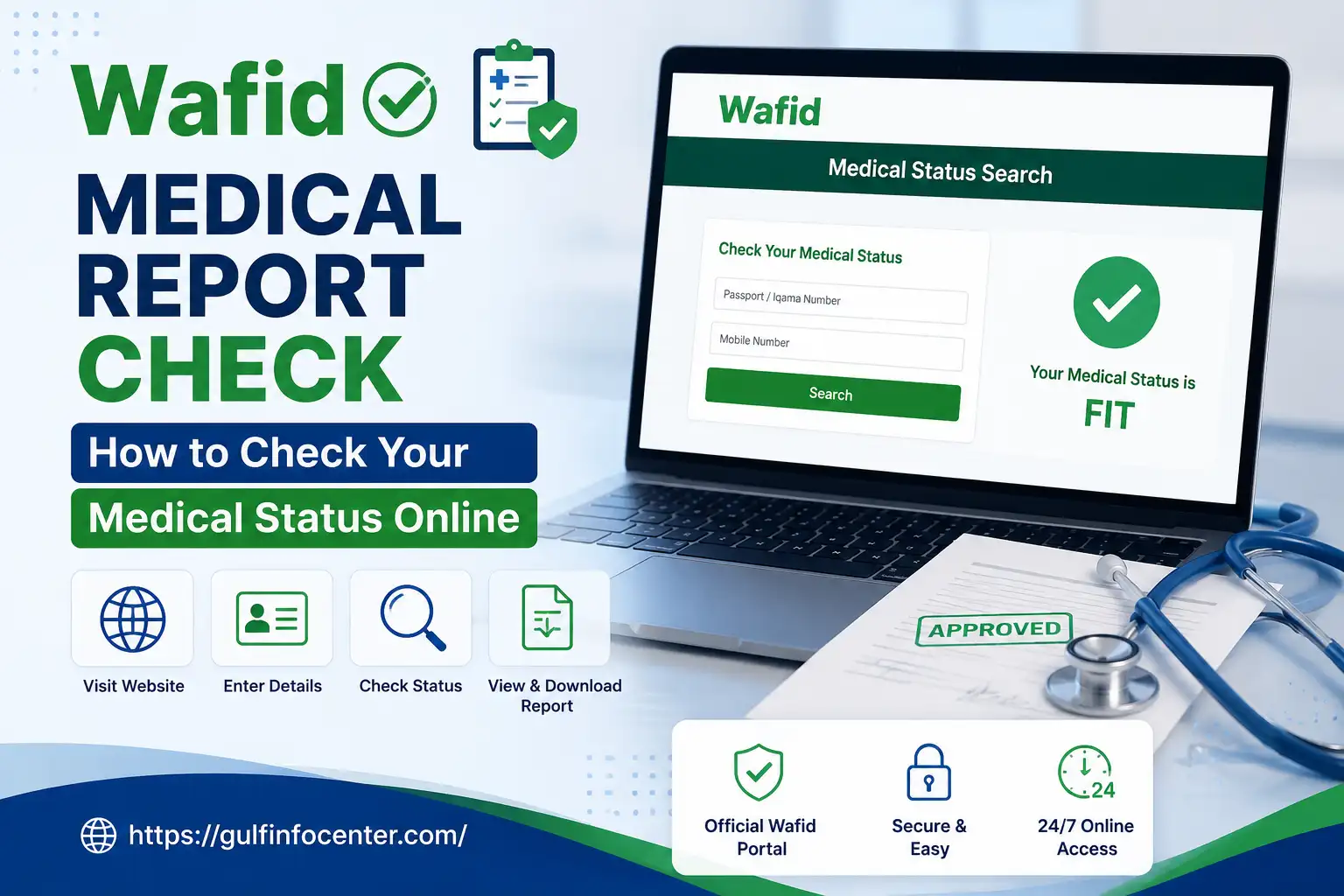

If you have completed your medical examination through Wafid and want to know whether your medical status is fit, unfit, or still under process, you can check your result online. The Wafid Medical Report Check service allows applicants to search their medical status using details such as their passport number and nationality. In this guide, you will learn how to check your Wafid medical status online, understand the possible results, and solve common issues that may appear during the process.
Ways to Check Your Wafid Medical Report
Wafid allows applicants to check their medical examination status online using one of two search methods:
Before submitting your search, check that all the details match the information provided when you registered for the medical examination.
Understanding the Wafid Medical Status Search
The how to check medical report in kuwait Status Search is an online service designed to help applicants find the recorded outcome of their medical examination. Once the examination process has been completed, you can use the available search options to check whether your result appears in the system.
The method you choose will depend on the information you have available. You can search using your passport details or, if you have it, your Wafid/GCC appointment slip number.
Information to Prepare Before Searching
Having the correct details ready can help you avoid search errors:
| Information | Why You Need It |
|---|---|
| Passport Number | Used to identify your medical examination record |
| Nationality | Helps locate the correct application details |
| Wafid/GCC Slip Number | Provides an alternative way to search for your record |
| Internet Connection | Needed to access the online Wafid search service |
How to Check Wafid Medical Status with Your Passport Number
If your Wafid or GCC slip number is unavailable, you can search for your medical examination status using your passport details.

Visit the Wafid Medical Status Search Page
Start by opening the official Wafid medical status search service. Choose the option that allows you to search using a passport number.

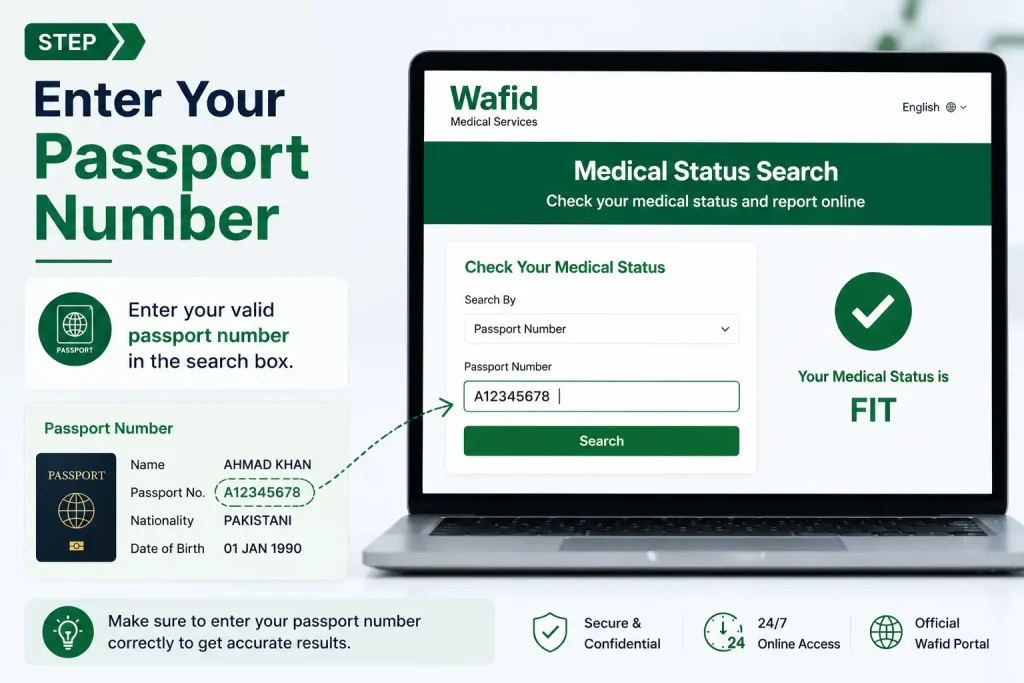
Enter Your Passport Number
Carefully enter the passport number used during your medical examination registration. Make sure there are no typing mistakes, missing characters, or unnecessary spaces.
Select Your Registered Nationality
Choose the nationality linked to your medical application. The nationality must match the information submitted during registration; otherwise, the system may not locate your record.

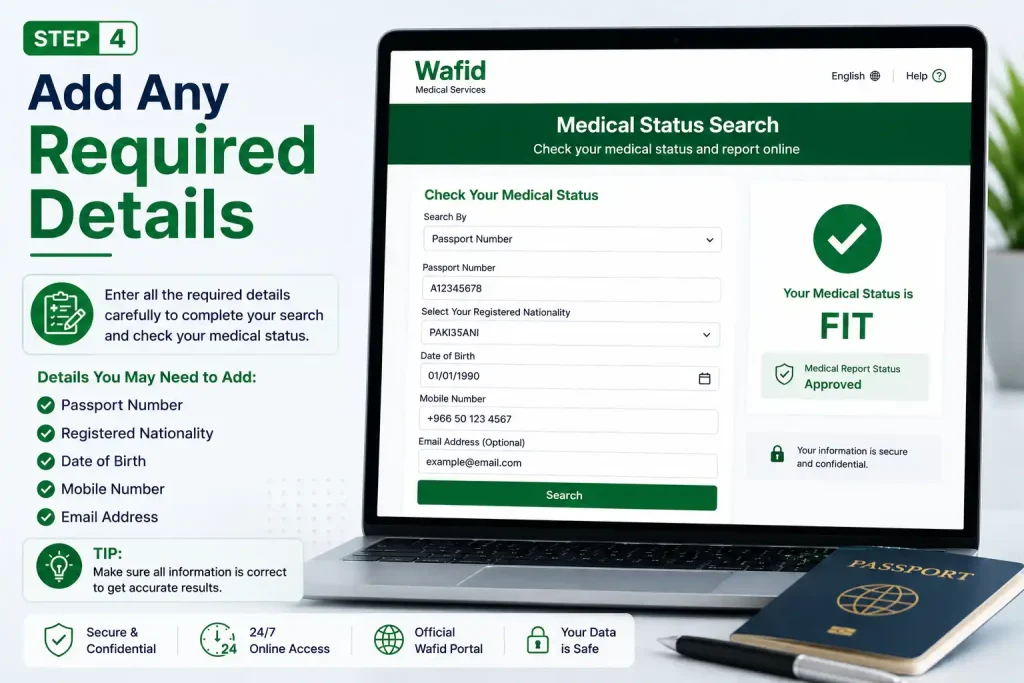
Add Any Required Details
Some search forms may request additional information, such as your Wafid or GCC slip number. Enter the requested details exactly as shown on your appointment information.
Check Your Medical Result
Once you have completed the required fields, click the Check button. If your examination record is available, the system should display the relevant medical status.

Important: Even a small error in your passport number or nationality can cause a “No Record Found” result. Always review the information before searching again.
Search for Your Wafid Medical Report Using a Slip Number
If you have your Wafid or GCC appointment slip, you can use the slip number to search for your medical examination status.
Begin by opening the how to check medical report online in kuwait Status Search service and choosing the option for a Wafid/GCC Slip Number. Enter the number exactly as it appears on your appointment slip, then review it carefully before submitting the search.
A small typing error can prevent the system from locating your record.
Your appointment slip may also include other useful details, including:
What Details Can Appear in Your Medical Result?
Once the Wafid system finds your examination record, the result page may display information related to your medical application and examination.
| Result Information | What It Shows |
|---|---|
| Candidate Name | The name registered for the medical examination |
| Passport Number | The passport linked to the application |
| Nationality | The nationality recorded during registration |
| Travelling To | The selected GCC destination country |
| Medical Centre | The centre where the examination took place |
| Medical Examination Date | The date of the medical examination |
| Medical Status | The recorded result, such as Fit or Unfit |
Understanding a “Fit” Result
If your medical status is shown as Fit, it means the examination result recorded in the Wafid system has been marked as fit.
You can then proceed with the next stage of your visa, employment, immigration, or residency process, following the instructions provided by your employer, sponsor, or the relevant authority.
Understanding an “Unfit” Result
If the system shows an Unfit status, contact the medical centre where you completed the examination to request further information about the result.
Do not trust unofficial agents or individuals who claim they can change, manipulate, or guarantee a different medical result.n alter or guarantee a medical result.
Can’t Find Your Wafid Appointment Slip?
If your Wafid or GCC slip number is missing, you may still be able to retrieve the relevant appointment information through Wafid’s appointment slip search service.
You will generally need the following details:
Use the same passport information and nationality that were submitted with your original medical application. Entering different details may prevent the system from locating the correct record.
Wafid Medical Result Not Available? Possible Issues and Solutions
If your medical report does not appear, do not immediately assume that something is wrong with your examination. First, review the details entered during the search.
| Issue | Recommended Solution |
|---|---|
| No record found | Check your passport number and entered search details |
| Wrong nationality selected | Choose the nationality used for the original registration |
| Incorrect slip number | Enter the number exactly as shown on the appointment slip |
| Medical examination was completed recently | Check again later if the result is not yet available |
| Wafid website is not opening | Try a different browser or internet connection |
| Medical status shows Unfit | Contact the medical centre where the examination was completed |
| Technical problem | Contact Wafid support and provide the relevant information and an error screenshot |
How to Troubleshoot the Search Properly
Avoid entering different numbers repeatedly without checking them first. Start with your passport number, confirm the nationality used during registration, and then verify your Wafid or GCC slip number.
If the problem still cannot be resolved, take a screenshot of the error and contact the relevant official support service or the medical centre connected with your examination.
Common Errors to Avoid When Checking Your Wafid Status
Small mistakes can lead to unnecessary confusion or failed searches. Watch out for the following:
Important Warning
Be cautious of anyone who promises to change, fix, or guarantee a Fit Wafid kuwait medical result. The recorded outcome is linked to the official medical examination and the relevant system.
You also do not need to pay a third party simply to check a status when you already have the required passport details or appointment information.
What Happens After You Check Your Wafid Medical Status?
The next step depends on the result displayed in the system.
When Your Result Shows Fit
If your medical status is recorded as Fit, you can move forward with the next stage of your visa, employment, residency, or immigration process.
Depending on your situation, you may need to:
When Your Result Shows Unfit
If your medical status appears as Unfit, contact the medical centre where you completed the examination.
Ask the centre for clarification about the recorded result and any applicable official procedure. Do not depend on unofficial agents or websites for information about changing or resolving your medical status.
Before Checking Your Wafid Medical Report: Quick Checklist
Make sure you have the correct information before starting your search:
FAQs
Final Thoughts
Checking your Wafid report is usually a straightforward process when you have the correct passport number, nationality, or Wafid/GCC slip number. Always verify your details before searching, as incorrect information can lead to a “No Record Found” result. If your status is Fit, continue with the next stage of your visa or employment process; if it shows Unfit or you experience a technical issue, contact the medical centre or official support channel. Avoid unofficial websites and agents who claim they can change or guarantee your medical result, and rely only on the official Wafid system for accurate information.


