
Nepse Alpha is a Nepal-focused stock-market research and analytics platform built for people who want to follow and study the NEPSE (Nepal Stock Exchange) market. It brings together market data, interactive charts, company information, screeners, floorsheet analysis, portfolio tracking, financial news, and other research tools in one place.
The platform is available through its website and mobile app, making it possible to monitor market information and review investment-related data from different devices.
Important: Nepse Alpha is mainly designed for market research, analysis, and portfolio tracking. It should not be considered a replacement for an authorised broker’s trading platform. If you want to place an actual buy or sell order, use your broker’s approved trading system and verify the transaction details before confirming the order.
What Is NEPSE Alpha?
NEPSE Alpha is an online research and analytics platform for people who follow the Nepal Stock Exchange (NEPSE). It brings market information, technical charts, company data, floorsheet details, stock screening tools, financial news, and portfolio features together in one place. This makes it useful for investors and market participants who want to study listed companies and track Nepal’s share market.
The platform provides information across a wide range of market sectors, including:
Readmore:Homepage
Key Features Available on NEPSE Alpha
| Feature | What It Helps You Do |
|---|---|
| NEPSE Market Data | Check indexes, stock prices, and overall market activity |
| Technical Charts | Study price movements with charts and technical indicators |
| Floorsheet | Examine trading activity and transaction details |
| Stock Analysis | Research individual companies listed on NEPSE |
| Screeners | Find and filter stocks based on different criteria |
| Portfolio | Monitor selected investments and portfolio information |
| Financial Reports | Access financial reports and company-related information |
| News | Keep up with Nepal’s stock-market and economic news |
| Economic Indicators | Review indicators such as interest rates and remittance data |
| Model Portfolios | Explore portfolio models available through the platform |
| Community | View market discussions and investment-related ideas |
Important: NEPSE Alpha is primarily intended for market research, analysis, and portfolio tracking. It should not be treated as a substitute for an authorised broker’s trading platform when placing actual buy or sell orders. Before submitting a transaction, check the order details through your authorised broker.
How to Create a NEPSE Alpha Account
NEPSE Alpha provides several account access options, including email and password login, Google sign-in, new account registration, and password recovery. NEPSE Alpha Login
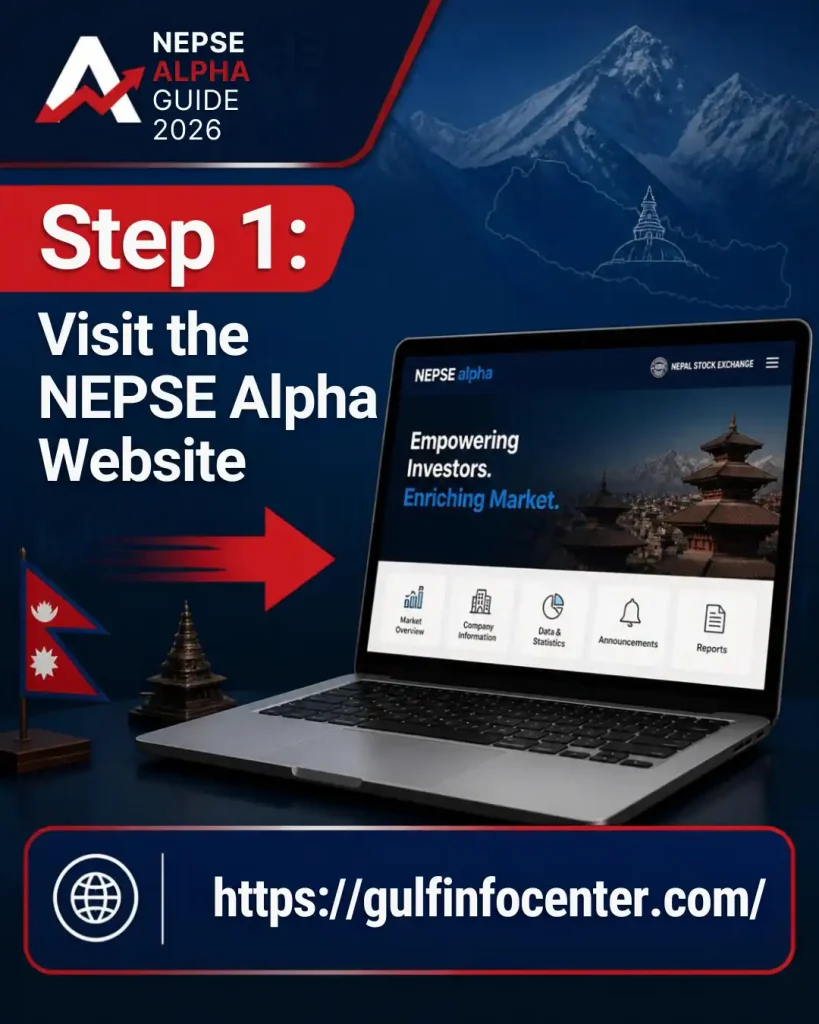
Step 1: Visit the NEPSE Alpha Website
Start by opening the official NEPSE Alpha website using a current version of Chrome, Edge, Firefox, Safari, or another supported browser.
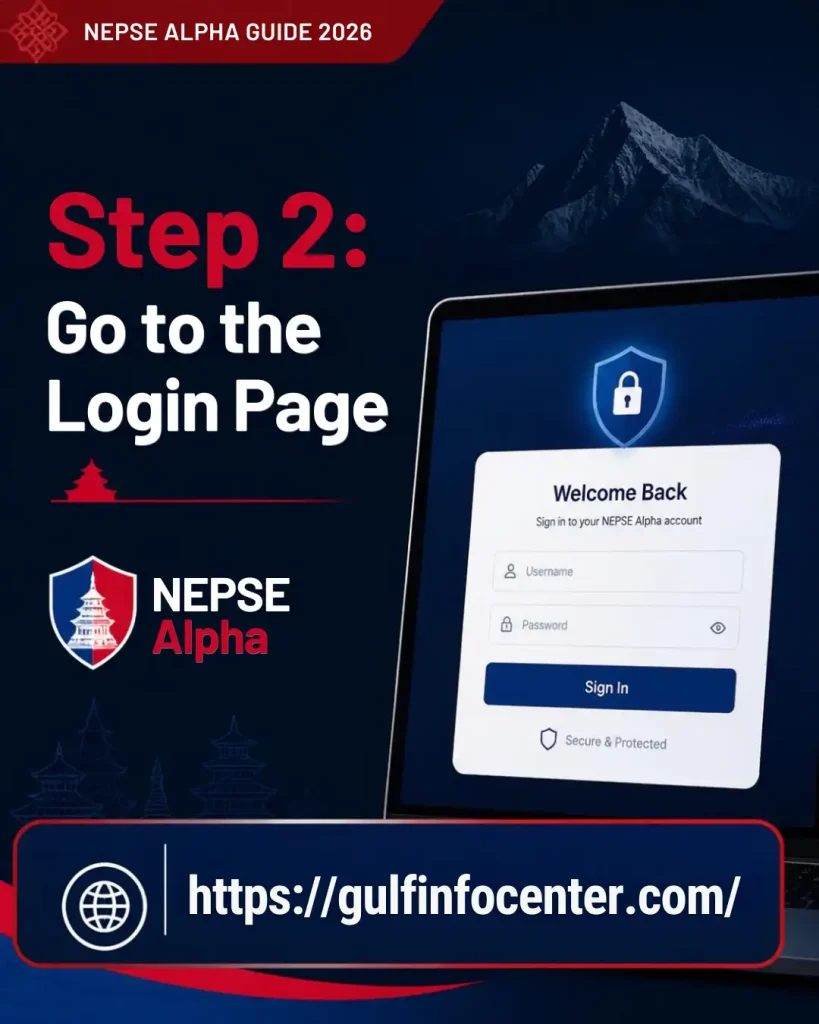
Step 2: Go to the Login Page
Open the NEPSE Alpha login page. You will find the main sign-in fields for your email address and password, along with a Remember me option.
The page also includes options for:
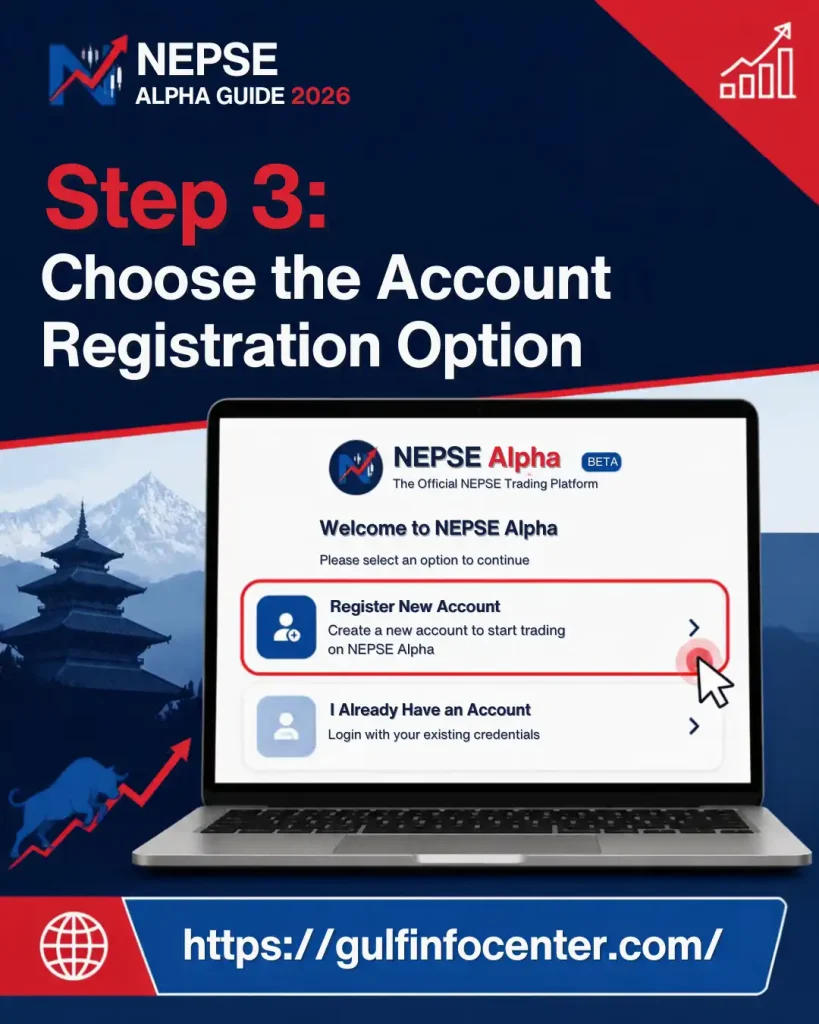
Step 3: Choose the Account Registration Option
If you are a new user, select Create new account from the login page. The registration form will then open, allowing you to provide the information requested by NEPSE Alpha.
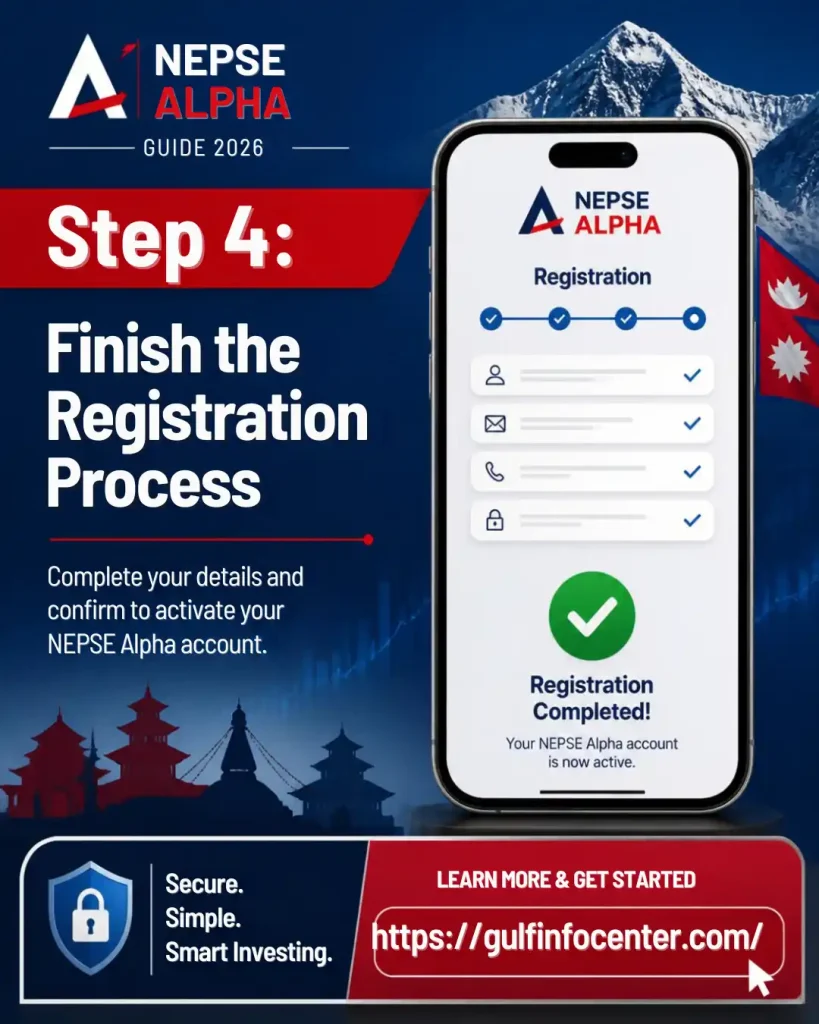
Step 4: Finish the Registration Process
Enter the required account details and complete any verification steps displayed during registration. Use an active email address that you can access, as it may be needed for account communication or recovering your password later.
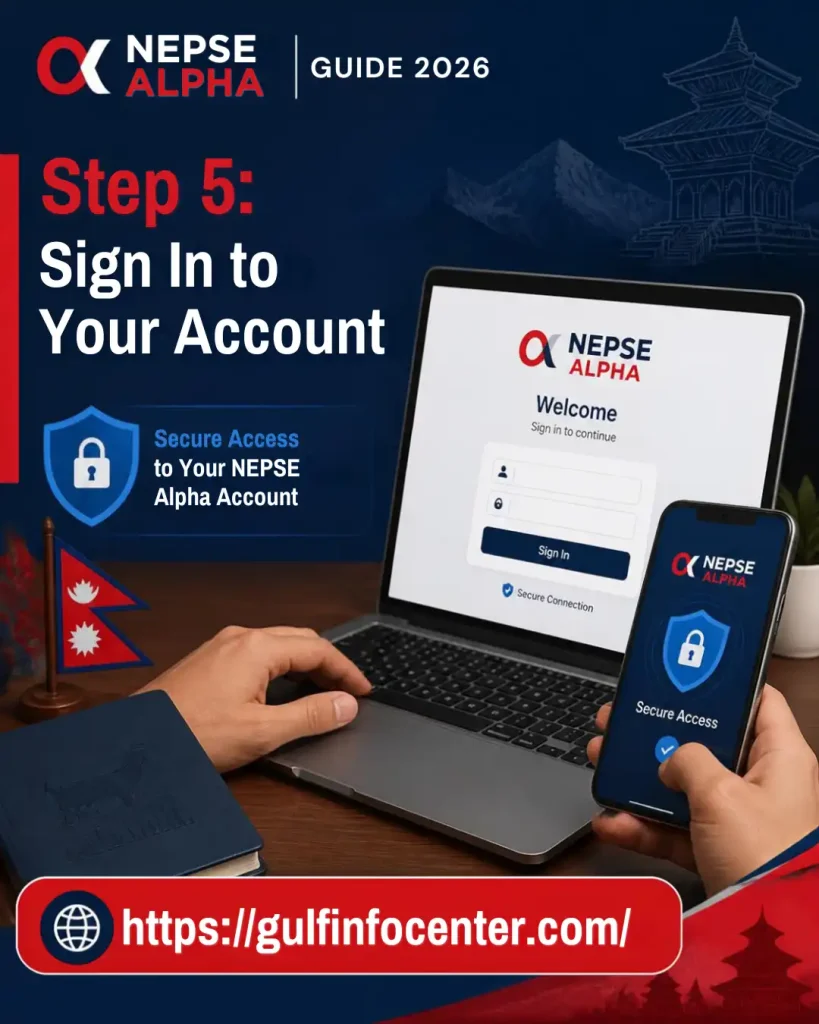
Step 5: Sign In to Your Account
Once registration is complete, return to the NEPSE Alpha login page and enter the credentials associated with your account:
Select Sign In to access your NEPSE Alpha account and its available features.
How to Log In to NEPSE Alpha
Step 1: Open the NEPSE Alpha Login Page
Go to the official NEPSE Alpha Login page to begin the sign-in process.
Step 2: Enter Your Email Address
Type the email address linked to your NEPSE Alpha account into the email field. Check the address before continuing to avoid login errors.
Step 3: Enter Your Password
Enter your account password carefully. If the password is rejected, check whether Caps Lock or another keyboard setting is affecting what you type.
Step 4: Decide Whether to Use Remember Me
The login page includes a Remember me option. Select it only when appropriate for your device.
For security, avoid using persistent login options when accessing your account from a public or shared computer.
Step 5: Click Sign In
After entering your credentials, select Sign In to access your NEPSE Alpha account.
The login page may also provide a Sign in with Google option for users who prefer to access the platform through their Google account.
How to Reset a Forgotten NEPSE Alpha Password
If you’ve forgotten your NEPSE Alpha password, you can use the platform’s password recovery option rather than trying multiple incorrect passwords.
Step 1: Open the Login Page
Visit the NEPSE Alpha login page to access the account recovery options.
Step 2: Select Forgot Password
On the login screen, choose Forgot Password? Reset Password to start the recovery process.
Step 3: Enter Your Email Address
Enter the email address associated with your NEPSE Alpha account in the field provided. Make sure the address is entered correctly before submitting the request.
Step 4: Check Your Email Inbox
After submitting your email address, the password-reset process sends a temporary reset link to your email.
Check your inbox for the reset message. If it doesn’t appear, also look in your spam or junk folder.
Step 5: Set a New Password
Open the temporary reset link and follow the instructions provided to create a new password for your account.
If the reset email doesn’t arrive, check the following:
NEPSE Market Data
NEPSE Alpha brings together a range of market information for users who want to follow and analyse Nepal’s stock market. Its stated features include live NEPSE indexes and sub-indices, real-time floorsheet data, market depth, turnover figures, historical prices, and information on NEPSE-listed companies.
How to Explore Market Data
Market Details Available on NEPSE Alpha
The information displayed depends on the section or tool you are using. It may include:
The specific data and tools available can differ between platform modules and may depend on the user’s account access.
How to Search for a NEPSE Stock
Looking up a specific company on NEPSE Alpha allows you to access available information such as its price history, charts, financial details, and other research data.
Steps
NEPSE Alpha offers company-level information and research tools covering companies listed on the Nepal Stock Exchange (NEPSE).
How to Use NEPSE Alpha Charts
NEPSE Alpha includes technical-analysis charts for NEPSE securities and indexes, giving users tools to examine price movements and study market behaviour. The platform offers several charting and analysis features, including advanced layouts and technical-analysis tools.
Basic Chart Workflow
NEPSE Alpha also supports features such as multiple-chart layouts and advanced technical-analysis functionality.
Technical Analysis Tools
Depending on the selected service, users may have access to tools including:
The platform’s Alpha Coder documentation also describes functionality for creating and managing custom indicators and formulas, allowing users to build more tailored analytical tools.
How to Check Floorsheet Data
The floorsheet gives users a way to review trading activity within the NEPSE market. NEPSE Alpha provides floorsheet information and related analytical tools that can help users examine transaction activity.
Steps
Floorsheet data can provide useful insight into market activity, but it is better considered alongside other market information rather than used on its own when evaluating a potential trade.
How to Use the Portfolio Feature
NEPSE Alpha includes portfolio tools that allow users to keep track of selected holdings and related portfolio information. Portfolio tracking is listed among the platform’s available features.
Basic Portfolio Workflow
What You May Be Able to Track
The information available depends on the specific portfolio tool. It may include:
Note: Portfolio functionality can change when NEPSE Alpha updates its platform. Check the current interface and available options when adding or managing portfolio entries.
NEPSE Alpha Pocket Portfolio Tracker
The NEPSE Alpha homepage lists the Pocket Portfolio Tracker as one of the platform’s available features. It is designed to help users organise and monitor selected stocks or investments from a central place.
How to Use the Pocket Portfolio Tracker
Important: Information recorded in the Pocket Portfolio Tracker should not automatically be treated as a record of your official investments. Your entries may be separate from the holdings maintained by your broker or Demat account, so verify your actual holdings through the appropriate authorised system.
How to Review Company Financial Reports
NEPSE Alpha provides a Financial Reports section where users can narrow company reports using filters such as the fiscal year, quarter, sector, and company symbol. The results can display the relevant company, fiscal period, and an option to open the available report.
Steps
Using these filters makes it easier to locate financial information for a specific NEPSE-listed company and reporting period.
How to Use Stock Screeners
Stock screeners can help users narrow down the list of NEPSE companies based on selected characteristics. NEPSE Alpha includes screening functionality as part of its broader market-analysis tools.
Basic Screening Process
Screening results are intended for research and analysis and should not be treated as instructions to buy or sell a particular security.
NEPSE Alpha News and Economic Data
NEPSE Alpha provides market news and economic indicators to help users understand the wider financial environment in Nepal. Its homepage lists several indicators, including NEPSE compared with GDP, interest rates, bank and financial institution (BFI) deposits and credit, hydropower production, the USD exchange rate, remittance, and tourist arrivals.
How to Check Economic Information
These indicators can provide broader economic context when researching the Nepalese stock market. Consider them alongside company reports, market data, and other relevant information rather than relying on a single indicator.
Exploring NEPSE Alpha’s Model Portfolio Research
NEPSE Alpha also offers research-based model portfolios designed around specific screening and selection methods. Its documentation includes examples such as the Alpha 20 Model Portfolio and the Institutional Liquid Portfolio, each built using stated criteria and methodologies.
If you’re reviewing these portfolios, don’t rely on the portfolio name or selected stocks alone. Start by reading the methodology to understand how the selections were made, then check when the information was published or updated.
It’s also useful to examine the individual stocks included and the criteria used to select them. Model portfolios can support your research, but they should not automatically be treated as personalised investment advice. Carry out your own analysis before making any investment decision.
Does NEPSE Alpha Place Stock Orders?
NEPSE Alpha offers market research, analytics, and other tools that can help investors study the market. However, these features should be kept separate from the actual trading account used to place securities orders.
When you’re ready to buy or sell a security, use your authorised broker’s trading platform and confirm the order through the broker’s system.
What to Check Before Placing a Trade
Before submitting an order, carefully verify the key details:
Important: If an order appears to be delayed, check its status with your broker before submitting another order. This helps prevent accidentally placing a duplicate trade.
How to Check a Transaction or Order Issue
When something appears to be wrong with a transaction, first determine whether the issue involves an actual broker order or a portfolio entry or research record shown in NEPSE Alpha. The troubleshooting steps can differ depending on which one you’re checking.
Checking a Broker Order
For an actual trade, review your broker account and confirm the following:
Checking NEPSE Alpha Market Data
If the issue concerns information displayed by NEPSE Alpha, start by confirming that the correct stock symbol, date, and timeframe have been selected. Then check whether the relevant market data has been updated and whether the same issue occurs on another browser or device.
A technical delay may also affect the information shown on the platform. NEPSE Alpha’s terms note that users should take possible technology errors or delays in service data into account.
Common NEPSE Alpha Login Problems
Login or platform issues can have different causes. Use the checks below to identify the problem and find the appropriate next step.
| Problem | What to Check |
|---|---|
| Wrong Password | Enter your password again carefully and check for typing errors. |
| Forgotten Password | Use the available password-reset page. |
| No Reset Email | Check your spam or junk folder and confirm that you entered the correct email. |
| Google Login Issue | Make sure you’re signing in with the correct Google account. |
| Website Not Loading | Check your internet connection and reload the page. |
| Page Not Responding | Try accessing NEPSE Alpha from another browser or device. |
| Market Data Delay | Refresh the page and check the relevant market-data section again. |
| Portfolio Issue | Review your entries and confirm that the correct stock symbols are selected. |
| Chart Not Loading | Refresh the page and verify the selected stock symbol and timeframe. |
These checks can help narrow down whether the issue is related to your login details, browser or device, or specific market-data and portfolio features.
NEPSE Alpha Security Tips
Keeping your account details secure is important when using NEPSE Alpha. A few basic precautions can help protect your login information and reduce the risk of unauthorised access.
Important: NEPSE Alpha’s terms state that subscribers should independently assess its information, signals, and analysis. The service does not constitute a recommendation for making investment decisions.
NEPSE Alpha Mobile App
NEPSE Alpha provides an app-download section for users who want to access the platform from a mobile device. The official website provides instructions for obtaining the application.
For mobile access, start from the official NEPSE Alpha website and open the app-download section. Follow the instructions shown for your device, install the application from the indicated source, and then open it to sign in with your account credentials.
Security tip: Avoid downloading applications from unofficial sources that claim to be the NEPSE Alpha mobile app.
NEPSE Alpha Troubleshooting Checklist
When a NEPSE Alpha feature does not behave as expected, work through the relevant checks below. Start with the area where the problem appears, then move to the basic technical checks if the issue continues.
Account Issues
Market Data Issues
Chart Issues
Portfolio Issues
Technical Issues
NEPSE Alpha Support
If you need help with platform access, market data, or other service-related questions, NEPSE Alpha provides several ways to contact its support team.
| Contact | Details |
|---|---|
| [email protected] | |
| Phone | +977-9813667733 |
| Office | Krishna Galli, Pulchowk, Lalitpur 44700, Nepal |
| Support Hours | Sunday–Friday, 10:00–18:00 NPT |
| Saturday | Closed |
For platform, data, and partnership-related queries, NEPSE Alpha states that email is the fastest way to get in touch. When contacting support, include enough detail about the issue to help the team understand what you need assistance with.
NEPSE Alpha Quick SummaryNEPSE Alpha Quick Reference
| Task | Where to Go |
|---|---|
| Create Account | NEPSE Alpha Login → Create New Account |
| Login | NEPSE Alpha Login |
| Reset Password | Forgot Password |
| Check Market | Market / NEPSE sections |
| Analyse Stocks | Stock Analysis / Charts |
| View Trading Activity | Floorsheet |
| Track Portfolio | Portfolio / Pocket Portfolio Tracker |
| View Financial Reports | Financial Reports |
| Research Stocks | Screeners / Stock Analysis |
| Read Market News | News / Articles |
| Check Economic Data | Economic Indicators |
| Use Mobile | App Download |
| Get Help | NEPSE Alpha Support |
FAQs
Final Thoughts
NEPSE Alpha brings together a wide range of tools for researching and monitoring the Nepal Stock Exchange. These include market data, technical charts, floorsheet analysis, company financial information, stock screeners, portfolio tracking, market news, and economic indicators.
A practical approach is to use the platform for research, analysis, and market monitoring, while relying on your official broker and Demat records to confirm actual holdings and completed trades. Before making an investment decision, verify important market information and review the relevant details carefully.


