

The Qatar Education Platform(منصة قطر للتعليم) gives students access to the official learning management system used by Qatar’s public schools. Through the platform, students can access educational content, browse lessons, complete assigned assessments and manage their learning activities. The Ministry of Education and Higher Education says the Qatar Education System supports teaching, learning, collaboration, assessment and student motivation through digital learning tools.
If you are trying to sign in, find a lesson, submit an assessment or recover your account, this guide explains the main options without relying on unofficial login websites.
Quick Answer: Students can access Qatar Education through the official platform at qeducation.edu.gov.qa and use the student account login. The official platform also provides guidance for account recovery, password changes, student interface navigation, lesson browsing and assessments.
What Is the Qatar Education Platform(منصة قطر للتعليم)?
The Qatar Education Platform Link is a digital learning management system developed for Qatar’s public-school education environment. It connects different participants in the educational process, including students, teachers, parents, school administrations and educational supervisors.
The platform is designed to bring learning activities and digital resources into one environment. Depending on the account and assigned activities, users may interact with lessons, educational content, assessments and other learning functions.
According to the Ministry, the Qatar Education System has been rolled out across public schools from Grade 3 to Grade 12, while Grades 1 and 2 were planned for inclusion at a later stage.
What Can Students Do on Qatar Education?
Students may use the system to:
- Sign in with their official student account
- Browse learning content
- Open assigned lessons
- Complete lesson activities
- Take assigned assessments
- Track lesson completion
- Participate in digital learning activities
- Earn points, badges or certificates where applicable
The Ministry specifically describes rewards such as points, badges and certificates for completing assigned tasks, including watching lesson videos and completing assessments.
Qatar Education Platform(منصة قطر للتعليم) Login 2026
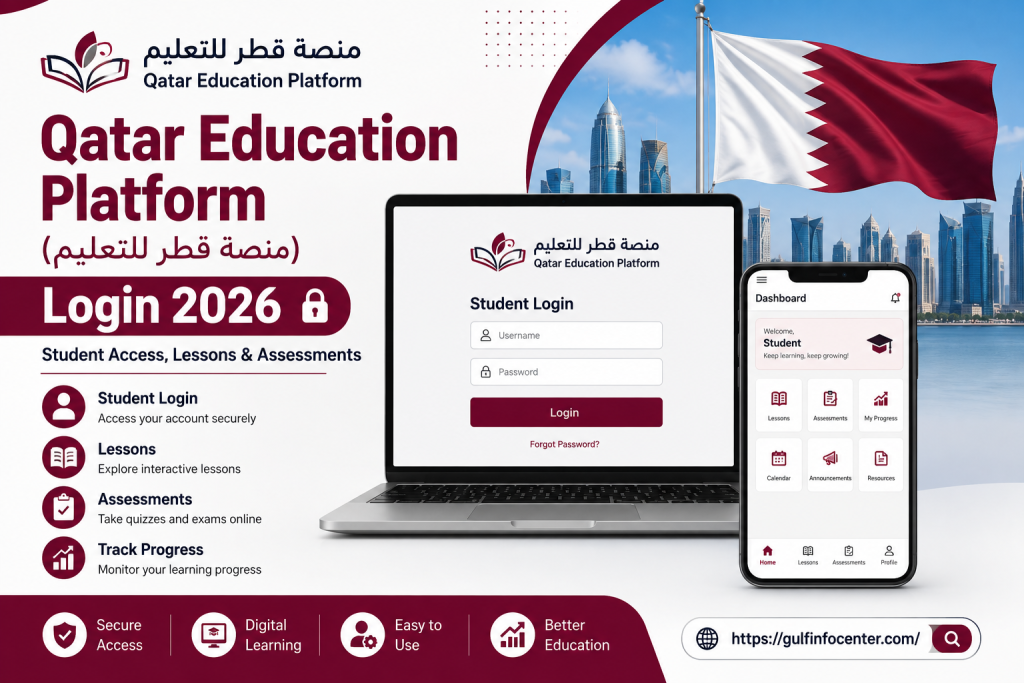
The Qatar Education student login is available through the official Qatar Education website. The login page provides fields for the username and password and also includes options related to official account access and password recovery.
What You Need Before Signing In
Before starting the login process, make sure you have:
- Your official Qatar Education student account
- Username or account credentials
- Password
- A reliable internet connection
- A current web browser
The official website currently advises users to use modern browsers such as Chrome, Firefox, Safari or Microsoft Edge and no longer supports Internet Explorer.
How to Log In to Qatar Education
Follow these steps to access your student account.
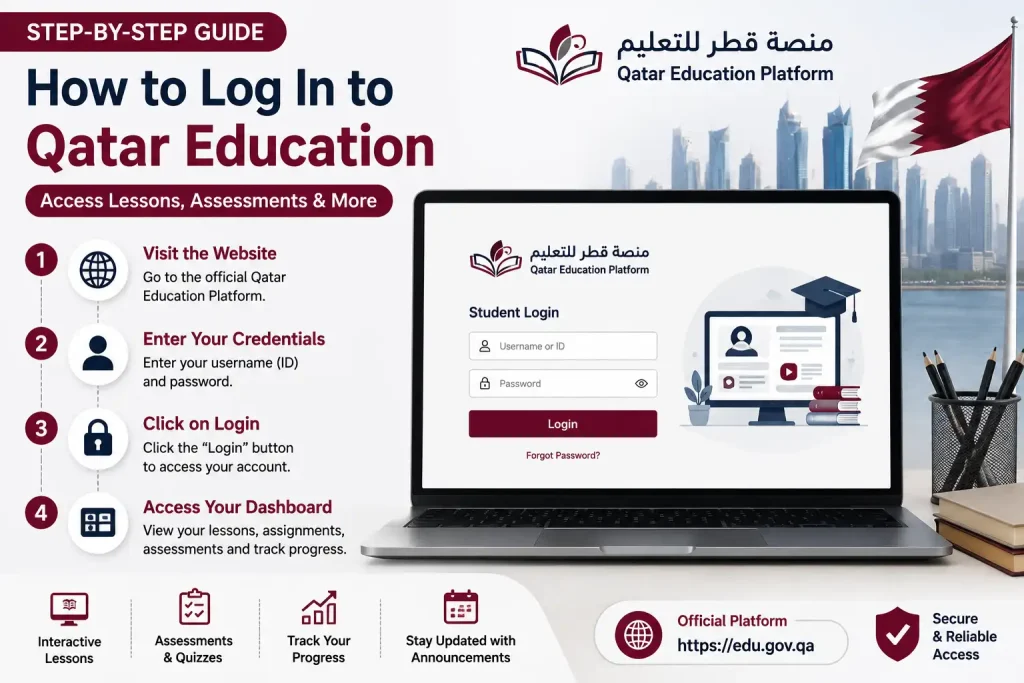
Step 1: Open the Official Website
Go to the official Qatar Education Platform.
Avoid entering your student credentials on third-party websites. The official platform is operated under Qatar’s Ministry of Education and Higher Education.

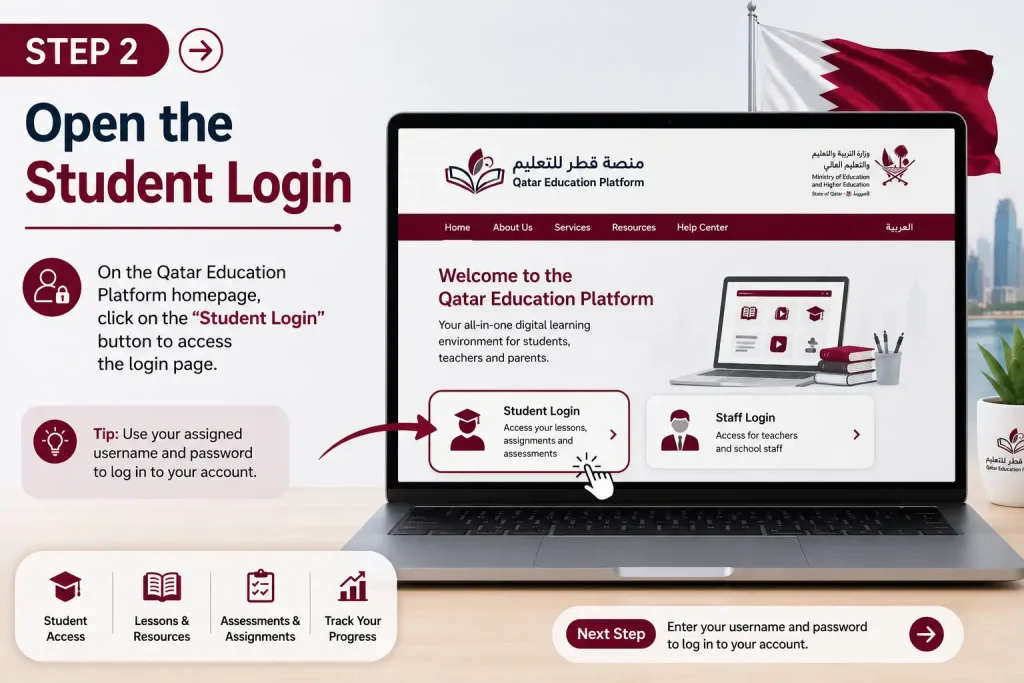
Step 2: Open the Student Login
Choose the login option for the student account. The official login system provides a dedicated student-account route.
Step 3: Enter Your Username
Type the username associated with your official Qatar Education account.
Check the spelling carefully before continuing.

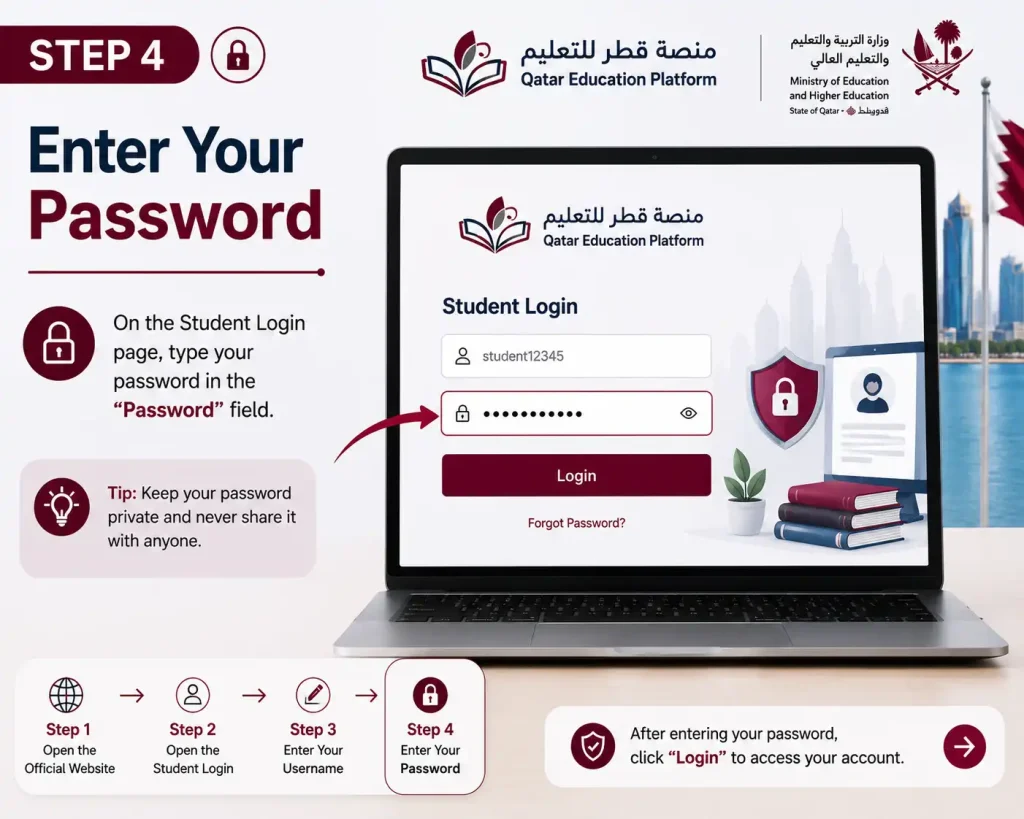
Step 4: Enter Your Password
Enter your account password in the password field.
If you cannot remember it, use the official account recovery or password-change option rather than repeatedly entering incorrect credentials.
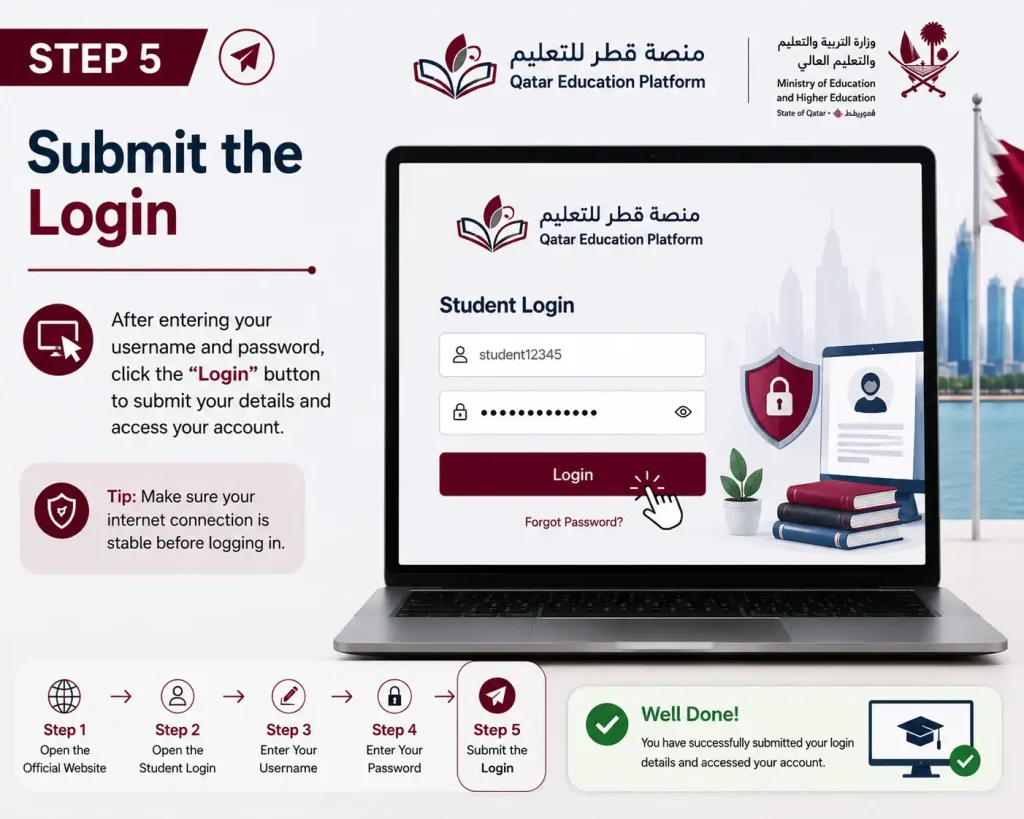
Step 5: Submit the Login
Enter the required verification information if shown and select the login button.
Step 6: Open Your Student Dashboard
After successful authentication, you can access the parts of the platform available to your account, such as learning content, lessons and assessments.
Tip: If the login page does not load correctly, first check your internet connection and browser. The official platform recommends current versions of supported browsers.

Qatar Education Account Recovery and Password Reset
If you cannot access your student account, the official platform provides options for obtaining account information and recovering or changing a password.

Forgot Your Student Account?
Use the official account-recovery option available from the Qatar Education login area.
Do not create a new unofficial account simply because you cannot remember your existing credentials. Your school or the official platform’s account process should be used to resolve access problems.
Forgot Your Password?
Open the official login page and select the available password-recovery option. The login system includes an option to send password instructions using the email address requested by the system.
Need to Change Your Password?
The official Qatar Education website also provides an account option for changing the password. Follow the instructions presented on the official page.
Common Qatar Education Login Problems
A failed login does not always mean that your account is disabled. Several basic issues can prevent access.
Incorrect Username or Password
Re-enter your credentials carefully. Check for typing mistakes and make sure you are using the correct official account.
Account Not Recognised
If your account is not recognised, use the official account-recovery process or contact your school for assistance.
Login Page Not Opening
- Refreshing the page
- Checking your internet connection
- Opening the website in another supported browser
- Updating your browser
- Clearing temporary browser data if necessary
Browser Problems
The official Qatar Education login page states that Internet Explorer is no longer supported and recommends Chrome, Firefox, Safari or Microsoft Edge.
Lesson Not Opening
If you can log in but a particular lesson does not open, check whether the activity has been assigned to your account and try accessing it again later.
Assessment Not Opening
Check your course or learning area and confirm that the assessment is available to your account. If the problem continues, contact your school or teacher rather than repeatedly submitting the same activity.
What You Can Find Inside the Student Account
Once you have completed the Qatar Education login, the next step is understanding where your learning activities are located.
The exact options visible to a student can depend on the account and activities assigned by the school. The official platform provides separate guidance for the student interface, lesson browsing and assessments.
Student Dashboard
Your dashboard acts as the main starting point for your digital learning activities. From there, you can navigate towards the available courses, lessons, educational materials and assigned activities.
Learning Content
Educational content may include digital learning materials provided through the system. The Ministry’s e-learning programme focuses on digital content, interactive resources and technology-supported teaching and learning.
Lessons
Assigned lessons can be opened from the relevant learning area. Students can work through the available material and complete activities associated with a lesson.
Assessments
Assessments are another important part of the system. The official platform specifically provides instructions for students on how to access and complete assessments.
How to Find and Open Lessons
Finding a lesson is usually easier once you understand the student interface.
1. Sign in to Your Account
Start by completing the Qatar Education student login.
2. Open Your Learning Area
From the student interface, look for the section containing your available courses or learning activities.
3. Select the Relevant Subject
Choose the subject or course containing the lesson you need.
4. Open the Assigned Lesson
Select the lesson from the available learning content.
5. Work Through the Content
Read or watch the available material and complete any activities associated with it.
6. Check Your Completion
Where completion tracking is enabled, check the relevant lesson or activity status after finishing the required work.
The official Qatar Education system is designed to support digital learning activities, including lesson completion and assessment tasks.
How to Complete Assessments on Qatar Education
The Qatar Education Platform(منصة قطر للتعليم) also supports digital assessments. The official homepage provides a specific student guide for solving assessments, so students should use the instructions displayed within their account rather than relying on unofficial walkthroughs.
A typical assessment workflow is:
- Log in to your student account.
- Open the relevant learning area.
- Find the assigned assessment.
- Read the instructions carefully.
- Answer the questions shown.
- Review your responses.
- Submit the assessment when you are ready.
- Check the status shown by the platform.
Important Note About Results
Do not assume that every assessment will display an immediate score or follow the same attempt rules. Assessment behaviour can vary depending on how the activity has been configured by the school or teacher.
The Ministry separately manages formal student evaluation policies and different types of school assessments, so a platform activity should not automatically be treated as the same thing as an official term or certificate examination.
Can You Use Qatar Education on Mobile?
Yes. Qatar Education has an official mobile application for the public-school learning management system. The official Google Play listing identifies the application as being prepared by the Ministry of Education and Higher Education.
Qatar Education on Google Play
The app supports functions including browsing educational content, submitting assessments and completing lessons. It is intended for different participants in the educational process, including students, teachers, parents and school administrative staff.

Mobile Access Tips
For a better experience:
- Install the official application from a trusted app store.
- Keep the app updated.
- Use a stable internet connection.
- Enter your official account credentials carefully.
- Avoid sharing your password with other people.
Main Features of the Qatar Education System
The Qatar Education System goes beyond basic student login. The Ministry describes it as a digital environment supporting teaching, learning, collaboration, assessment, motivation, analysis and automation.
| Feature | Purpose |
|---|---|
| Student Login | Access the official learning account |
| Digital Lessons | View assigned learning material |
| Educational Content | Access digital learning resources |
| Assessments | Complete assigned evaluation activities |
| Lesson Completion | Track assigned learning tasks |
| Gamification | Support motivation through digital rewards |
| Points & Badges | Rewards may be provided for assigned tasks |
| Certificates | Available for certain qualifying activities |
| Mobile App | Access learning functions on supported mobile devices |
The system also uses approaches such as adaptive learning, gamification and microlearning, according to the Ministry’s description.
Who Can Use Qatar Education?
The Qatar Education System is designed to support several groups within the school community.
Students
Students are the main users for accessing lessons, learning content and assigned assessments.
Teachers
Teachers can use the system as part of digital teaching and learning activities.
Parents
Parents are included among the stakeholders supported by the Qatar Education System, with access depending on the services and account available to them.
School Administration
School administrations and educational staff are also part of the wider digital education environment.
The Ministry describes the system as connecting teachers, students, parents, school administrations and educational supervisors.
Qatar Education Platform(منصة قطر للتعليم) vs Traditional Classroom Learning
Qatar Education does not simply replace classroom teaching. It is designed to integrate technology into the teaching and learning process and provide digital resources alongside the wider education system.
| Area | Traditional Approach | Qatar Education |
|---|---|---|
| Lessons | Mainly classroom-based | Digital lessons can supplement learning |
| Learning Content | Physical resources | Digital educational content |
| Assessments | Classroom/paper activities | Digital assessments can be assigned |
| Progress | Teacher and school records | Digital activity/completion information |
| Engagement | Classroom participation | Interactive and digital learning features |
| Access | Primarily school environment | Supported through web and mobile access |
The two approaches can work together rather than being treated as competing systems.
Tips for Using Qatar Education More Effectively
A few simple habits can prevent common problems.
Keep Your Account Details Secure
Never share your student password publicly or with people who do not need access to your account.
Use the Official Website
For login and account recovery, start with the official Qatar Education domain rather than a third-party website.
Check Lessons Regularly
If your school assigns digital activities, check your account regularly so that you do not miss available learning tasks.
Read Assessment Instructions
Before submitting an assessment, read the instructions carefully and review your answers where the platform allows it.
Keep Your Browser Updated
Using a supported, up-to-date browser can help avoid compatibility issues. The official platform specifically recommends modern browsers.
FAQs
Final Thoughts
The Qatar Education Platform provides students, teachers, parents and schools with a central digital environment for accessing lessons, educational content and assessments. Students can use the official platform to log in, complete assigned activities and manage their digital learning tasks, while parents and other users can access the services available to their accounts. For a secure and smooth experience, always use the official Qatar Education website, keep your account details private, and use the official recovery options if you face login or password problems .


