
The Involuntary Loss of Employment (ILOE) scheme is the UAE’s unemployment insurance programme. Eligible employees are required to subscribe to the scheme and keep their insurance premiums up to date. If an employee fails to subscribe or does not pay the required premiums within the applicable period, an AED 400 fine may apply.
If you need to deal with an iloe.a epenalty, you can use the official MOHRE ILOE Quick Pay service to check whether a fine has been recorded, review the amount, make the payment online and follow up on the payment status.
Readmore
What Does an ILOE Fine Mean?
An ILOE fine is a financial penalty for failing to meet the requirements of the UAE Unemployment Insurance Scheme.
The applicable penalties include:
| Non-compliance | Fine |
|---|---|
| Failure to subscribe to Iiloe insurance | AED 400 |
| Failure to pay the required insurance premiums within the applicable period | AED 400 |
The fine is separate from the normal ILOE insurance premium. Paying a penalty does not remove the requirement to maintain your insurance subscription.
Checking an ILOE Fine Online
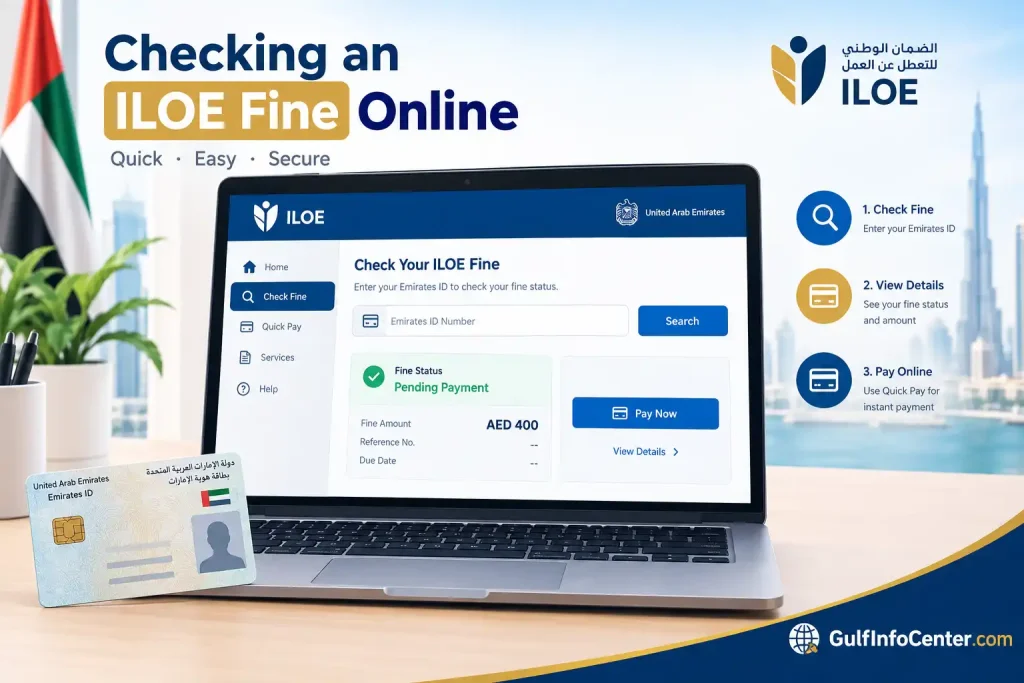
The MOHRE ILOE Quick Pay service can be used to enquire about ILOE-related fines and make payments electronically.
Step 1: Visit ILOE Quick Pay
Open the official MOHRE ILOE Quick Pay service.
The service is designed to help users deal with fines associated with non-compliance with the UAE unemployment insurance scheme.

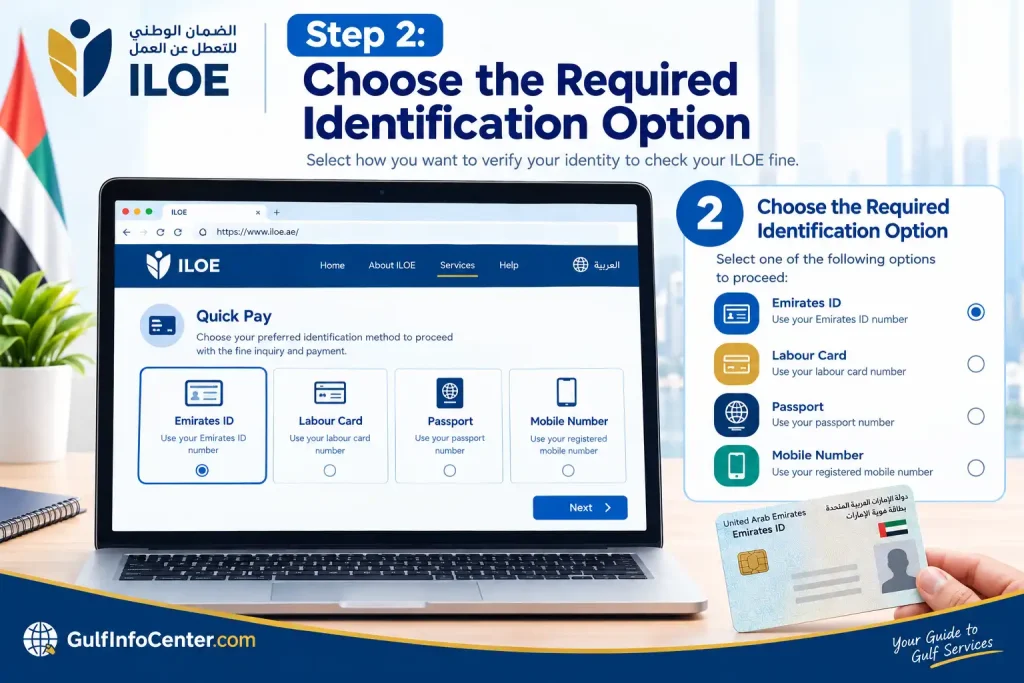
Step 2: Choose the Required Identification Option
Review the identification choices available on the page and select the option that applies to you.
Have your relevant UAE employment and identity information ready before proceeding.
Step 3: Enter Your Details
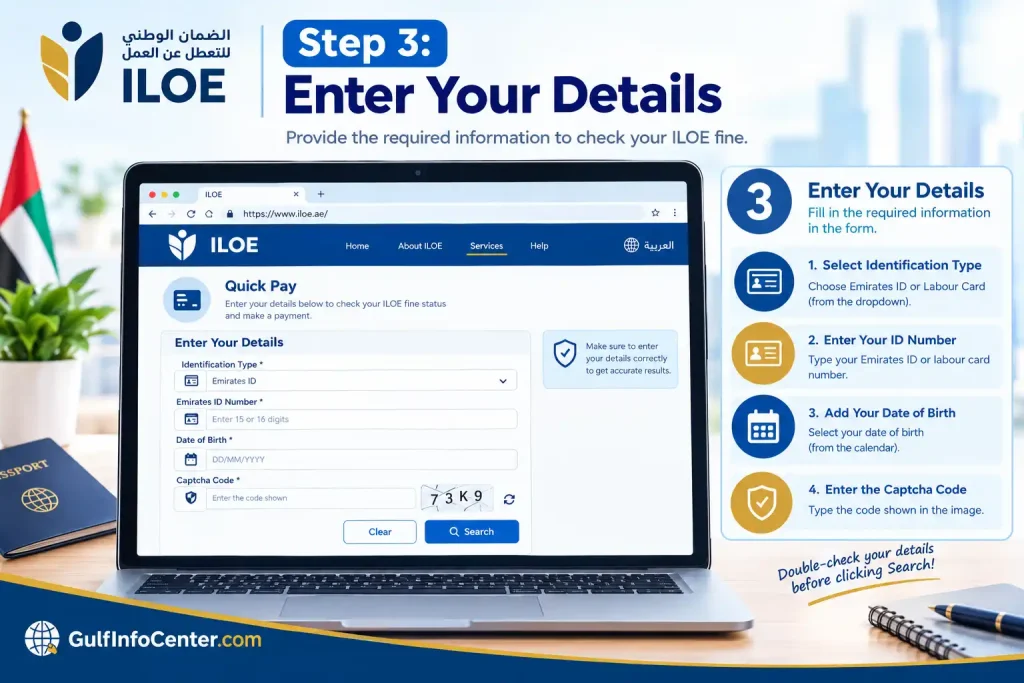
Provide the information requested by the service and complete any verification fields shown on the screen.
Before submitting, check that:
- Your identification number is correct.
- Your date or other requested personal information matches your records.
- Your details correspond with your official documents.
- Any CAPTCHA or security verification has been completed correctly.
Accurate information helps prevent unnecessary errors during the enquiry.
Step 4: Submit the Enquiry
Once all required fields have been completed, submit the request.
If an iloe.ae fine has been recorded against your details, the service should display the relevant fine information, including the amount payable.

What Information Should You Check on an ILOE Fine?
Finding a fine is only the first step. Before paying it, review the information displayed by the service carefully.
Pay particular attention to:
- Fine amount
- Reason for the penalty
- Insurance-compliance information
- Current payment status
- Any available transaction or reference number
If the information appears incorrect, avoid proceeding with payment until the issue has been clarified.
Paying an ILOE Fine Using Quick Pay
Once you have confirmed that the fine is valid, you can continue with the electronic payment process through the MOHRE service.
1. Confirm the Fine Details
Check the amount and reason shown on the payment page.
Make sure your personal information and the fine details are correct before moving forward.
2. Add Your Contact Details
The ILOE Quick Pay service requires contact information as part of the payment process.
MOHRE states that the payment receipt is sent to the registered mobile number and email address. Enter the requested contact details carefully so you can receive the confirmation.
3. Proceed to the Payment Gateway
Select the available payment option and follow the instructions provided by the electronic payment system.
Take a moment to review the transaction details before confirming the payment.
4. Complete the Transaction
Finish the electronic payment according to the instructions displayed by the service.
After a successful transaction, keep a record of:
- Payment receipt
- Transaction or reference number
- Payment date
- Payment confirmation
These details are useful if the payment status takes time to update or you later need to contact MOHRE.
How to Check Your ILOE Fine Payment Status
A successful payment may not appear immediately in the system. MOHRE’s service information indicates that payment processing can take up to one working day.
To follow up:
- Keep your payment receipt safely.
- Save the transaction or reference number.
- Allow the stated processing period to pass.
- Check the service again for the updated payment status.
- Contact MOHRE if the status remains unchanged after the expected processing time.
MOHRE also provides other channels for enquiring about payment results, including its website, smart application, call centre and chatbot.
Other Ways to Pay an ILOE Fine
The ILOE Quick Pay service is not the only channel available for handling an ILOE penalty.
MOHRE has indicated that eligible fines can also be paid through:
- MOHRE website
- MOHRE smart application
- Authorised business service centres
Digital channels may also provide an option to request an instalment plan for eligible fines, subject to the applicable conditions.
For users who want to complete the process online, ILOE Quick Pay is a convenient option for checking and paying the recorded penalty.
Common ILOE Fine and Quick Pay Problems
Issues with ILOE fines or payments can often be resolved by checking the information submitted and allowing sufficient processing time.
| Problem | Recommended action |
|---|---|
| An unexpected fine appears | Review your ILOE subscription and premium-payment history |
| Payment fails | Check the information entered and try the payment again |
| Payment was successful but the status has not changed | Allow the stated processing period, then check again |
| Receipt has not arrived | Check the registered mobile number and email |
| Personal details are incorrect | Stop and have the information corrected before paying |
| Technical error occurs | Try again later or contact MOHRE support |
| The issue cannot be resolved online | Use MOHRE’s official support channels |
For technical difficulties, MOHRE also provides a support service where users can submit a technical-support case and explain the problem.
FAQs
Final Thoughts
Checking and paying an ILOE fine is straightforward when you use the official MOHRE channels. Check your fine details first, confirm the amount and reason, then complete the payment and keep your receipt and transaction number. If the payment status takes time to update, allow the stated processing period before checking again or contacting MOHRE support.


