
The UAE PASS platform gives citizens, residents, and visitors a single digital identity for accessing supported government, semi-government, and private-sector services online. Rather than keeping separate credentials for different platforms, users can use their UAE PASS identity to log in, confirm who they are, sign documents electronically, and request or share official digital documents.
This UAE PASS Guide 2026 covers the key steps involved in using the platform, including registration, login, identity verification, account setup, security, and digital services. It is intended to help both UAE residents using government services and visitors accessing supported online platforms understand how works and use its main features with UAE PASS Guide: Registration, Login, Verification, Documents & Support
UAE PASS gives users a single digital identity for accessing participating online services across the UAE. Depending on the service, it can be used for secure sign-in, identity verification, digital signatures, official document requests, and document sharing.
UAE PASS at a Glance
| Item | Information |
|---|---|
| Platform | UAE PASS |
| Main purpose | Digital identity and secure authentication for online services |
| Eligible users | UAE citizens, residents, and visitors |
| Registration | UAE PASS mobile app and other supported registration options |
| Identity verification | Face verification or UAE kiosk |
| Sign-in | UAE credentials, depending on the service |
| Supported functions | Service login, electronic signatures, document requests, and document sharing |
| Official website | https://uaepass.ae/ |
| Customer support | 600 56 1111 / [email protected] |
What Is UAE PASS?
UAE PAS is a national digital identity that allows users to access participating government, semi-government, and private-sector services through one digital identity.
Depending on the organisation and service, users may be able to:
The exact features available depend on the service provider and its integration.
Readmore:Homepage
What You Need to Register for UAE PASS
Preparing your basic information before registration can make the process easier. The exact requirements depend on the registration route available to you.
You may need:
UAE may use an Emirates ID, GCC ID, or passport during registration, followed by identity verification through face verification or a UAE PASS kiosk. The requirements can therefore differ depending on the route you use.
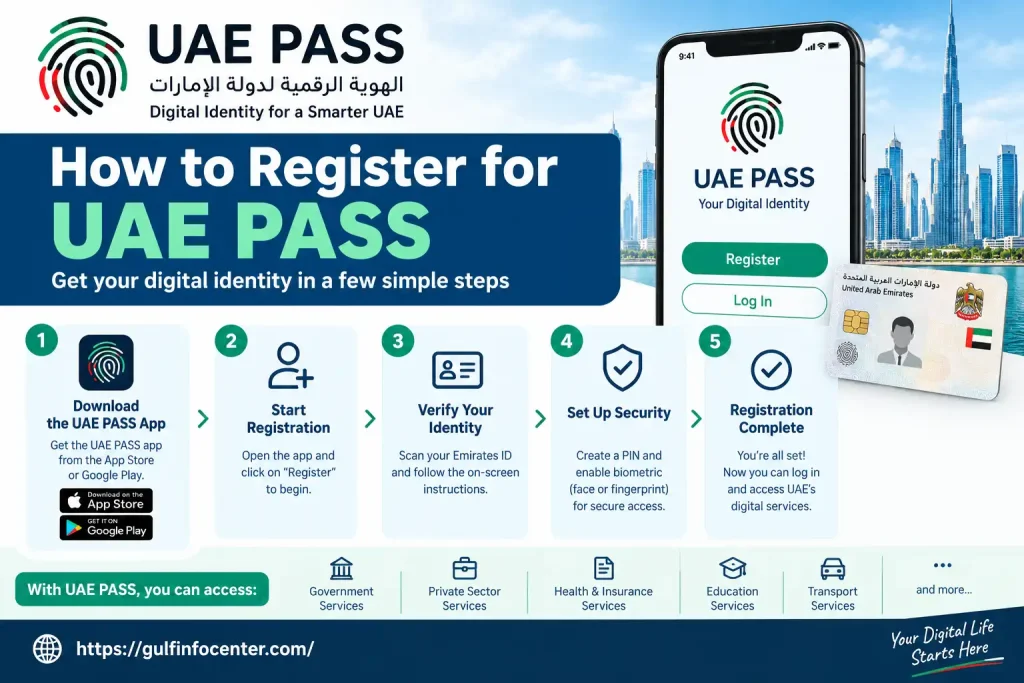
How to Register for UAE PASS
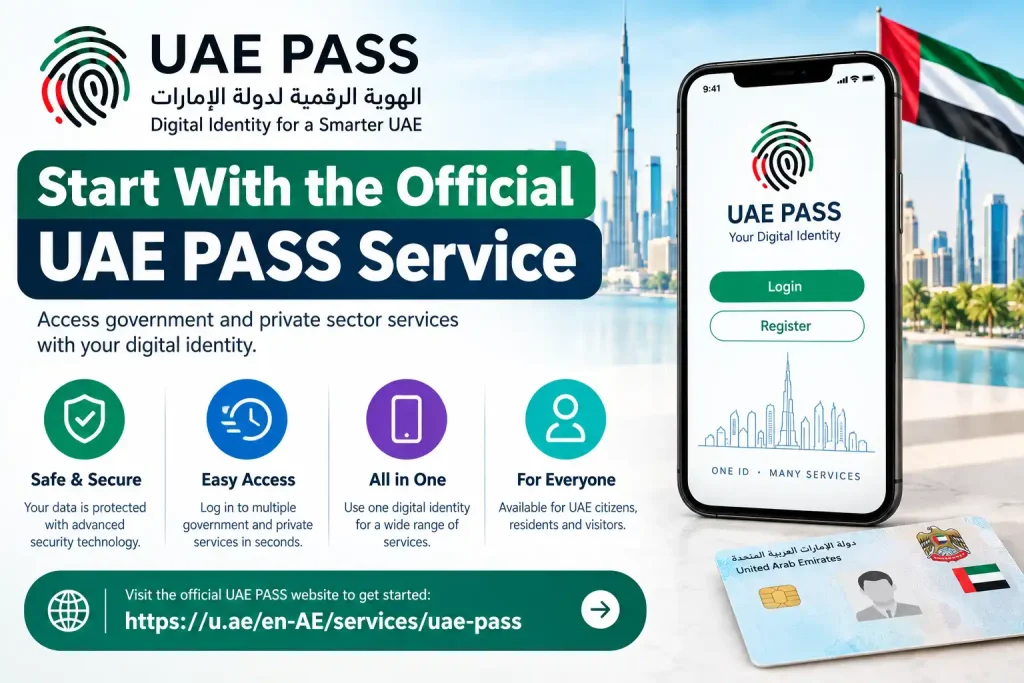
Start With the Official UAE PASS Service
Visit the official UAE website or use the official mobile application to begin registration.
Official website: https://uaepass.ae/
For app-based registration, install the UAE PAS application and select the option to create a new account.
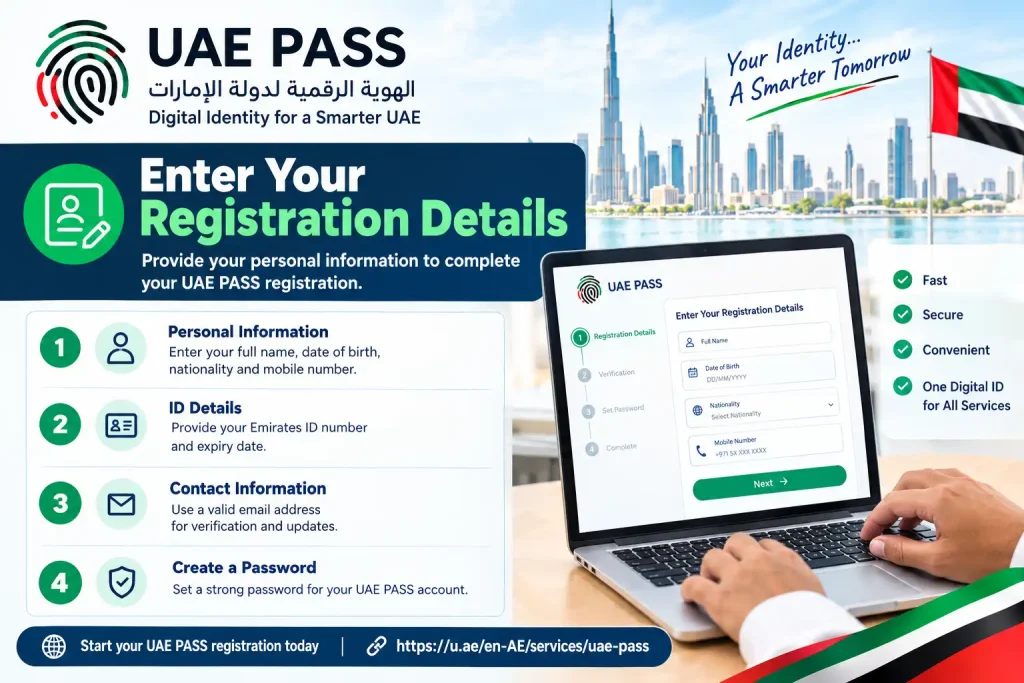
Enter Your Registration Details
Follow the instructions shown in the app and provide the information requested for your selected registration method.
This may include:
For web registration through an integrated service provider, documentation describes a process involving basic information followed by mobile-number and email verification through OTPs.
Before continuing, check your information carefully. Your mobile number and email address should be active and accessible because they may be used during verification.
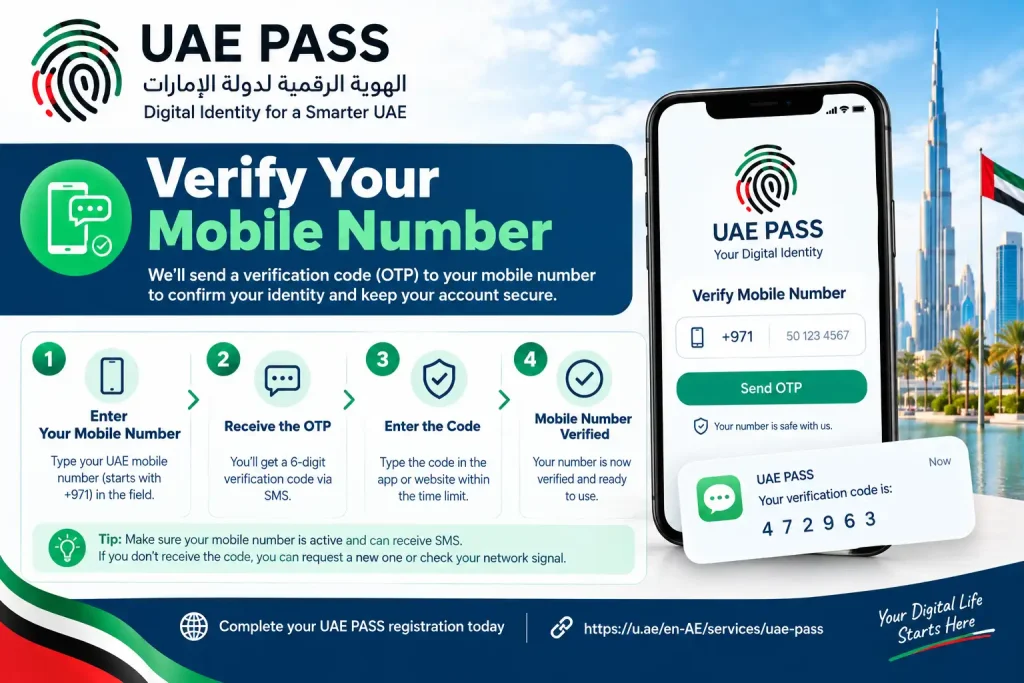
Verify Your Mobile Number
UAE PAS may send a one-time password to the mobile number entered during registration.
To confirm the number:
Never share your OTP with another person, even if someone claims to be helping with your registration.
Confirm Your Email Address
If email verification is part of your registration route, check the email account associated with your UAE registration.
You may need to:
The UAE PAS web-registration documentation describes phone and email OTP verification as part of its registration flow.
How to Verify Your UAE PASS Identity
Creating an account and completing identity verification are not necessarily the same step. Depending on the available option, UAE PAS provides identity verification through face verification or a UAE kiosk.
Face Verification Through the App
If face verification is available, open the UAE application and follow the instructions displayed during the verification process.
The usual process involves:
UAE PAS also provides an official tutorial covering face verification.
Face Verification Not Working?
Try the following if your verification attempt fails:
If the problem continues, a UAE PAS kiosk may provide another verification route where available.
Verify Your Identity at a UAE PASS Kiosk
Users who cannot complete online verification may use a UAE kiosk for the required identity verification or account upgrade.
Kiosk locator: https://www.uaepass.ae/locations
The general process is:
UAE provides kiosk locations in several emirates, including Dubai, Abu Dhabi, Sharjah, Ajman, Fujairah, and Ras Al Khaimah. Check the official location page before travelling because available locations may change.
How to Log In With UAE PASS
Once your account has been set up, UAE PAS can be used to sign in to supported government, semi-government, and private-sector services.
Find a Service That Supports UAE PAS
Open the website or application of the service you want to use.
On its login page, look for an option such as “Sign in with UAE PAS.”
Select it to begin authentication.
Start UAE PAS Authentication
Choose the UAE sign-in option provided by the service.
You will then be directed through the UAE authentication process. The exact steps can vary depending on the service and your account configuration.
Confirm Your Identity
Follow the authentication instructions displayed by UAE PAS.
The official UAE login page currently provides authentication options using an Emirates ID, email address, or phone number.
Approve the Login Request
Before approving an authentication request, check that you initiated it and that the information shown is correct.
If everything matches your request, approve the authentication and complete any additional security verification required.
After successful authentication, the service provider should redirect you back to its website or application.
How to Manage Your UAE PASS Account
After registration, review your account information before relying on UAE for online services.
Check items such as:
Keeping your contact information accessible and accurate is important because UAE PAS may use your verified mobile number or email address for account-related processes.
Official UAE PAS documentation also describes options for updating these details after confirming access to the relevant communication channel.
UAE PASS Security and Password Protection
Your UAE PAS account represents your digital identity, so protecting access to it is essential.
Follow these security practices:
Watch for Unexpected Authentication Requests
An unexpected UAE app approval request should not be accepted. If you did not start the login or service request, stop and review what may have triggered it before taking any further action.
How to Recover Your UAE PASS Account
If you lose access to your UAE app account, use the official recovery process rather than immediately creating another account.
The UAE app login page includes a “Recover your account” option.
Account Recovery Steps
UAE app also provides an official tutorial for recovering an existing account.
What Can You Do With UAE PASS?
UAE PAS can provide access to different digital functions depending on the participating organisation.
Supported uses may include:
The available functions are determined by the participating organisation and its UAE app integration.
How to Sign a Document Digitally With UAE PASS
UAE PAS supports digital signatures for eligible documents and services. The exact process can differ depending on the service being used.
A typical signing process involves:
UAE also provides digital-signature verification, allowing users to check the signature of a supported document through the available verification function.
Important: Read the entire document before confirming a digital signature.
How to Access Official Digital Documents Through UAE PASS
UAE PASS can provide access to eligible digital documents issued by participating entities. The documents available to you depend on the organisations and services connected to UAE APPS.
Accessing a Digital Document
The general process is:
Not every official document is available through UAE PAS. Availability depends on the participating entity and its connected services.
How to Share Documents Through UAE PASS
When a participating service provider needs information or an eligible document, UAE PAS can be used to authorise the sharing request where that function is supported.
Document-Sharing Process
UAE APP provides an official tutorial covering document sharing with participating service providers.
How to Check UAE PASS Transaction History
The U History feature allows users to review available transactions and account activity.
Check Your History
UAE PAS also provides an official tutorial for viewing and managing transaction history.
Common UAE PASS Problems and Solutions
The right solution depends on the stage where the problem occurs.
| Problem | What to Try |
|---|---|
| Registration fails | Check your information and review the registration method being used. |
| OTP does not arrive | Check your registered mobile number or email, then wait before requesting another OTP. |
| Face verification fails | Improve the lighting, clean the camera lens, and try again. |
| Account remains unverified | Complete the required face verification or use a UAE kiosk. |
| Unable to log in | Check your registered login details and use account recovery. |
| Unexpected authentication request | Do not approve it if you did not initiate the request. |
| Service does not offer UAE APP | Check whether the service provider supports UAE . |
| Required document is unavailable | The relevant entity may not provide that document through UAE PAS. |
| App or device problem | Update the UAE PAS app and check your device connection. |
| Account remains inaccessible | Contact official UAE PAS support. |
UAE PASS Support
If an account, verification, or technical issue cannot be resolved through the available options, contact UAE APP support.
Official Support
The official UAE APPS Tutorials also provide instructions for registration, account recovery, face verification, authentication, document sharing, digital signatures, and transaction history.
UAE PAS Safety Checklist
Before finishing your UAE PAS setup or using it for an online service, check the following:
FAQs
Final Thoughts
UAE PAS provides a single digital identity for accessing participating services across the UAE. The basic journey is registration → identity verification → account security → sign-in to supported services.
Depending on the participating service, UAE PAS can also support digital signatures, official document requests, and document sharing. For safer use, always start with the official UAE PAS app or website, review authentication and document-sharing requests before approving them, and contact official support when an account or verification issue cannot be resolved.