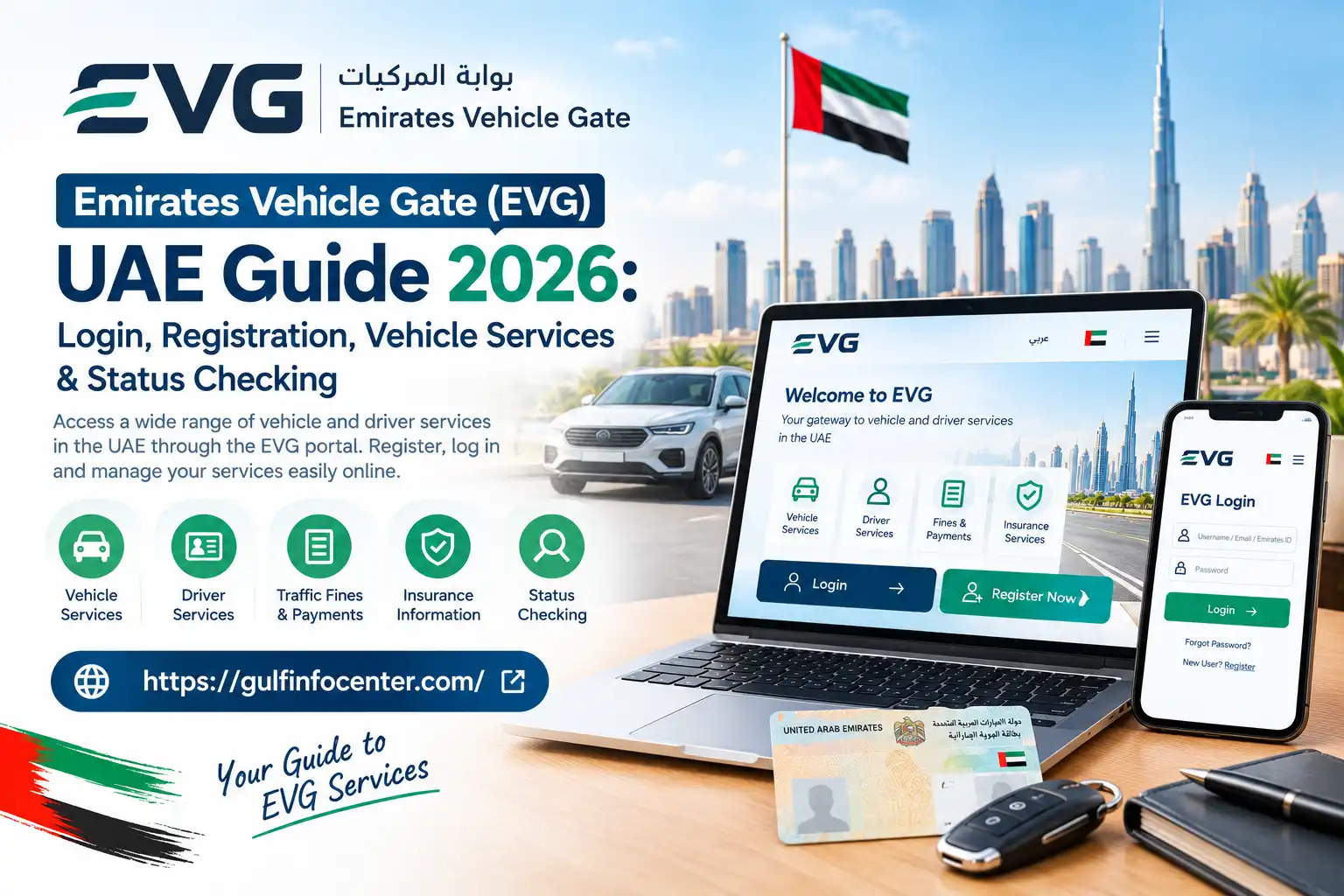

The Emirates Vehicle Gate (EVG) is a UAE online platform that brings a range of vehicle and driver services into one digital space. Depending on the emirate and the authority handling a vehicle, users may be able to check or manage services such as vehicle registration, traffic fines, insurance details, accident records, and other vehicle-related information.
The services available through evg ae are not necessarily the same across every emirate. The responsible transport or traffic authority determines which services can be accessed through the platform. For example, many vehicle-related services in Dubai are handled through the Roads and Transport Authority (RTA) and its separate digital channels.
Important: Before using EVG for a specific service, check whether that service is supported for your emirate and vehicle authority. Availability can vary depending on where the vehicle is registered.
What Does EVG Mean?
EVG, short for Emirates Vehicle Gate, is a UAE-based digital platform created to make vehicle and driver services available online. It brings vehicle-related information and selected services from government and private-sector organisations together through a centralised electronic system.
Depending on the service available to the user, EVG may be used for tasks such as:
The platform has historically offered more than 50 electronic services related to vehicles and drivers. The exact services available may depend on the relevant authority and the type of vehicle or transaction involved.
Who Is EVG Intended For?
The Emirates Vehicle Gate (EVG) can be useful for different groups of people who need access to vehicle, driver, insurance, or traffic-related information in the UAE.
Typical users include:
Access requirements can vary depending on the service. Some EVG features may require users to sign in or provide traffic-profile details, while certain public vehicle-information checks may be accessible without an account.
Read:Homepage
EVG Registration
If you need access to EVG services that require an account, you may first need to create an EVG account. The registration process generally begins from the portal’s New User or Register option.
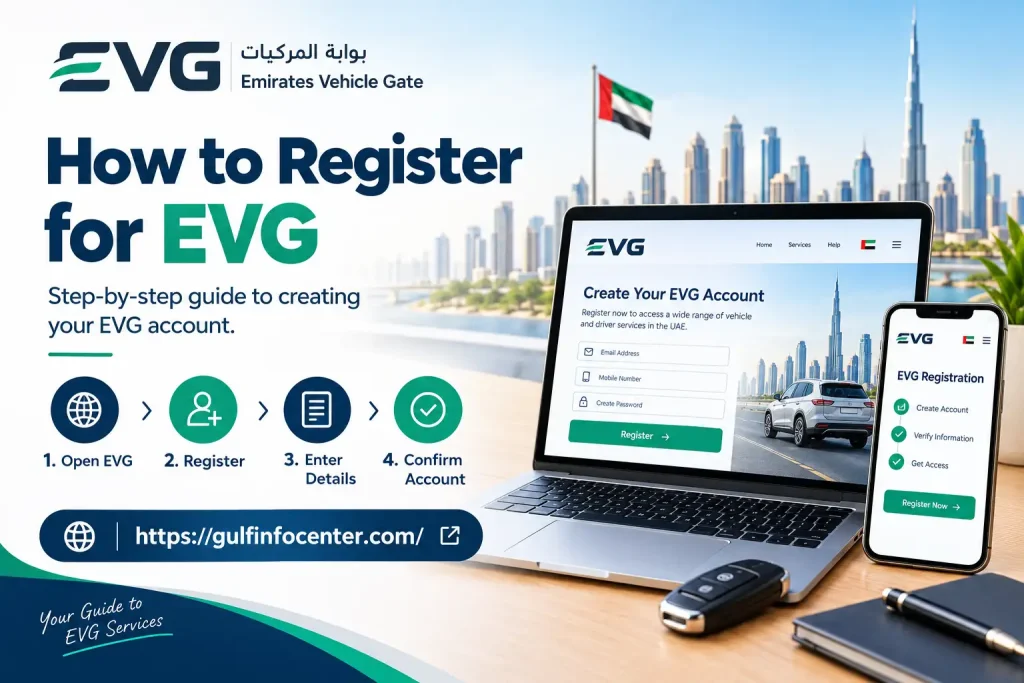
How to Register for EVG
Follow these steps when creating an account:
Historical EVG documentation refers to a New User option for first-time registration and describes a login process based on the Traffic Code Number and password.
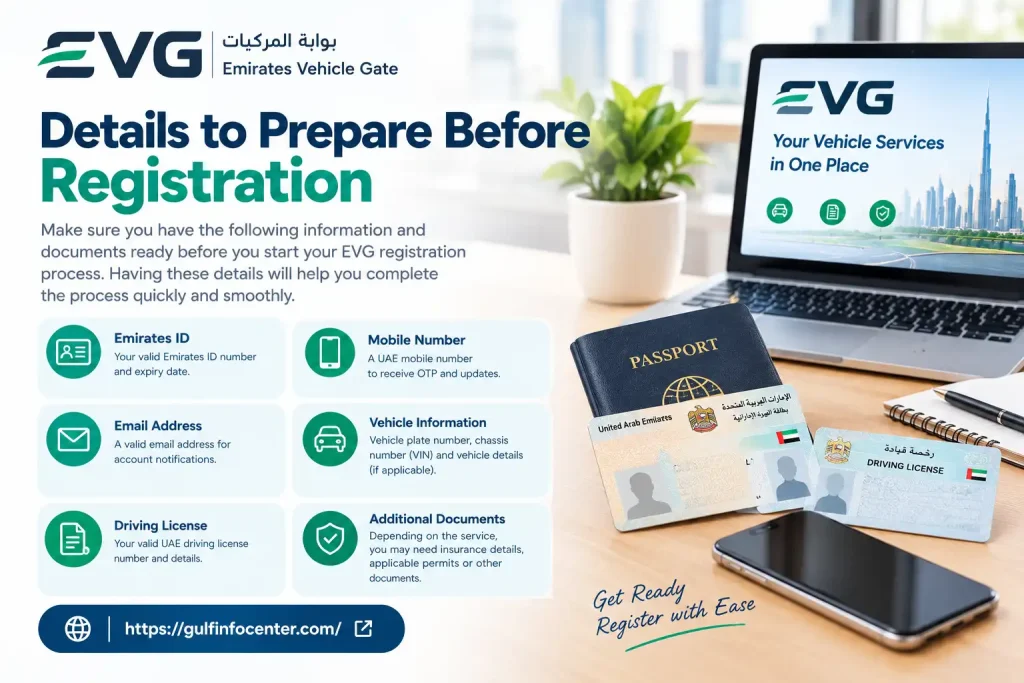
Details to Prepare Before Registration
Having the relevant information ready can make the registration process easier. Depending on what the portal requests, you may need:
Important: EVG registration fields and account requirements may change as government digital systems are updated. Follow the information and instructions displayed on the official portal at the time you register.
EVG Login
Access to account-based EVG services generally starts from the EVG portal. Once you reach the login page, select the relevant login option and provide the details requested for your account or service.
Information to Have Ready
The exact requirements can vary according to the service and account type. It can be useful to have the following information available:
| Information | Purpose |
|---|---|
| Traffic Code Number (TCN) | Used for certain EVG account functions |
| Password | Authenticates your account |
| Emirates ID or traffic information | May be requested for identification |
| Vehicle information | Used when accessing vehicle-specific services |
| Registered contact details | May be needed for verification or account recovery |
Older EVG documentation identifies the Traffic Code Number and password as the credentials used for individual login.
Steps to Access Your EVG Account
Security Tip: Use the official EVG portal when entering account credentials. Avoid submitting your password or identification information through unofficial websites or links.
EVG Vehicle Services
Once you sign in to EVG, the vehicle services available to you may vary based on factors such as your vehicle, traffic profile, emirate, and the authority connected to the service.
Common vehicle-related options may include registration information, renewal-related requests, and other vehicle records.
Vehicle Registration Services
Depending on your account and the services available for your vehicle, EVG may allow you to:
Registration renewal is one of the vehicle-related services historically associated with the EVG platform.
Checking Your Vehicle Registration Information
If the relevant service is available through your account, you can generally check your registration information by following these steps:
Note: The exact options and process may differ depending on your emirate, vehicle, and the authority providing the service.
Check Traffic Fines Through EVG
EVG may provide access to traffic-fine information when the relevant traffic authority and its data are connected to the platform. The information available can depend on the vehicle, traffic profile, emirate, and service being used.
How to Check Traffic Fines
Traffic Information You May Be Able to View
Depending on the connected authority and the service available, EVG may show:
Important: The traffic-fine information and payment options available through EVG can vary by authority. If a particular fine or service does not appear, the relevant traffic authority may provide it through a separate channel.
Checking Vehicle Accident History Through EVG
EVG may also provide access to reported vehicle accident information, making it possible to check whether accident records are associated with a particular vehicle.
The accident-history service can use the vehicle’s chassis number (VIN) as the search reference. A published example of an EVG vehicle-history report demonstrates an accident search performed using a chassis number.
How to Search for Accident Records
To check the available accident information for a vehicle:
If no matching accident information is available, the system may display a message indicating that no accident information was found.
What an EVG Accident Check Means
An EVG accident-history result should be treated as a record of information available through the relevant authorities and connected systems. A result showing no reported accidents does not necessarily establish that a vehicle has never been involved in an accident, because the EVG record depends on the information recorded and made available through those systems.
Important: For a used vehicle purchase, consider an EVG accident check as one source of information rather than a complete physical history of the vehicle.
Checking Vehicle Accident History Through EVG
EVG may also provide access to reported vehicle accident information, making it possible to check whether accident records are associated with a particular vehicle.
The accident-history service can use the vehicle’s chassis number (VIN) as the search reference. A published example of an EVG vehicle-history report demonstrates an accident search performed using a chassis number.
How to Search for Accident Records
To check the available accident information for a vehicle:
If no matching accident information is available, the system may display a message indicating that no accident information was found.
What an EVG Accident Check Means
An EVG accident-history result should be treated as a record of information available through the relevant authorities and connected systems. A result showing no reported accidents does not necessarily establish that a vehicle has never been involved in an accident, because the EVG record depends on the information recorded and made available through those systems.
Important: For a used vehicle purchase, consider an EVG accident check as one source of information rather than a complete physical history of the vehicle.
Checking Vehicle or Service Request Status
EVG can be used to review the status of a vehicle-related service or a request submitted through the platform, where that tracking function is available.
How to Check a Vehicle or Request Status
Note: The final outcome of some vehicle services may be provided through the separate system of the authority responsible for that service.
EVG Quick Search
Not every EVG service necessarily requires users to navigate through the full account dashboard. Where available, the platform’s Quick Search feature can provide a more direct way to access certain vehicle-related checks.
For example, vehicle accident information may be searchable using the vehicle’s identification or chassis number.
How to Use EVG Quick Search
If the Quick Search option is available, the process generally involves:
When Quick Search Can Help
This type of search can be particularly useful when researching a used vehicle before buying it, as it may allow you to check available vehicle information without first going through the complete account dashboard.
Note: The services available through Quick Search can change, so follow the options and requirements currently displayed on the EVG portal.
EVG Services at a Glance
EVG brings together several vehicle, driver, traffic, and service-request functions in one digital platform. The options available to an individual user can vary according to their profile, vehicle, emirate, and the government authority connected to the service.
| Service | What You Can Do |
|---|---|
| Vehicle Information | View available details and records for a vehicle |
| Registration | Review vehicle registration information |
| Registration Renewal | Access available registration-renewal services |
| Traffic Fines | Check recorded violations and available payment options |
| Insurance | View available insurance-related information |
| Accident History | Search for reported vehicle accident records |
| Driver Services | Access available driver and traffic-related services |
| Requests & Status | Review available service or request information |
| Quick Search | Carry out selected vehicle checks without navigating through the full dashboard |
Important: EVG services are not necessarily identical for every user. Available options may depend on the vehicle, user profile, emirate, and the government authority responsible for the relevant service.
What Information Should You Keep Ready?
Before starting an EVG service, keep the information related to your request ready. Having the correct details available can make it easier to complete searches, access account services, and submit vehicle-related requests.
For Vehicle Services
Depending on the service, you may need:
For Account Services
If you are accessing account-based EVG services, keep the following information available:
For Accident History
For vehicle accident-history searches, you may need:
Tip: Check the information carefully before submitting it. Using the correct vehicle or account details can help you complete the EVG search or service request more smoothly.
EVG Login Problems
If you are unable to sign in to EVG, check the issue that best matches your situation and try the relevant solution.
Incorrect Password
If your password is not being accepted:
Incorrect Traffic Information
If evg fine check cannot locate your traffic profile:
Website or Browser Problems
If the evg traffic fines website is not working correctly, try the following:
Tip: If the problem continues after checking your login details and browser settings, follow any troubleshooting or support instructions provided on the EVG portal.
EVG Safety and Security Tips
When using EVG, take basic security precautions to protect your account and personal information.
Security Tip: If a message or website asks for sensitive evg fine check information unexpectedly, verify that you are using the official service before entering any details.
FAQs
Final Thoughts
The Emirates Vehicle Gate (EVG) provides online access to a range of vehicle, driver, traffic, and related services. Depending on the vehicle, emirate, and responsible authority, users may be able to check vehicle information, traffic fines, registration details, accident records, and service-request status.
Before using EVG, keep your Traffic Code Number, vehicle details, identification information, and registered contact details ready where required. Always use the official portal, protect your login information, and check the relevant authority’s service channel if a particular service is not available through EVG.
Because EVG services and requirements can vary between emirates and authorities, review the information displayed on the portal before submitting a request or making a payment. This helps ensure that you follow the current process and provide the correct information for your vehicle or traffic service.