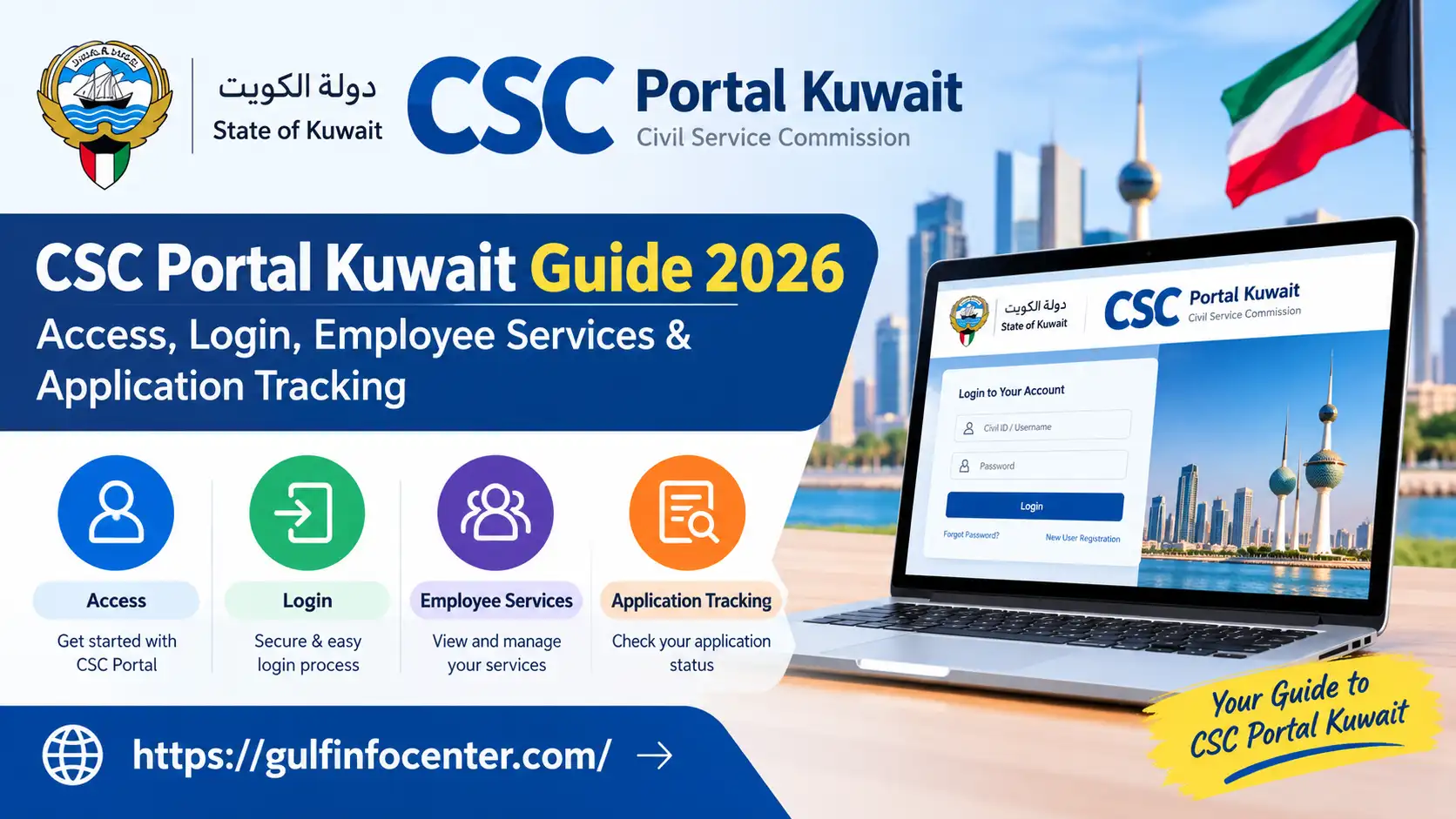

The Civil Service Commission (CSC) portal of Kuwait provides an online point of access to information about government employment and civil service-related services. Depending on eligibility and account access, users may be able to find public-sector employment information, employee resources, official announcements, and administrative guidance through the platform.
Before using the portal, visitors should identify the service they need and check whether it requires an authorised account. This guide covers the basics of accessing the CSC portal, navigating the sign-in process, locating available employee services, and following up on applications or requests. The options displayed may vary according to employment status, user permissions, and the portal’s current functionality.
Understanding the CSC Portal in Kuwait
Kuwait’s Civil Service Commission (CSC) portal csc gov kwis an online platform for accessing information related to civil service administration and government employment. It serves as a reference point for users seeking details about public-sector opportunities, official notices, and relevant administrative procedures.
The platform is particularly useful for eligible government employees and people exploring public-sector employment. Depending on the service, users may need to sign in or use another authorised government system to access specific features.
CSC Portal at a Glance
| Item | Details |
|---|---|
| Organisation | Civil Service Commission (CSC) |
| Country | Kuwait |
| Official portal | portal.csc.gov.kw |
| Main purpose | Civil service information and related online services |
| Intended users | Eligible government employees, job seekers, and members of the public |
| Access requirements | Vary according to the service |
Before accessing a service: Visit the official portal csc gov kw and review the available options. Check the relevant eligibility and sign-in requirements before submitting personal information or attempting to access employee-specific features.
Accessing the Official CSC Kuwait Website
To get started, open the official Kuwait Civil Service Commission (CSC) website and identify the service you need. You can browse the portal’s available sections before deciding whether you need to sign in.
Security tip: If the website fails to load, check your internet connection and try again later. Always verify the website address before entering your Civil ID, password, or other personal details. Avoid unofficial pages that request sensitive information while claiming to provide CSC services.
Readmore:Homepage
Registering for the CSC Kuwait Portal
Creating an account with Kuwait’s Civil Service Commission (CSC) depends on the service you intend to use. Government employees may already have access through an existing account, whereas job seekers may need to follow a separate registration procedure if the relevant system provides one.

Steps to Set Up or Activate Your Account
What if there is no registration option?
Not every CSC service necessarily allows users to create an account independently. If you cannot find a suitable registration link, contact the Civil Service Commission through its official support channels or ask your government employer’s human resources department for guidance.
Note: The exact registration process and required documents may vary by service. Follow the instructions displayed by the official portal rather than assuming that all users follow the same procedure.

CSC Kuwait Portal Login: Step-by-Step Instructions
Signing in to the Kuwait Civil Service Commission (CSC) portal may give eligible users access to services linked to their employment or registered account. The available sign-in method depends on the system being used, so check that you have opened the correct section before entering your details.

How to Sign In to Your CSC Account
1. Open the official CSC website. Visit the Kuwait CSC Portal and look for the relevant employee login or integrated systems option.
2. Enter your account details. If the selected service requests them, provide your Civil ID number and registered password in the appropriate fields.
3. Submit your login information. Review the details for typing errors, then select the displayed sign-in button. Complete any additional identity verification if prompted.
4. Access the available services. Once signed in, review your account dashboard for the employee information, certificates, leave details, attendance records, or other options made available to your account.
Note: These instructions describe a general login process. The exact fields, button labels, and available services may differ between CSC systems.

What You May Need Before Logging In
Security reminder: Enter your credentials only on an official Kuwait government website. Never disclose your password or one-time verification code to another person, and avoid saving login details on shared computers.f you are using a shared computer, sign out after completing your work.
Employee Services Available Through the CSC Portal
Kuwait’s Civil Service Commission (CSC) portal csc kuwait and its related electronic systems provide access to civil service information and selected employee services. The options available to you may depend on your employment status, account permissions, and the particular system you use. Depending on the services enabled, employees may be able to review employment records, salary certificates, leave balances, attendance details, and administrative announcements.
Overview of CSC Employee Services
| Service | Purpose |
|---|---|
| Employee records | View available personal and employment information. |
| Salary certificates | Access the relevant certificate service, if available. |
| Leave balance | Review leave entitlements and records where supported. |
| Attendance records | Check recorded attendance or departure information, if provided. |
| Employment information | Find civil service details and related announcements. |
| Administrative requests | Explore available employee transactions and requests. |
| Training information | Review relevant training programmes and announcements. |
How to Review Your Employee Information
To check your employment details, sign in to the relevant CSC system and open the employee profile or personal information section. Select the record you want to review and check the displayed information, including your name, Civil ID details, and employment records.
If you notice an error, use the correction option if the system provides one. Otherwise, contact your employer’s human resources (HR) department to find out how the information can be updated.
How to Access a Salary Certificate
A salary certificate may be available through an authorised employee system, depending on your account and employer.
If you cannot find the certificate service, ask your HR department whether it issues salary certificates directly or uses another authorised government system.
How to Check Your Leave Balance
Employees can review their leave information through the relevant employee self-service system if the feature is enabled for their accounts.
Please note: These service descriptions are general guidance based on the information provided. The exact menu names, certificate options, and employee records available through the CSC portal may differ. Confirm important employment details with your HR department before relying on them for official decisions.
How to Check Your CSC Application or Request Status
Applicants and government employees may need to follow up on recruitment applications or administrative requests submitted through Kuwait’s Civil Service Commission (CSC) and its associated electronic systems. The correct procedure depends on the type of submission and whether it was made through a recruitment service or an employee account.
Tracking a Job-Seeker or Recruitment Application
If you have applied for a public-sector opportunity, use the relevant recruitment or job-seeker section to look for application updates.
The CSC has supported recruitment announcements and registration processes, but the availability and layout of application-tracking features may change. Confirm the current options on the official portal.
Following Up on an Employee Service Request
For a request submitted as a government employee, the relevant employee system may provide a transaction history or request-status feature.
Understanding Common Application Statuses
The following table explains typical status terms used in online application systems. These are general descriptions, not a verified list of the exact labels used by Kuwait’s CSC portal.
| Status | What it generally means | What to do next |
|---|---|---|
| Submitted | Your request has been sent. | Keep the confirmation or reference number. |
| Under review | The request is being assessed. | Check periodically for updates. |
| Additional information required | Further details or documents may be needed. | Follow the instructions from the responsible authority. |
| Approved | The request has received approval. | Check whether any further steps are necessary. |
| Rejected | The request was not approved. | Review the stated reason and ask about any available review or appeal process. |
| Completed | The processing appears to have finished. | Save or download the final confirmation if available. |
Tip: Keep a record of your submission date, reference number, and any messages received from the relevant authority. If the online system does not provide a clear update, contact the office handling your application rather than submitting a duplicate request without confirmation.ls. Always follow the wording shown in your own account.
How to Reset a Forgotten CSC Portal Password
If you cannot sign in to Kuwait’s Civil Service Commission (CSC) portal because you have forgotten your password, first check whether the relevant login page offers an account recovery facility. The recovery process may differ between employee services and recruitment systems.
Steps to Recover Your Password
If the login page does not offer password recovery, contact CSC support or your employer’s human resources (HR) department for assistance. Avoid repeated unsuccessful login attempts, as they may trigger temporary account restrictions.
Common CSC Portal Problems and How to Resolve Them
Users may encounter access difficulties, missing services, or problems with employee records while using the CSC portal. The following troubleshooting table outlines practical steps to try before seeking further assistance.
| Problem | Recommended solution |
|---|---|
| Portal will not open | Check your internet connection, refresh the page, or try another browser. |
| Login details are rejected | Check your Civil ID number and password for typing errors, then try again carefully. |
| Account is locked | Follow the official recovery procedure or contact the relevant support team. |
| Registration option is missing | Check whether your account type requires registration through a separate system. |
| Employee details are incorrect | Contact your employer’s HR department or the responsible administrative office. |
| Salary certificate is unavailable | Review the available certificate services or ask HR how to obtain the document. |
| Application status cannot be found | Confirm that you are using the correct recruitment or transaction system and have entered the required reference details. |
| An error message appears | Retry later. If the problem persists, contact CSC or the office responsible for the service. |
Before contacting support: Note the error message, the service you were trying to access, and the time the problem occurred. This information can help the support team investigate the issue. Never share your password or verification code when requesting assistance.
CSC Kuwait Contact Details and Safe Portal Usage
If you need assistance with CSC portal access, employee information, registration, or application tracking, use the Civil Service Commission’s official contact channels. Before reaching out, identify the service causing the problem and keep any relevant confirmation or reference number available.
How to Contact the CSC
| Contact method | Details | When to use it |
|---|---|---|
| Telephone support | 1828888 or 133 | General enquiries and assistance |
| WhatsApp support | 22333668 | Enquiries through the listed WhatsApp channel |
| Official website | www.csc.gov.kw | Civil service information, recruitment announcements, and administrative guidance |
Note: These contact details are provided in the supplied information. Check the official CSC website to confirm that the numbers and support options remain current.
When contacting support, explain the issue clearly and mention which service you are trying to access. Never share your password or one-time verification code.
Tips for Using the CSC Portal Securely
Following a few basic precautions can help protect your personal information and make it easier to manage civil service requests.
Practical reminder: If you cannot find a service or your account information appears incorrect, contact the responsible CSC support team or your employer’s HR department. Use official instructions rather than relying on unverified websites or messages.
FAQs
Conclusion
The Kuwait Civil Service Commission (CSC) portal provides a convenient starting point for accessing civil service information, employee-related services, and recruitment resources. By visiting the official website, signing in through the appropriate system, and following the instructions for each service, eligible users can review their information and access available administrative services online.
To use the portal effectively, keep your login credentials secure, save application reference numbers, and contact CSC support or your employer’s HR department if you experience difficulties. As portal features, menus, and eligibility requirements may change, always follow the latest instructions provided by the official system.


