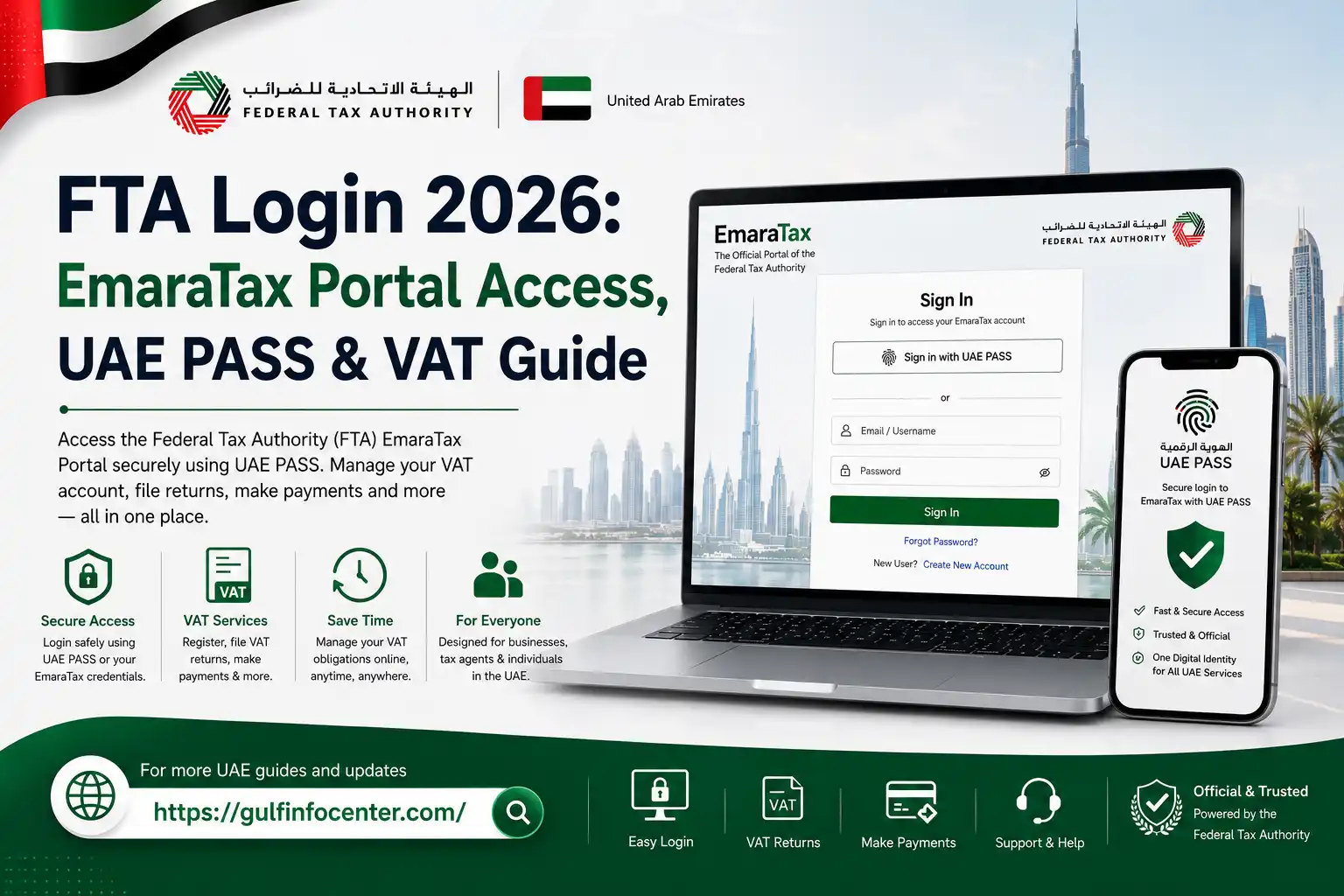

Getting started with UAE tax services online usually begins with an FTA login. The Federal Tax Authority (FTA) provides its online tax services through EmaraTax, giving taxpayers a central platform to manage eligible tax activities remotely.
Once signed in, users may be able to access services such as VAT registration, VAT return filing, tax payments, account management, certificate requests, applications, and other FTA services available for their account. The exact options can vary depending on the taxpayer’s registration and account type.
FTA Login at a Glance
An FTA login gives taxpayers access to Federal Tax Authority services through the EmaraTax platform. Once you sign in and complete the required authentication, the services displayed in your account will depend on your taxpayer profile and registration status.
Depending on your account, EmaraTax may allow you to:
- Register for VAT and manage your tax account
- File VAT returns online
- Make tax payments
- Update and manage taxpayer information
- Access tax registration certificates
- Submit tax-related applications and requests
- Review account details and tax information
- View previously submitted tax details and related documents
How to Sign In to the FTA Portal
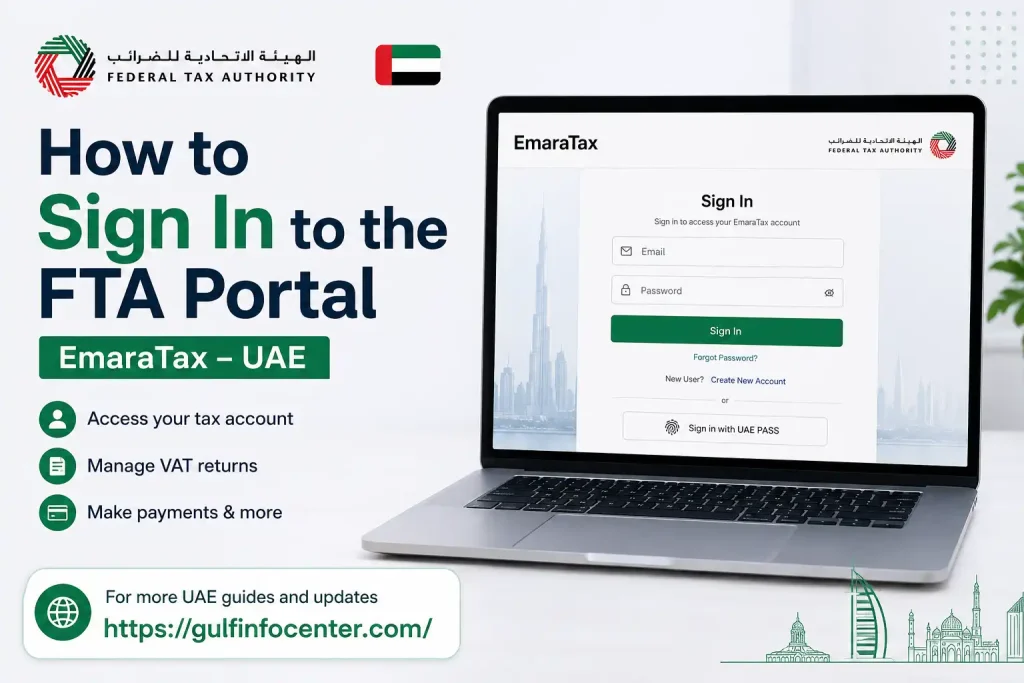
The EmaraTax login process is completed online. Use your registered account details and follow any additional security checks requested during authentication.
1. Open the EmaraTax Portal

Visit the official EmaraTax portal and select the sign-in option to begin accessing your FTA account.
2. Enter Your Account Details
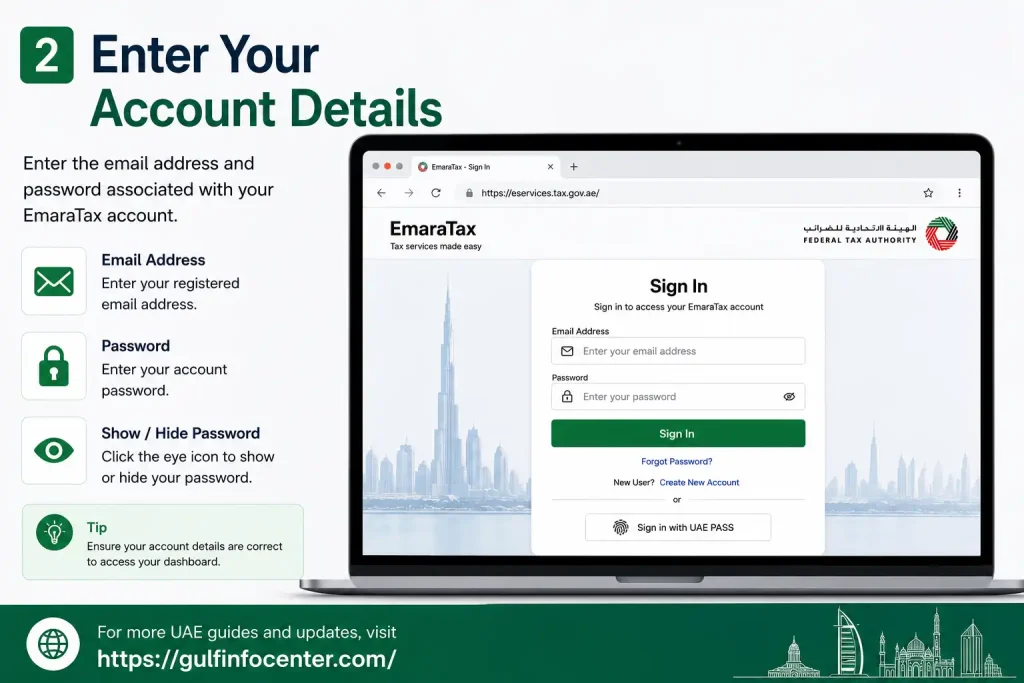
Provide the login information associated with your EmaraTax account. Depending on the sign-in screen, you may need to enter your:
- Registered email address
- Password
- OTP or verification code, if requested
3. Complete the Security Check
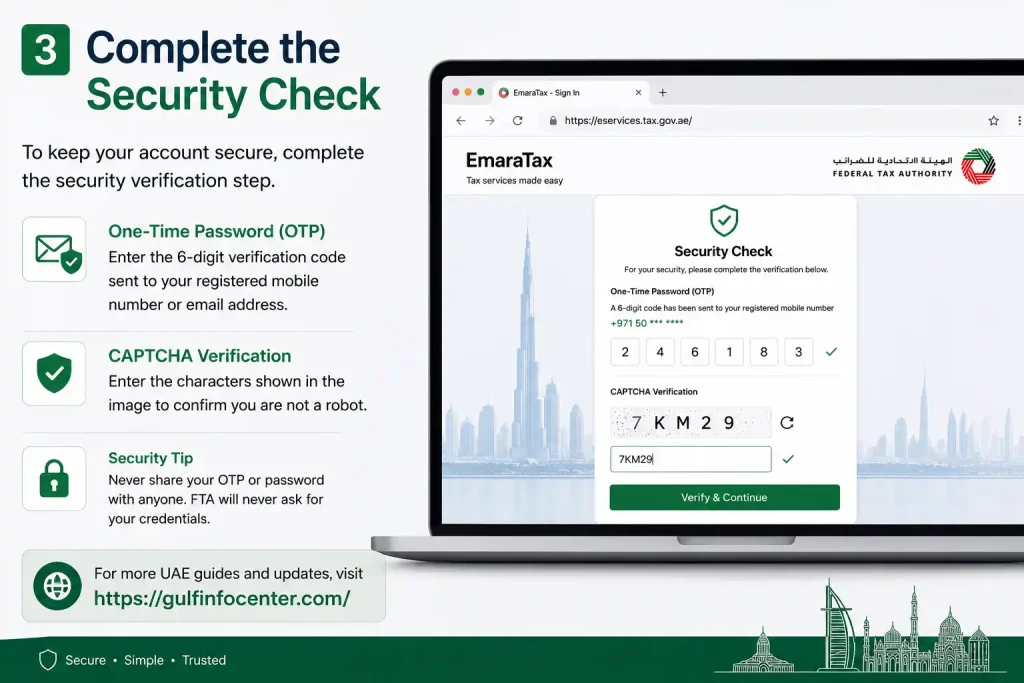
Follow any additional verification instructions displayed by EmaraTax. If you receive an OTP, enter the most recent code before it expires.
4. Access Your Taxpayer Dashboard

After successful authentication, you will be taken to your EmaraTax dashboard. The services and options shown there depend on your taxpayer profile and the tax accounts linked to it.
Can You Use UAE PASS for FTA Login?

UAE PASS may be available as an alternative authentication method for eligible users accessing government digital services. If the UAE PASS option appears on EmaraTax, select it and complete the verification process through the UAE PASS application.
1. Open the Official EmaraTax Website
Go to the official EmaraTax website and look for the available login options.
2. Select UAE PASS
Choose the UAE PASS sign-in option if it is displayed on the EmaraTax login page.
3. Follow the Authentication Instructions
Continue with the instructions provided on screen. The process may require you to confirm your identity through UAE PASS.
4. Approve the Request in UAE PASS
When prompted, open the UAE PASS app and approve the authentication request.
5. Complete Additional Verification
If EmaraTax requests another security check or verification step, complete it before continuing.
6. Enter Your FTA Account
After authentication is successfully completed, you can continue to your FTA/EmaraTax dashboard and access the services available for your account.
Using EmaraTax for VAT Services
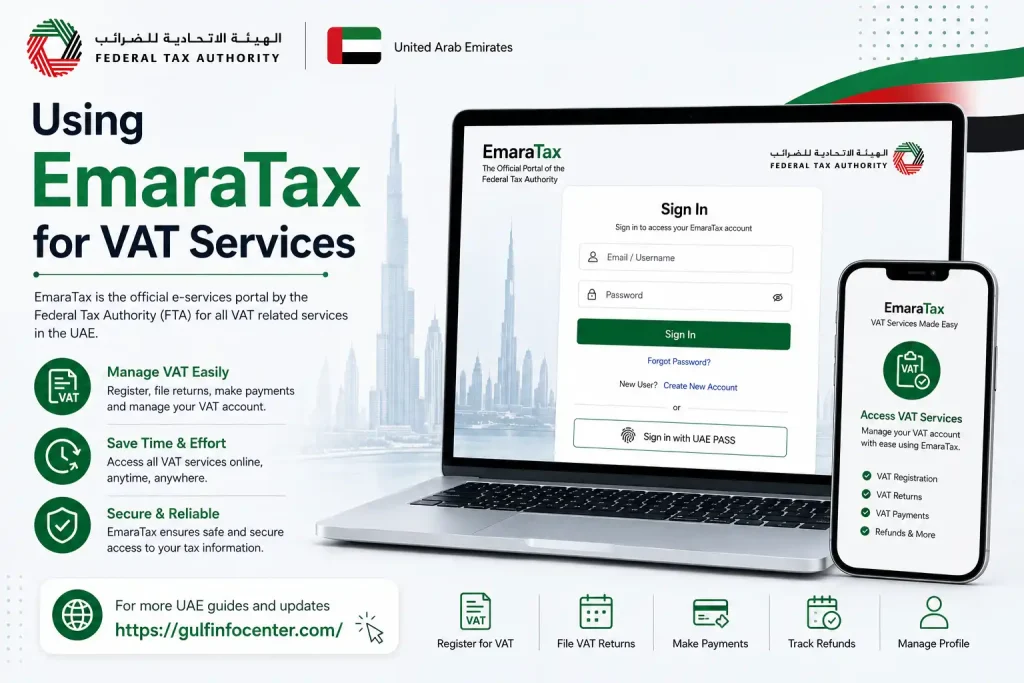
An FTA VAT login is commonly used to describe accessing VAT-related services through an EmaraTax account. After signing in, the services available to you depend on your taxpayer profile, registration and tax status.
Depending on your account, you may be able to:
- Check VAT registration information
- Manage VAT account details
- Submit VAT returns
- Review tax obligations
- Make tax payments
- View previously submitted information
- Access available VAT certificates and documents
- Submit relevant tax applications and requests
The options displayed in EmaraTax can differ from one taxpayer account to another.
How to Find and Submit a VAT Return
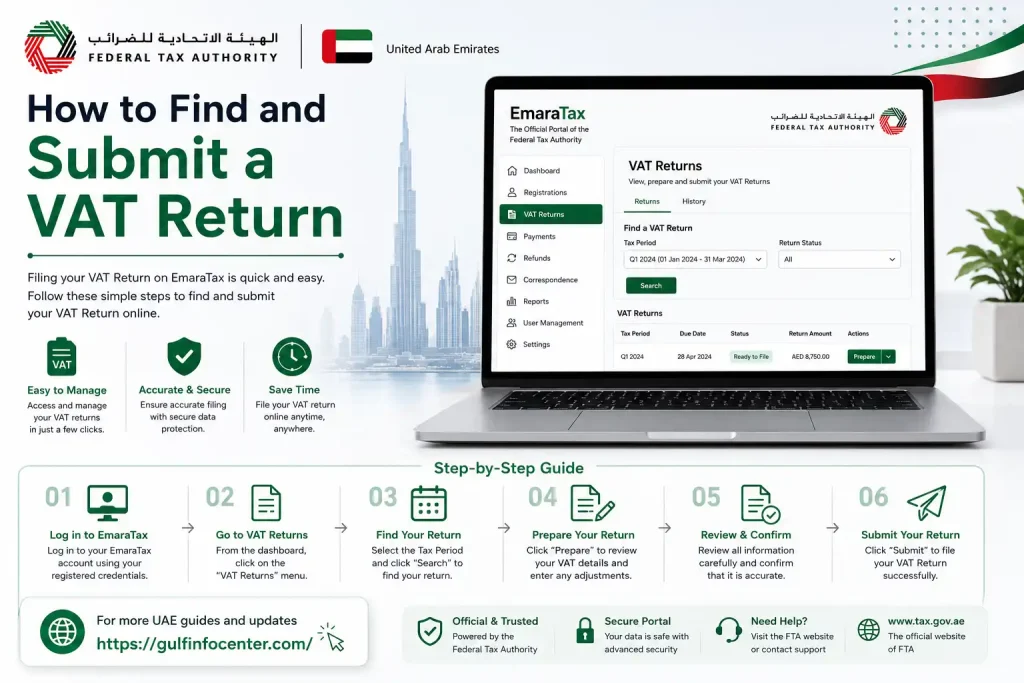
After signing in to EmaraTax, you can access VAT return services through the relevant taxpayer account. The exact screens may vary, but the process generally follows the steps below.
1. Sign In to EmaraTax
Log in to your EmaraTax account using the available authentication method.
2. Open Your Tax Account
Select the appropriate taxpayer profile or tax account associated with the VAT services you need to manage.
3. Open the VAT Services
Navigate to the VAT section or the VAT-related services available within your account.
4. Select the Relevant VAT Return
Choose the VAT return you need to complete and check that you have selected the correct return.
5. Check the Reporting Period
Review the reporting period before entering any information to make sure the return relates to the correct tax period.
6. Enter the Required Information
Provide the requested figures and other information required by the VAT return.
7. Review the Return
Carefully check the entered information, figures and declaration before proceeding. This is an important opportunity to identify errors.
8. Submit the VAT Return
When the information is correct, submit the completed return through EmaraTax.
9. Keep the Confirmation Details
Save the confirmation or reference information provided after submission for your records.
Tip: Reviewing your VAT return carefully before submission can help reduce errors and avoid unnecessary follow-up work.
Information You May Need Before Logging In
Preparing your account and verification details in advance can make the EmaraTax sign-in process smoother.
| Requirement | Why it may be needed |
|---|---|
| Registered email address | Identifies your EmaraTax account |
| EmaraTax password | Used for standard authentication |
| UAE PASS | May provide an alternative authentication method |
| Mobile phone | May be required for OTP or other verification |
| Tax registration details | May be relevant when accessing taxpayer services |
| Internet connection | Required to use the online portal |
Not every taxpayer will need all of these items. The information requested depends on the authentication method and the particular services being accessed.
What to Do If You Forget Your FTA Password
If you cannot remember your EmaraTax password, use the account-recovery option provided on the sign-in page rather than repeatedly entering incorrect credentials.
1. Open the EmaraTax Login Page
Go to the official EmaraTax sign-in page and locate the account-recovery option.
2. Select “Forgot Password”
Choose the Forgot Password or password-recovery option shown on the login page.
3. Provide the Requested Details
Enter the account information requested by the recovery process.
4. Complete Verification
Follow the security or identity-verification instructions displayed by the portal.
5. Check Your Registered Contact Details
Look at the registered email address or other contact method for the recovery instructions provided by EmaraTax.
6. Create a New Password
Set a new password when the recovery process allows you to do so.
7. Sign In Again
Return to the EmaraTax login page and try accessing your account with the new password.
Security reminder: Keep your password private. Do not share OTPs, verification codes or other account-security information with anyone.
FTA Login Problems: What Should You Check?
A failed sign-in attempt does not necessarily mean your FTA account is unavailable. A few basic checks can help identify common access problems.
Verify Your Login Details
Recheck the email address and password you entered. Pay particular attention to spelling and password capitalisation, as passwords may be case-sensitive.
Check Your Internet Connection
A weak or unstable connection can affect the loading of the EmaraTax login page or taxpayer dashboard. Try again once your connection is stable.
Use an Updated Browser
If the portal does not work as expected, try using an updated version of a commonly supported web browser.
Clear Cached Browser Data
Stored browser data can occasionally interfere with website functions. Clearing the cache and reopening the browser may resolve temporary loading or display issues.
Request a New OTP
If the sign-in process requires an OTP, use the latest code provided. An earlier code may have expired or become invalid.
Try UAE PASS When Available
If UAE PASS is offered as an authentication option for your account, you may be able to use it instead of the standard login method.
FTA Login vs FTA Portal Login vs FTA VAT Login
People may use several different search phrases when looking for UAE tax services. Although the wording differs, these terms generally relate to accessing FTA services through EmaraTax.
| Search term | Typical user intent |
|---|---|
| FTA Login | Sign in to an FTA or EmaraTax account |
| FTA Portal Login | Find the online FTA access page |
| FTA Login UAE | Access FTA services in the UAE |
| FTA Login Portal | Locate the EmaraTax sign-in service |
| FTA VAT Login | Access VAT-related services after signing in |
The key distinction is usually the service the user wants to reach. FTA login terms generally refer to account access, while FTA VAT login is more specifically associated with reaching VAT services after authentication.TA digital services through EmaraTax.
FAQs
Final Thoughts
The FTA login provides a convenient way to access UAE tax services through the EmaraTax platform. Once signed in, taxpayers can manage available VAT services, review their tax information, submit returns, make payments and handle other services linked to their account.
Before logging in, keep your registered account details and verification method ready. Whether you use your email and password or UAE PASS, always follow the security instructions shown by EmaraTax and keep your passwords and OTPs private.


