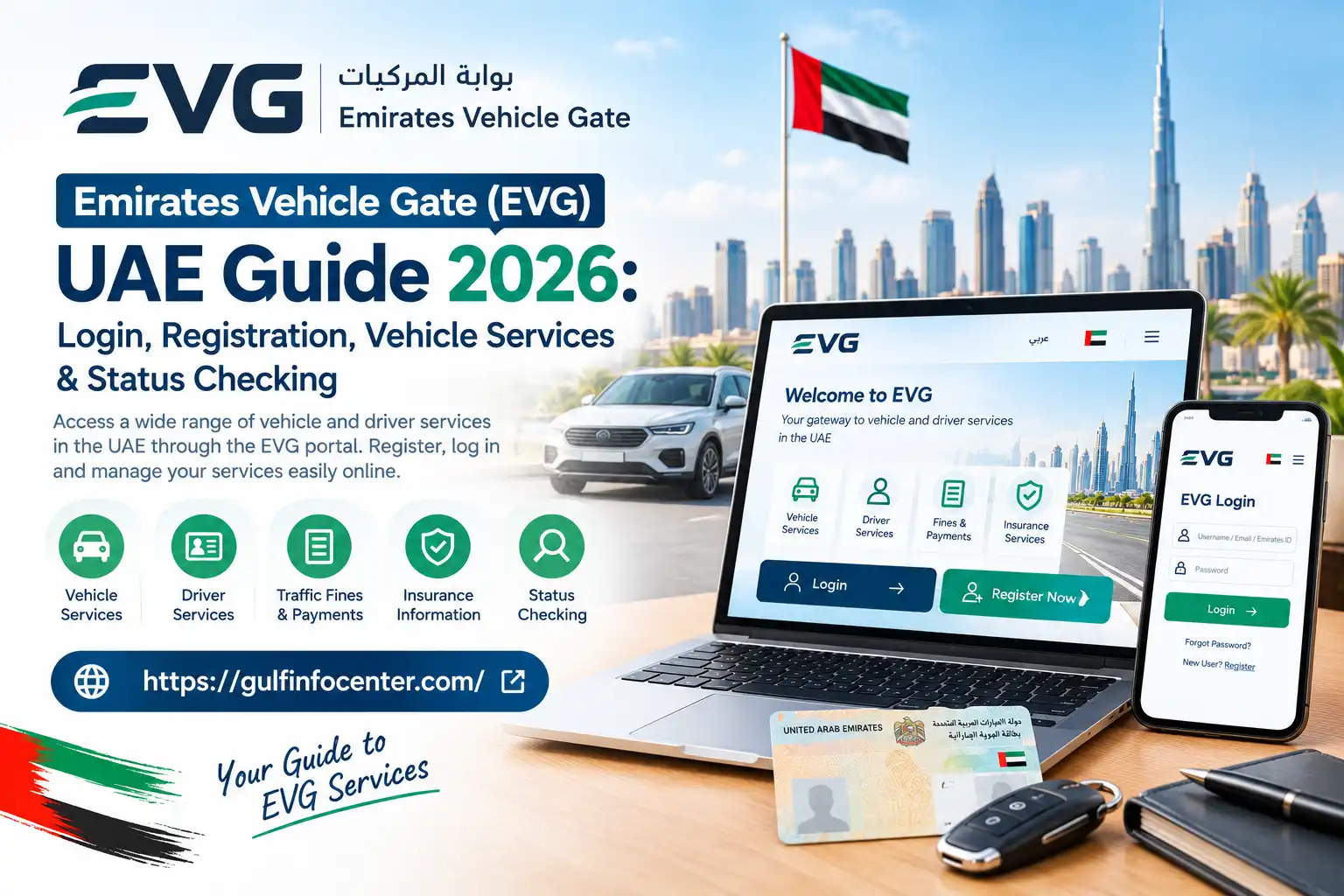
Emirates Vehicle Gate (EVG) UAE Guide 2026: Login, Registration, Vehicle Services & Status Checking

The Emirates Vehicle Gate (EVG) is a UAE online platform that brings a range of vehicle and driver services into one digital space. Depending on the emirate and the authority handling a vehicle, users may be able to check or manage services such as vehicle registration, traffic fines, insurance details, accident records, and other vehicle-related information.

The services available through evg ae are not necessarily the same across every emirate. The responsible transport or traffic authority determines which services can be accessed through the platform. For example, many vehicle-related services in Dubai are handled through the Roads and Transport Authority (RTA) and its separate digital channels.

Important: Before using EVG for a specific service, check whether that service is supported for your emirate and vehicle authority. Availability can vary depending on where the vehicle is registered.

What Does EVG Mean?

EVG, short for Emirates Vehicle Gate, is a UAE-based digital platform created to make vehicle and driver services available online. It brings vehicle-related information and selected services from government and private-sector organisations together through a centralised electronic system.

Depending on the service available to the user, EVG may be used for tasks such as:

  • Viewing vehicle information and records
  • Checking outstanding traffic fines
  • Accessing vehicle registration services
  • Renewing vehicle registration
  • Reviewing insurance-related information
  • Checking available accident-history records
  • Accessing certain driver and traffic services
  • Handling selected vehicle-related requests and transactions

The platform has historically offered more than 50 electronic services related to vehicles and drivers. The exact services available may depend on the relevant authority and the type of vehicle or transaction involved.

Who Is EVG Intended For?

The Emirates Vehicle Gate (EVG) can be useful for different groups of people who need access to vehicle, driver, insurance, or traffic-related information in the UAE.

Typical users include:

  • UAE vehicle owners who need to review vehicle information or related services
  • UAE residents and drivers accessing available traffic or driver services
  • Used-car buyers who want to check available information about a vehicle
  • Insurance customers looking for relevant vehicle or insurance details
  • Businesses and organisations that manage or deal with vehicles
  • Users checking vehicle or traffic information for a specific purpose

Access requirements can vary depending on the service. Some EVG features may require users to sign in or provide traffic-profile details, while certain public vehicle-information checks may be accessible without an account.

Read:Homepage

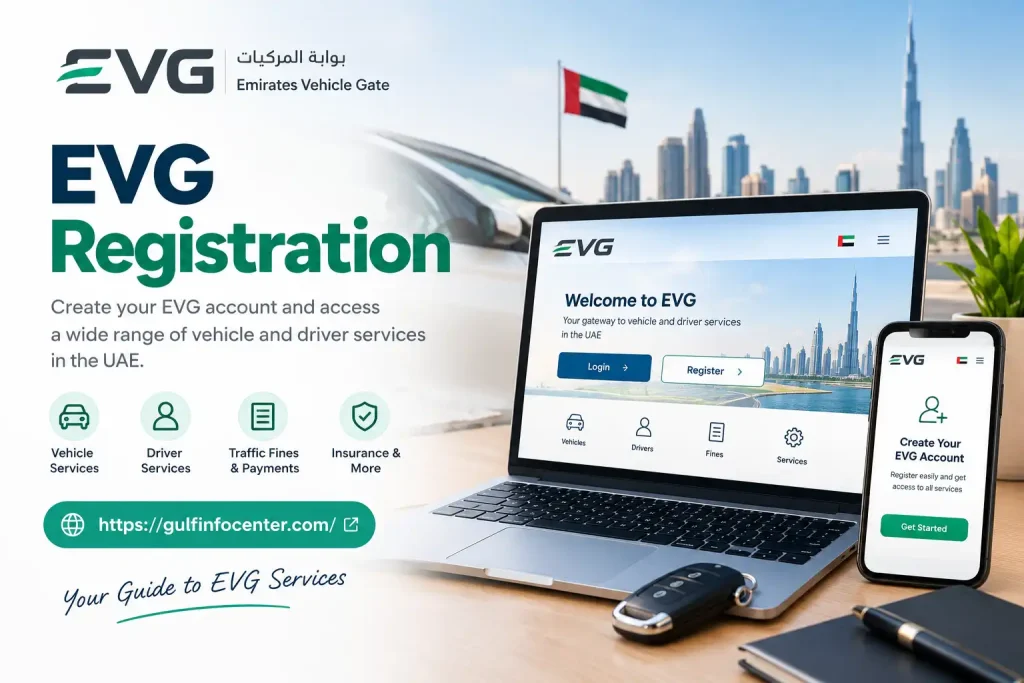
EVG Registration

If you need access to EVG services that require an account, you may first need to create an EVG account. The registration process generally begins from the portal’s New User or Register option.
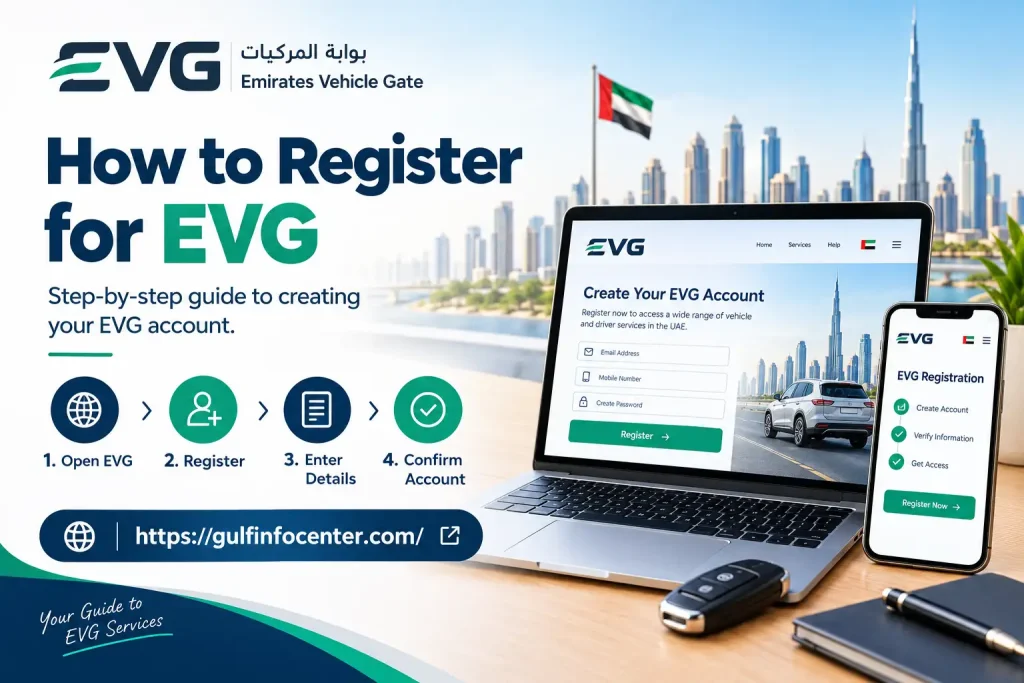
How to Register for EVG

Follow these steps when creating an account:

  • Visit the EVG website.
  • Select New User or Register.
  • Choose the account or user type that applies to you.
  • Enter the requested traffic or personal details.
  • Add your contact information if required.
  • Create a secure password for the account.
  • Complete the security verification shown by the system.
  • Submit the registration form.
  • Follow any additional verification instructions provided.
  • Return to the login page and sign in with your registered details.

Historical EVG documentation refers to a New User option for first-time registration and describes a login process based on the Traffic Code Number and password.
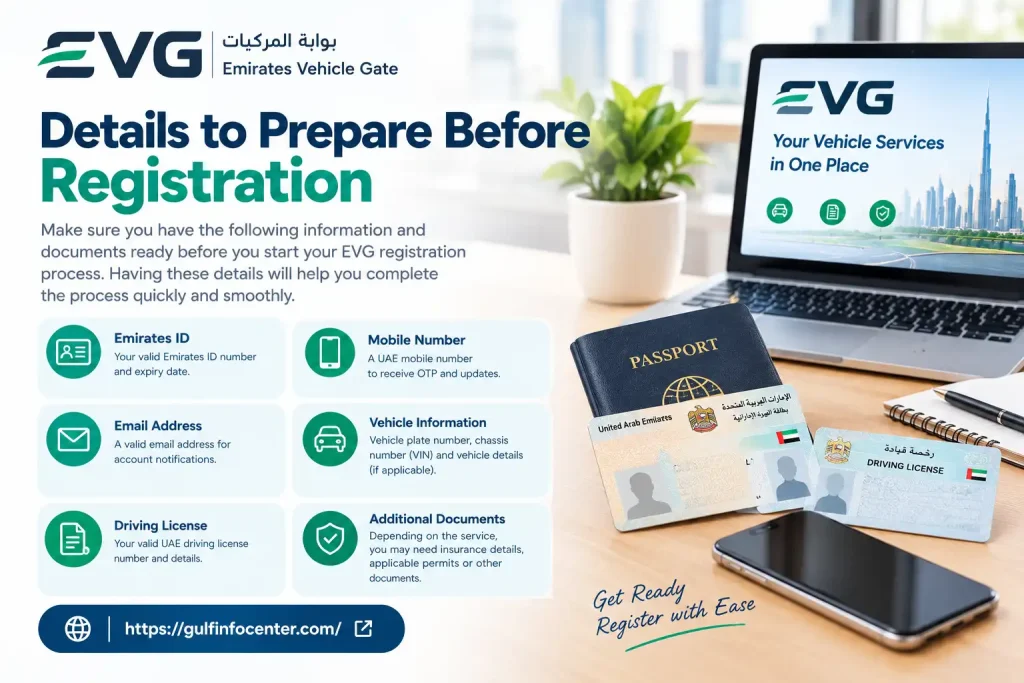
Details to Prepare Before Registration

Having the relevant information ready can make the registration process easier. Depending on what the portal requests, you may need:

  • Traffic Code Number
  • Emirates ID or other relevant identification
  • Vehicle or traffic information
  • Registered mobile number
  • Email address
  • Any other details requested during registration

Important: EVG registration fields and account requirements may change as government digital systems are updated. Follow the information and instructions displayed on the official portal at the time you register.
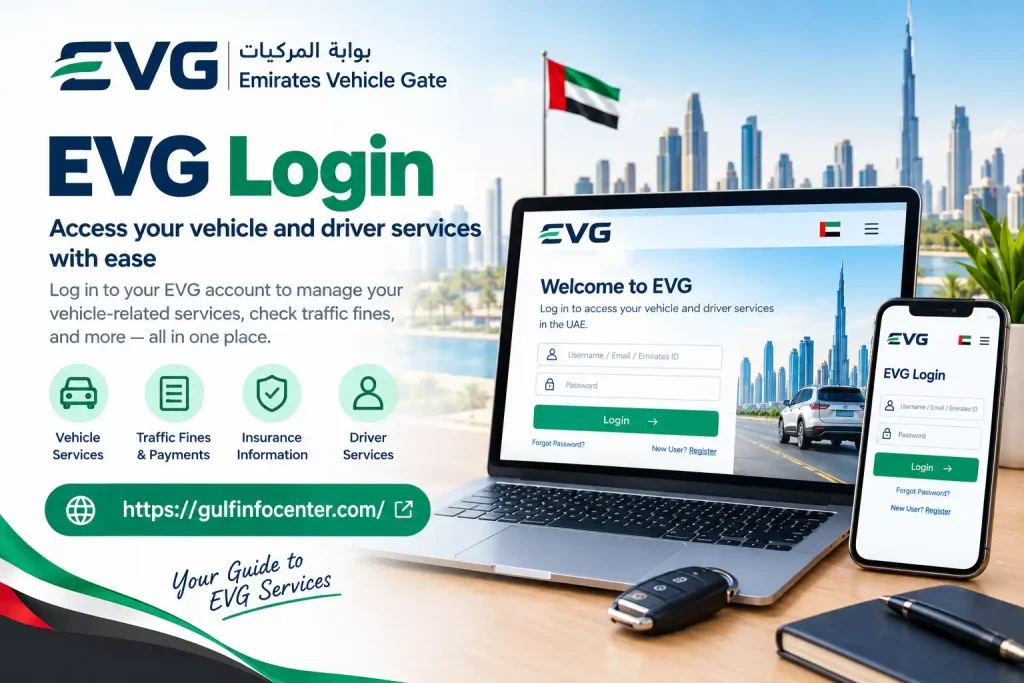
EVG Login

Access to account-based EVG services generally starts from the EVG portal. Once you reach the login page, select the relevant login option and provide the details requested for your account or service.
Information to Have Ready

The exact requirements can vary according to the service and account type. It can be useful to have the following information available:

InformationPurpose
Traffic Code Number (TCN)Used for certain EVG account functions
PasswordAuthenticates your account
Emirates ID or traffic informationMay be requested for identification
Vehicle informationUsed when accessing vehicle-specific services
Registered contact detailsMay be needed for verification or account recovery

Older EVG documentation identifies the Traffic Code Number and password as the credentials used for individual login.

Steps to Access Your EVG Account

  • Go to the EVG website.
  • Select the Login option.
  • Choose the login or user type that applies to you.
  • Provide the identification details requested on the page.
  • Enter your account password.
  • Complete any security verification shown.
  • Select Login to submit your credentials.
  • Once authentication is successful, use the EVG dashboard to access the required service.

Security Tip: Use the official EVG portal when entering account credentials. Avoid submitting your password or identification information through unofficial websites or links.

EVG Vehicle Services

Once you sign in to EVG, the vehicle services available to you may vary based on factors such as your vehicle, traffic profile, emirate, and the authority connected to the service.

Common vehicle-related options may include registration information, renewal-related requests, and other vehicle records.

Vehicle Registration Services

Depending on your account and the services available for your vehicle, EVG may allow you to:

  • View vehicle registration information
  • Check current registration details
  • Begin or manage registration-related requests
  • Review requirements for registration renewal
  • Track certain submitted requests

Registration renewal is one of the vehicle-related services historically associated with the EVG platform.

Checking Your Vehicle Registration Information

If the relevant service is available through your account, you can generally check your registration information by following these steps:

  • Sign in to your EVG account.
  • Open the section for vehicle-related services.
  • Select the vehicle you want to review.
  • Choose the relevant registration or details option.
  • Review the information displayed on screen.
  • If a renewal option is available, follow the instructions provided by the portal.

Note: The exact options and process may differ depending on your emirate, vehicle, and the authority providing the service.

Check Traffic Fines Through EVG

EVG may provide access to traffic-fine information when the relevant traffic authority and its data are connected to the platform. The information available can depend on the vehicle, traffic profile, emirate, and service being used.

How to Check Traffic Fines

  • Sign in to your EVG account if authentication is required.
  • Open Traffic Fines or the applicable traffic service.
  • Select the relevant vehicle or traffic profile.
  • Review any outstanding violations shown.
  • Check available details such as the violation date, location, fine amount, and other information provided.
  • If the service supports online payment, follow the payment instructions displayed.
  • Keep the payment confirmation or transaction reference for your records.

Traffic Information You May Be Able to View

Depending on the connected authority and the service available, EVG may show:

  • Outstanding traffic fines
  • Fine details
  • Violation information
  • Payment status
  • Previous traffic violations

Important: The traffic-fine information and payment options available through EVG can vary by authority. If a particular fine or service does not appear, the relevant traffic authority may provide it through a separate channel.

Checking Vehicle Accident History Through EVG

EVG may also provide access to reported vehicle accident information, making it possible to check whether accident records are associated with a particular vehicle.

The accident-history service can use the vehicle’s chassis number (VIN) as the search reference. A published example of an EVG vehicle-history report demonstrates an accident search performed using a chassis number.

How to Search for Accident Records

To check the available accident information for a vehicle:

  • Open the EVG website.
  • Find Traffic Accidents Management or the relevant accident-history service.
  • Enter the vehicle’s chassis/VIN number.
  • Select Search.
  • Wait for the system to display the available results.
  • Review the accident information returned for the vehicle.

If no matching accident information is available, the system may display a message indicating that no accident information was found.

What an EVG Accident Check Means

An EVG accident-history result should be treated as a record of information available through the relevant authorities and connected systems. A result showing no reported accidents does not necessarily establish that a vehicle has never been involved in an accident, because the EVG record depends on the information recorded and made available through those systems.

Important: For a used vehicle purchase, consider an EVG accident check as one source of information rather than a complete physical history of the vehicle.

Checking Vehicle Accident History Through EVG

EVG may also provide access to reported vehicle accident information, making it possible to check whether accident records are associated with a particular vehicle.

The accident-history service can use the vehicle’s chassis number (VIN) as the search reference. A published example of an EVG vehicle-history report demonstrates an accident search performed using a chassis number.

How to Search for Accident Records

To check the available accident information for a vehicle:

  • Open the EVG website.
  • Find Traffic Accidents Management or the relevant accident-history service.
  • Enter the vehicle’s chassis/VIN number.
  • Select Search.
  • Wait for the system to display the available results.
  • Review the accident information returned for the vehicle.

If no matching accident information is available, the system may display a message indicating that no accident information was found.

What an EVG Accident Check Means

An EVG accident-history result should be treated as a record of information available through the relevant authorities and connected systems. A result showing no reported accidents does not necessarily establish that a vehicle has never been involved in an accident, because the EVG record depends on the information recorded and made available through those systems.

Important: For a used vehicle purchase, consider an EVG accident check as one source of information rather than a complete physical history of the vehicle.

Checking Vehicle or Service Request Status

EVG can be used to review the status of a vehicle-related service or a request submitted through the platform, where that tracking function is available.

How to Check a Vehicle or Request Status

  • Sign in to your EVG account.
  • Open the relevant Vehicle, Services, or Requests area.
  • Select the vehicle or transaction you want to check.
  • Review the status currently shown by the system.
  • Check whether EVG asks you to provide additional information or documents.
  • Follow any instructions displayed on the screen.

Note: The final outcome of some vehicle services may be provided through the separate system of the authority responsible for that service.

EVG Quick Search

Not every EVG service necessarily requires users to navigate through the full account dashboard. Where available, the platform’s Quick Search feature can provide a more direct way to access certain vehicle-related checks.

For example, vehicle accident information may be searchable using the vehicle’s identification or chassis number.

How to Use EVG Quick Search

If the Quick Search option is available, the process generally involves:

  • Open the EVG website.
  • Locate the Quick Search section.
  • Choose the vehicle service you want to check.
  • Enter the requested vehicle information.
  • Select Search.
  • Review the results provided by the system.

When Quick Search Can Help

This type of search can be particularly useful when researching a used vehicle before buying it, as it may allow you to check available vehicle information without first going through the complete account dashboard.

Note: The services available through Quick Search can change, so follow the options and requirements currently displayed on the EVG portal.

EVG Services at a Glance

EVG brings together several vehicle, driver, traffic, and service-request functions in one digital platform. The options available to an individual user can vary according to their profile, vehicle, emirate, and the government authority connected to the service.

ServiceWhat You Can Do
Vehicle InformationView available details and records for a vehicle
RegistrationReview vehicle registration information
Registration RenewalAccess available registration-renewal services
Traffic FinesCheck recorded violations and available payment options
InsuranceView available insurance-related information
Accident HistorySearch for reported vehicle accident records
Driver ServicesAccess available driver and traffic-related services
Requests & StatusReview available service or request information
Quick SearchCarry out selected vehicle checks without navigating through the full dashboard

Important: EVG services are not necessarily identical for every user. Available options may depend on the vehicle, user profile, emirate, and the government authority responsible for the relevant service.

What Information Should You Keep Ready?

Before starting an EVG service, keep the information related to your request ready. Having the correct details available can make it easier to complete searches, access account services, and submit vehicle-related requests.

For Vehicle Services

Depending on the service, you may need:

  • Vehicle plate number
  • Chassis/VIN number
  • Traffic file or profile information
  • Vehicle registration details

For Account Services

If you are accessing account-based EVG services, keep the following information available:

  • Traffic Code Number
  • Password
  • Identification information
  • Registered contact details

For Accident History

For vehicle accident-history searches, you may need:

  • Vehicle chassis/VIN number

Tip: Check the information carefully before submitting it. Using the correct vehicle or account details can help you complete the EVG search or service request more smoothly.

EVG Login Problems

If you are unable to sign in to EVG, check the issue that best matches your situation and try the relevant solution.

Incorrect Password

If your password is not being accepted:

  • Check that Caps Lock is not enabled.
  • Make sure you are entering the correct password.
  • Confirm that you are using the correct account information.
  • If a password-recovery option is available, use it instead of repeatedly entering incorrect credentials.

Incorrect Traffic Information

If evg fine check cannot locate your traffic profile:

  • Check that your Traffic Code Number is entered correctly.
  • Confirm that your vehicle or driver information is registered correctly.
  • Make sure you are using information associated with the correct authority.

Website or Browser Problems

If the evg traffic fines website is not working correctly, try the following:

  • Refresh the page and try again.
  • Clear your browser’s cache.
  • Use an updated web browser.
  • Try accessing EVG through a different browser.
  • Check that your internet connection is stable.
  • If the government portal is temporarily unavailable, wait and try again later.

Tip: If the problem continues after checking your login details and browser settings, follow any troubleshooting or support instructions provided on the EVG portal.

EVG Safety and Security Tips

When using EVG, take basic security precautions to protect your account and personal information.

  • Always use the official EVG website when accessing services.
  • Never share your account password with anyone.
  • Do not share an OTP (One-Time Password) with another person.
  • Avoid signing in through suspicious links or untrusted websites.
  • Check the website address carefully before entering personal or account information.
  • Log out of your EVG account when using a shared or public computer.
  • Keep payment confirmations and transaction references for your records.
  • Do not provide your Emirates ID, vehicle details, or other personal information to websites you do not trust.

Security Tip: If a message or website asks for sensitive evg fine check information unexpectedly, verify that you are using the official service before entering any details.

FAQs

You can check your Emirates Vehicle Gate (EVG) traffic fines online through the EVG portal. The source information provided identifies the official EVG website as the main online option for checking recorded violations.

Check Traffic Fines Online Through EVG

To check your fines through the EVG website:

  1. Open the Emirates Vehicle Gate (EVG) portal.
  2. Select Quick Search, or sign in using UAE Pass if that option is available.
  3. Choose Pay Traffic Fines or Traffic Fines Inquiry.
  4. Enter your Plate Source (emirate).
  5. Select the correct Plate Category.
  6. Enter your Plate Number.
  7. Complete the CAPTCHA verification.
  8. Select Search to view the available traffic violations.

Other Ways to Check EVG Fines

The provided source also lists several alternative methods:

  • SMS Check: Send your vehicle plate information to 2220 from a UAE mobile number for an SMS lookup.
  • MOI UAE App: Use the official Ministry of Interior app, sign in with UAE Pass, and open the Traffic Fines section.
  • Phone Inquiry: Contact the EVG call centre at 600 588 888 to enquire about traffic violations with an agent.

Important: The exact options available may depend on the traffic authority and the services currently connected to EVG. Follow the instructions displayed on the official portal when checking your fines.

You can renew your vehicle registration, commonly known as Mulkiya, online through the Emirates Vehicle Gate (EVG) portal. The process involves signing in, selecting your vehicle, verifying the required conditions, paying the renewal fees, and receiving the renewed registration card.

Prerequisites

Before starting the renewal process, make sure:

  • Vehicle inspection has been completed: Your vehicle must pass an approved inspection test.
  • Insurance is valid: Your vehicle should have active third-party or comprehensive insurance.
  • Outstanding fines are cleared: Any pending traffic fines should be paid before renewing the registration.

Step-by-Step Renewal Process

Log In: Open the EVG website and sign in using your account credentials or UAE PASS.

  1. Select Your Vehicle: Open your dashboard or use the vehicle search option to find the vehicle you want to renew.
  2. Choose the Renewal Option: Select Issue New Registration Card or the relevant vehicle-registration renewal option.
  3. Verify Your Details: The system checks the available vehicle inspection results, insurance validity, and traffic-fine status.
  4. Pay the Renewal Fees: Complete the online payment using a credit or debit card. The provided source indicates that the standard renewal fee is typically around AED 350–AED 380.
  5. Receive the Registration Card: After successful processing, your digital registration card will be issued. If available, you can also choose delivery of the physical card.

Important: The renewal requirements, available payment options, fees, and delivery choices may depend on the vehicle and the service available through EVG at the time of renewal.

You can create an Emirates Vehicle Gate (EVG) account through the official EVG portal by selecting the New User Registration option. The registration process requires you to provide your identification, traffic, contact, and account details.

Steps to Register

  1. Open the EVG Portal: Visit the official EVG website and select New User Registration.
  2. Choose Registration Type: Select the appropriate option, such as Individual or Organisation.
  3. Enter Your Personal Details: Provide the requested information, which may include your Emirates ID or Unified ID, Traffic Code Number (TCN), and date of birth.
  4. Add Your Mobile Number: Enter your mobile number. The source indicates that it should match the number registered with the relevant police or traffic department for verification.
  5. Provide Your Email and Password: Enter your email address and create a secure password. The provided source specifies a password of at least eight characters containing a combination of letters and numbers.
  6. Verify Your Identity: Complete identity verification using UAE Pass or enter the OTP verification code sent to your registered mobile number.
  7. Complete Registration: Follow the remaining instructions to finish setting up your account.
  8. Link Your Vehicle: After registration, complete the available steps to link your vehicle details to your EVG account.

Important: Registration fields and verification methods may vary depending on the account type and options currently provided by the EVG portal.

A vehicle passing certificate issued after a technical inspection in Abu Dhabi is valid for 30 days from the date of issue, according to the provided source.

Key Details About Vehicle Passing and Renewal

Vehicle Inspection Requirement: Vehicles that are more than three years old must pass a mandatory roadworthiness inspection at an approved testing centre, such as an ADNOC vehicle inspection centre or Al Masaood.

  • Renewal Timeframe: You should complete your vehicle registration (Mulkiya) renewal through the TAMM Portal within the 30-day validity period of the passing certificate.
  • If the Certificate Expires: If the 30-day period ends before you complete the renewal, the provided source states that you may need to repeat the vehicle inspection test.
  • Traffic Fines: Clear any outstanding traffic fines before starting the registration renewal process.
  • Insurance: Make sure the vehicle has valid insurance for at least 13 months before renewal.

Important: The 30-day validity period and renewal requirements stated above are based on the provided source. Check the current instructions shown by the relevant Abu Dhabi vehicle-registration service before relying on the certificate for a renewal.

The cost of registering a vehicle in Dubai depends on the type of transaction, such as a new vehicle registration, used-car ownership transfer, or annual registration renewal. The provided source lists typical costs of around AED 400–AED 420 for a standard light private car, although additional government, inspection, plate, and delivery charges may apply.

Vehicle registration services in Dubai are handled by the Roads and Transport Authority (RTA).

Vehicle Registration Fee Breakdown

Service TypeBase FeeAdditional Government FeesEstimated Total
New Car RegistrationAED 400AED 20 for Knowledge/InnovationAED 420
Used Car RegistrationAED 420AED 350 ownership transfer + AED 170 testingAED 940
Annual Registration RenewalAED 350–380AED 20 for Knowledge/InnovationAED 370–400

Additional and Conditional Costs

Depending on your vehicle and registration requirements, you may also need to pay additional charges.

  • Vehicle Technical Inspection: AED 170. The provided source states that this may be required annually for vehicles older than three years or during a used-car ownership transfer. Testing can be completed at RTA-approved centres such as Tasjeel or Shamil.
  • Traffic File Opening: Around AED 200–220 as a one-time charge if you have never registered a vehicle or held a traffic code number in Dubai.
  • Licence Plates: Standard plates may cost around AED 35–50, while premium or customised plates can cost AED 500 or more, depending on the type selected.
  • Physical Delivery: Around AED 20–50 may apply if you choose courier delivery for the physical registration card or plates instead of using the available digital option.
  • Late Renewal Fines: The provided source lists a charge of AED 25 per month after the applicable grace period.

Requirements Before Registration or Renewal

Before completing registration or renewal through the RTA Portal or Dubai Drive App, you generally need to:

  • Have valid third-party or comprehensive vehicle insurance
  • Clear any outstanding traffic fines linked to your traffic file
  • Complete a vehicle inspection when required
  • Pay the applicable registration and additional service fees

Important: The exact amount you pay can vary according to the vehicle, transaction type, inspection requirements, plate selection, and optional services. Check the applicable RTA fee shown during your transaction before making payment.

The Emirates Vehicle Gate (EVG) is used by different types of vehicle owners, motorists, and organisations in the UAE to access available vehicle and driver-related services online.

Who Can Use EVG?

  • Individual Motorists: Private vehicle owners who may use EVG to access services such as registration-related requests, traffic-fine checks, or available accident-history information.
  • Businesses and Fleet Owners: Companies and organisations that manage vehicles or require access to available vehicle and licensing services.
  • UAE Residents: Residents who meet the relevant registration and identification requirements may be able to create an account and access EVG services.

Important Exceptions

The services available through EVG can vary by emirate and the authority responsible for the vehicle.

  • Dubai-Registered Vehicles: Many vehicle services for vehicles registered in Dubai are handled through the Roads and Transport Authority (RTA) and its digital channels rather than EVG.

Note: EVG access and service availability can depend on the user’s vehicle, traffic profile, emirate, and the authority connected to the relevant service.

If you want to check the status of traffic fines through EVG, use the traffic-fine or inquiry service available on the platform. The information you can view may depend on the emirate, traffic authority, and vehicle or traffic profile linked to your account.

Steps to Check Your Traffic Fines

  1. Open the EVG website.
  2. Sign in to your account if the service requires authentication.
  3. Open the Traffic Fines or relevant traffic-service section.
  4. Select the applicable vehicle or traffic profile.
  5. Review the fines or violations listed on the screen.
  6. Open a specific violation to view any available details, such as the fine amount, date, location, and payment status.
  7. If an online payment option is available, follow the instructions provided by the portal.
  8. Keep the payment confirmation or transaction reference for your records.

If a Fine Is Not Showing

If you cannot find a particular traffic fine in EVG, check that your vehicle and traffic information is correct. You may also need to use the official traffic authority’s service channel, as fine information and services can vary between authorities.

Important: EVG does not necessarily display the same traffic-fine services for every vehicle or emirate. Always follow the options currently shown on the official portal.

The provided source states that the fine for late renewal or delayed registration of an Emirates ID is AED 20 per day after the applicable grace period.

Key Emirates ID Fine Rules

  • Grace Period: A 30-day grace period applies from the date the Emirates ID expires. Daily fines begin after this period.
  • Maximum Fine: The penalty can accumulate up to a maximum of AED 1,000, according to the provided source.
  • Changes to Personal Information: Failing to report changes to personal or civil information within 30 days may also result in a AED 20 per day fine, up to AED 1,000.

Emirates ID and Visa Fines

If your residency visa has also expired, the source indicates that separate penalties may apply:

PenaltyAmount
Emirates ID late fineAED 20 per day
Visa overstay fineAED 50 per day after the applicable visa grace period

These penalties are separate and may be charged by the relevant authorities.

How to Check and Pay the Fine

You can check for outstanding Emirates ID-related fines through the public services section of the official ICP Smart Services Portal. According to the provided source, any applicable late fine is generally included in the amount payable when you submit your Emirates ID renewal application online.

Important: The exact fine status and amount depend on the relevant expiry date and applicable grace period. Check the official ICP service before making a payment.

Final Thoughts

The Emirates Vehicle Gate (EVG) provides online access to a range of vehicle, driver, traffic, and related services. Depending on the vehicle, emirate, and responsible authority, users may be able to check vehicle information, traffic fines, registration details, accident records, and service-request status.

Before using EVG, keep your Traffic Code Number, vehicle details, identification information, and registered contact details ready where required. Always use the official portal, protect your login information, and check the relevant authority’s service channel if a particular service is not available through EVG.

Because EVG services and requirements can vary between emirates and authorities, review the information displayed on the portal before submitting a request or making a payment. This helps ensure that you follow the current process and provide the correct information for your vehicle or traffic service.

GulfInfoCenter Editorial Team

The GulfInfoCenter Editorial Team publishes accurate, up-to-date guides on government, education, finance, immigration, employment, and public services across the United Arab Emirates, Kuwait, and Qatar. Our content is carefully researched and references official sources whenever possible, helping residents, citizens, students, and visitors access essential services with confidence.

Articles: 39

Leave a Reply

Your email address will not be published. Required fields are marked *